
Compare · ClickUp
A ClickUp alternative for agencies that ship content.
ClickUp manages tasks of every kind, with time tracking, guests and automations, starting at $7 per user per month billed yearly. Clics manages a content agency’s production instead: videos moving from state to state, clients commenting on the edit to the second, and Meta leads in the same tool.
Clics is a CRM for marketing agencies in Canada: video production pipeline, branded client portal with time-stamped review, social post scheduler, Meta leads and an agency dashboard, in French and English.
ClickUp Unlimited is $7 per user per month billed yearly, or $10 monthly. Business is $12 and $19.
On the Business plan, ClickUp’s proofing covers annotating images and PDFs.
Clics Solo is CA$69 a month for 5 people, time-stamped video review included.
Clics and ClickUp, per their pricing page.
ClickUp plans and features come from its public pricing page. Anything we could not verify there is left out of the table.
| ClickUp plan | Listed price | Terms |
|---|---|---|
| Free Forever | $0 | per month |
| Unlimited | $7 | per user per month, billed yearly ($10 monthly) |
| Business | $12 | per user per month, billed yearly ($19 monthly) |
| Feature | ClickUp | Clics |
|---|---|---|
| Time tracking per task | Yes | No |
| Workload management | Yes | Yes |
| External guests with permissions | Yes | Yes |
| Automations | Yes | Partialreminders and escalations; no rule builder |
- ClickUp lists $7 (Unlimited) and $12 (Business) per user per month billed yearly, and $10 and $19 billed monthly.
- The Unlimited plan adds native time tracking, resource management and guests with permission control.
- The Business plan adds 5,000 automations per month and proofing (image and PDF annotation).
Taken on October 2, 2026 — source: clickup.com/pricing
ClickUp prices as listed, in “$” with no currency named on their page. Clics: prices in Canadian dollars.
A task isn’t a video.
Clics is our product. We’re not saying ClickUp is a poor tool; the real question is what your agency needs to keep track of.
In a general task manager, a video turns into a task, or a list of subtasks: write the concept, shoot, edit, get sign-off. Someone has to decide the structure, the statuses and who ticks what, then make sure everyone sticks to it.
In Clics, the video is the basic unit. It moves through thirteen states, from concept to publishing and boosting, and every state has an owner and a deadline. The “Up for grabs” editing queue hands work to whichever editor is free, so nobody reassigns tasks by hand.
For the table, we kept only what ClickUp’s pricing page states. It describes proofing as annotating images and PDFs; we didn’t verify anything about annotating video, so that row isn’t shown.
What a content agency gains with Clics.
Review down to the second
Clients pin comments to an exact moment in the edit, right under the player, then approve or ask for changes. Your editor knows exactly where to cut.
A portal with your name on it
Clients see their videos in a portal under your brand, opened from a link. No guests to manage, no passwords to remember.
Leads that come in on their own
Your clients’ Facebook and Instagram forms feed straight into the CRM, and the team gets an alert. Each lead is claimed, dismissed or turned into a client.
Publishing at the end of the line
Once approved, a video can be scheduled to Facebook and Instagram as a Reel, Story or photo, and its stats come back after it goes live.
What a 10-person team pays.
ClickUp lists its prices in “$” without naming a currency. For 10 users on monthly billing, Unlimited comes to $100 and Business to $190 a month; billed yearly, $70 and $120. Clics Studio for 10 people is CA$219 a month, or $175.20 on annual billing.
So yes, ClickUp can cost less per month, and we won’t hide that. What Studio adds is video production ready to go: the pipeline, the client portal, time-stamped review, a Facebook and Instagram scheduler for 15 brands, Meta leads, 5 sub-accounts and a Gmail and WhatsApp inbox. For now the subscription takes waitlist sign-ups; the custom install, a one-time $5,000, has no per-person price.
Two ways to get Clics.
Solo
Deliver$69$55.20/month
billed monthlyper month, billed yearly
5 people included, $8 per extra person
Timeliner equivalentTimeliner Studio, $122.82$104.40/month
On top of TimelinerJoin the waitlist- Meta leads CRM
Studio
Sell and retain$219$175.20/month
billed monthlyper month, billed yearly
10 people included, $8 per extra person
Timeliner equivalentTimeliner Agency, $274.62$233.43/month
On top of TimelinerJoin the waitlist- Conversations inbox (Gmail, WhatsApp)
- 5 mini-CRM sub-accounts
Agency
Grow$639$511.20/month
billed monthlyper month, billed yearly
20 people included, $8 per extra person
Timeliner equivalentTimeliner Scale, $688.62$585.33/month
On top of TimelinerJoin the waitlist- Claude connector (the CRM inside Claude)
Clics, installed on your side.
$5,000
one-time payment, or 3 payments of $1,750
- Installed under your brand, on your agency’s Cloudflare account
- Meta (leads, publishing) and Google (Gmail, Calendar, Drive) connections
- Training for your team
- 90 days of support
- Unlimited users
- Self-hosted (about US$5 a month, paid to Cloudflare) or managed by us for $79 a month
Prices in Canadian dollars, taxes extra.
When ClickUp is the better choice.
- You bill by the hour. ClickUp has native time tracking from Unlimited up; Clics has no per-task timer.
- Your deliverables are mostly images and PDFs. ClickUp’s proofing covers those formats; Clics review is designed for video.
- You want lots of custom automations. Business includes 5,000 a month; Clics sticks to automatic reminders and escalations.
- You also run projects that aren’t content. A general tool covers everything; Clics stays a CRM for content agencies.
See Clics before you step in.
Six screens from the CRM, as your team and your clients will see them. Scroll through, then open the demo: it stays yours for 24 hours.
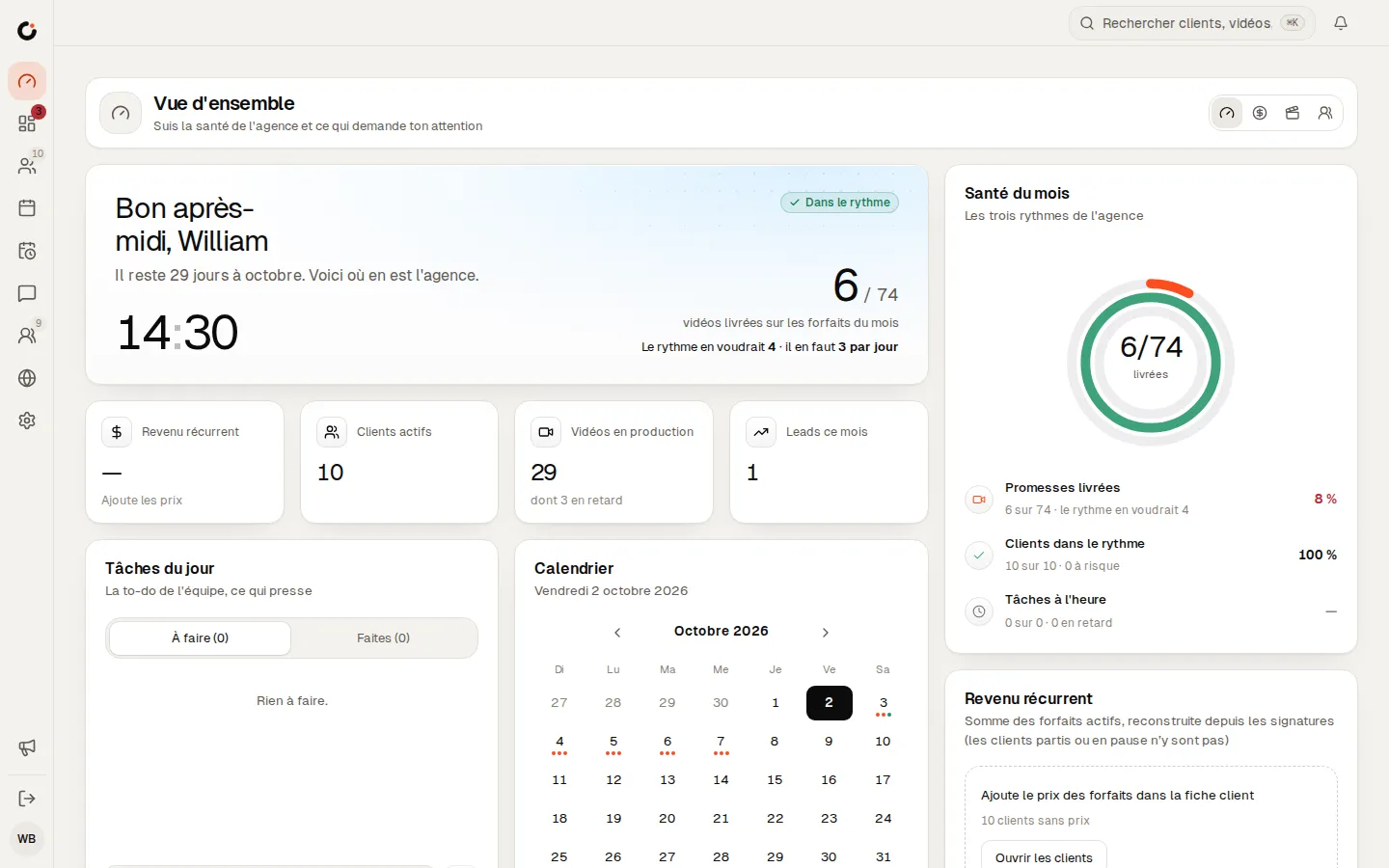
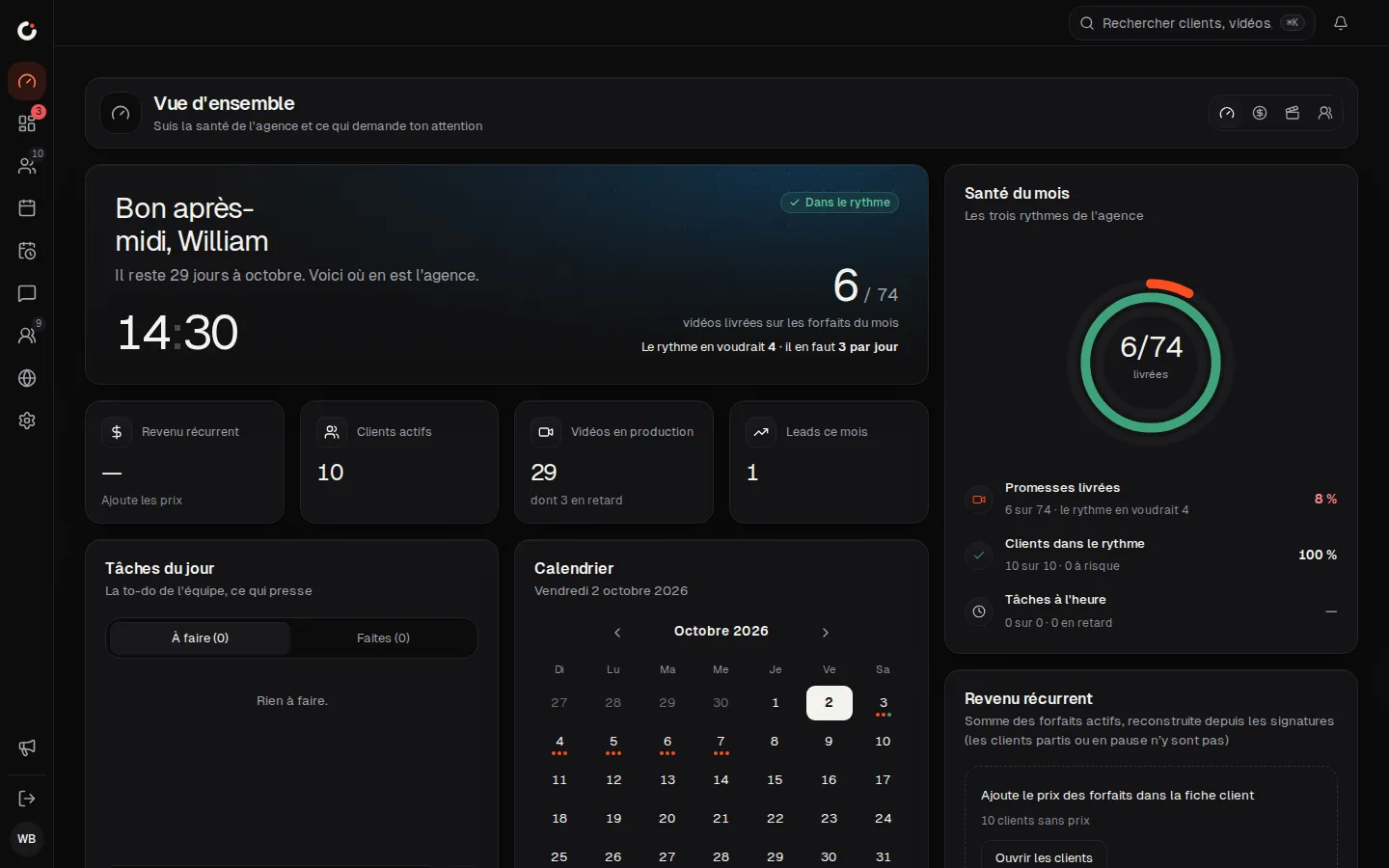
Overview
The agency’s health and what needs your attention, at a glance.
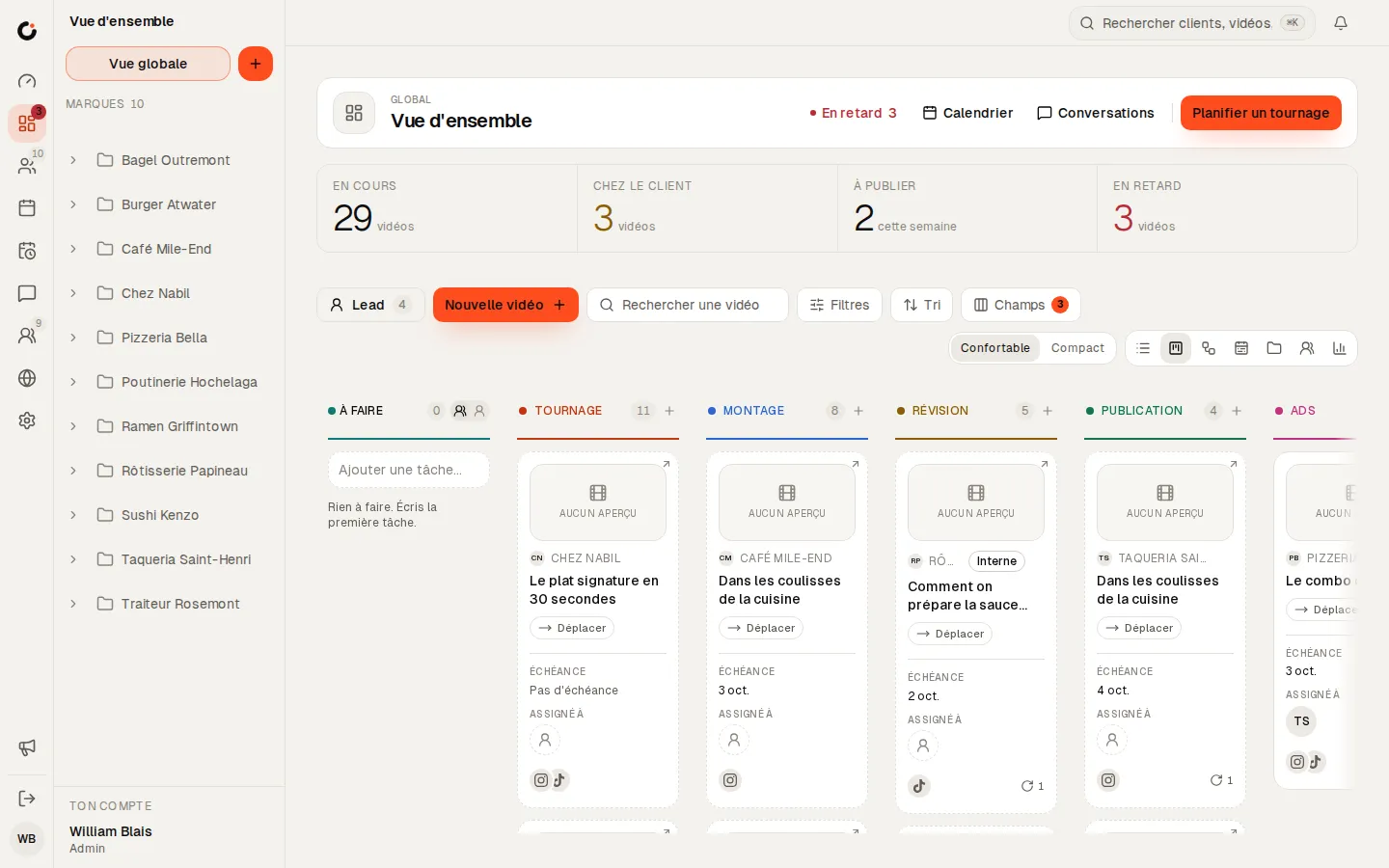
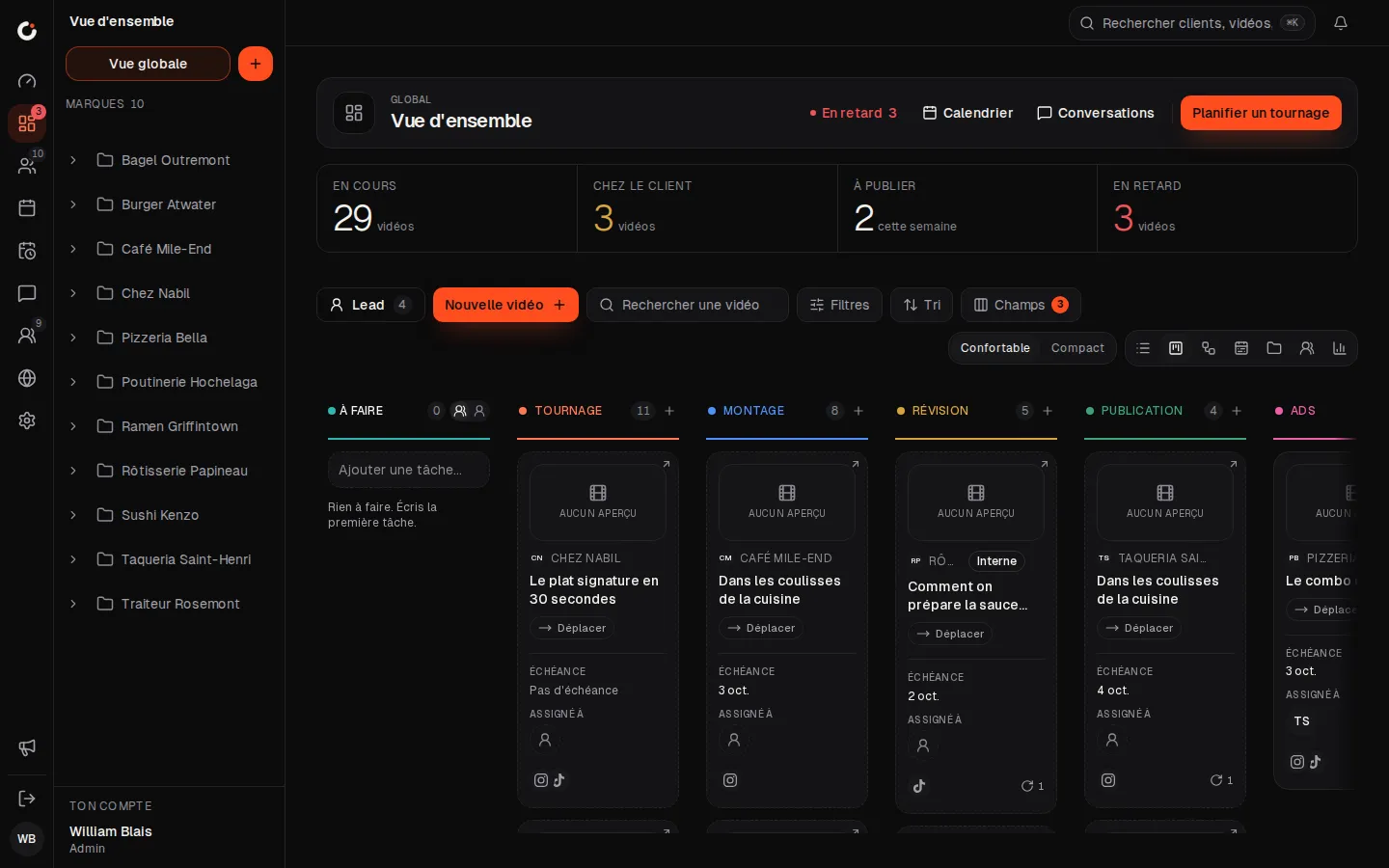
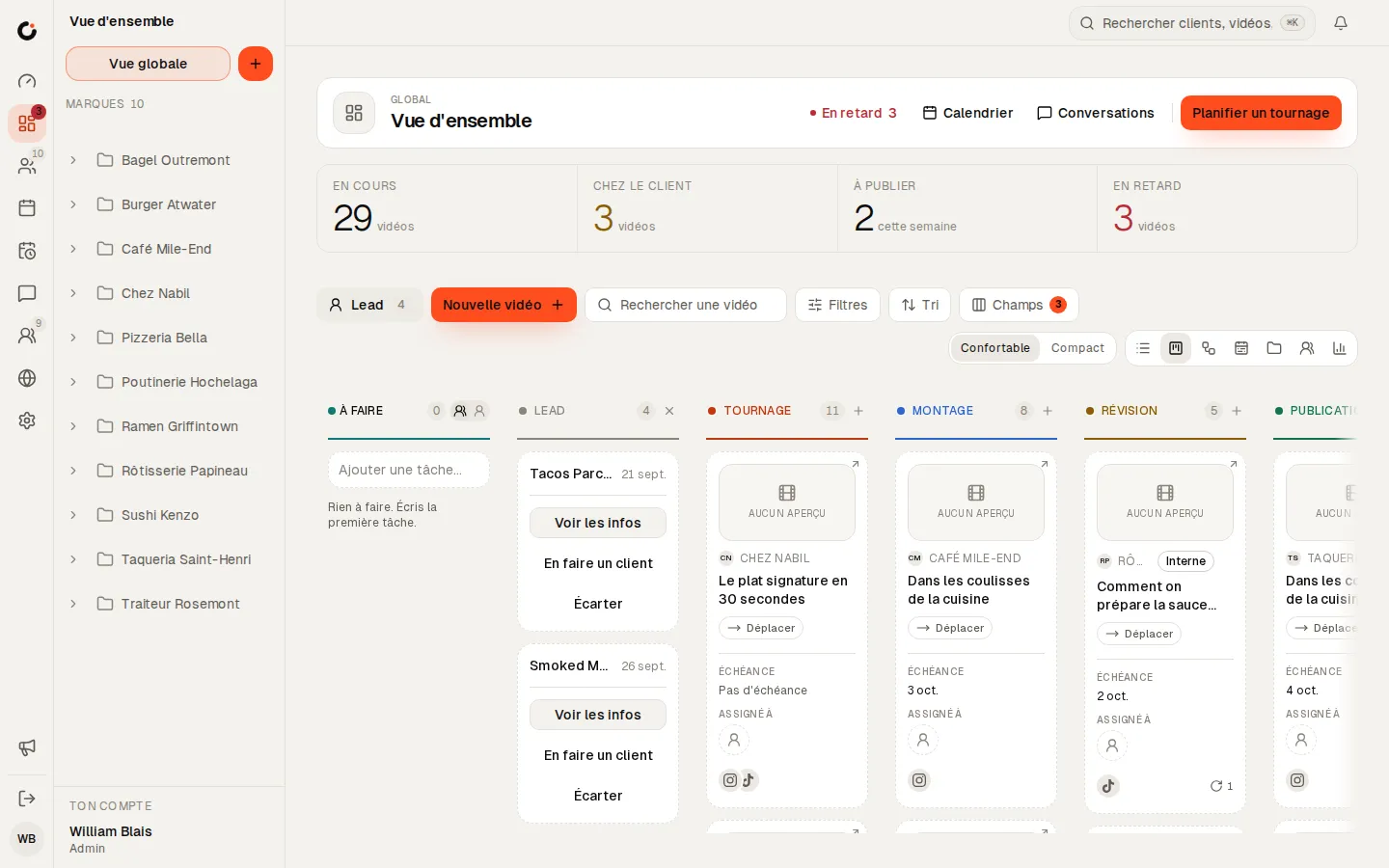
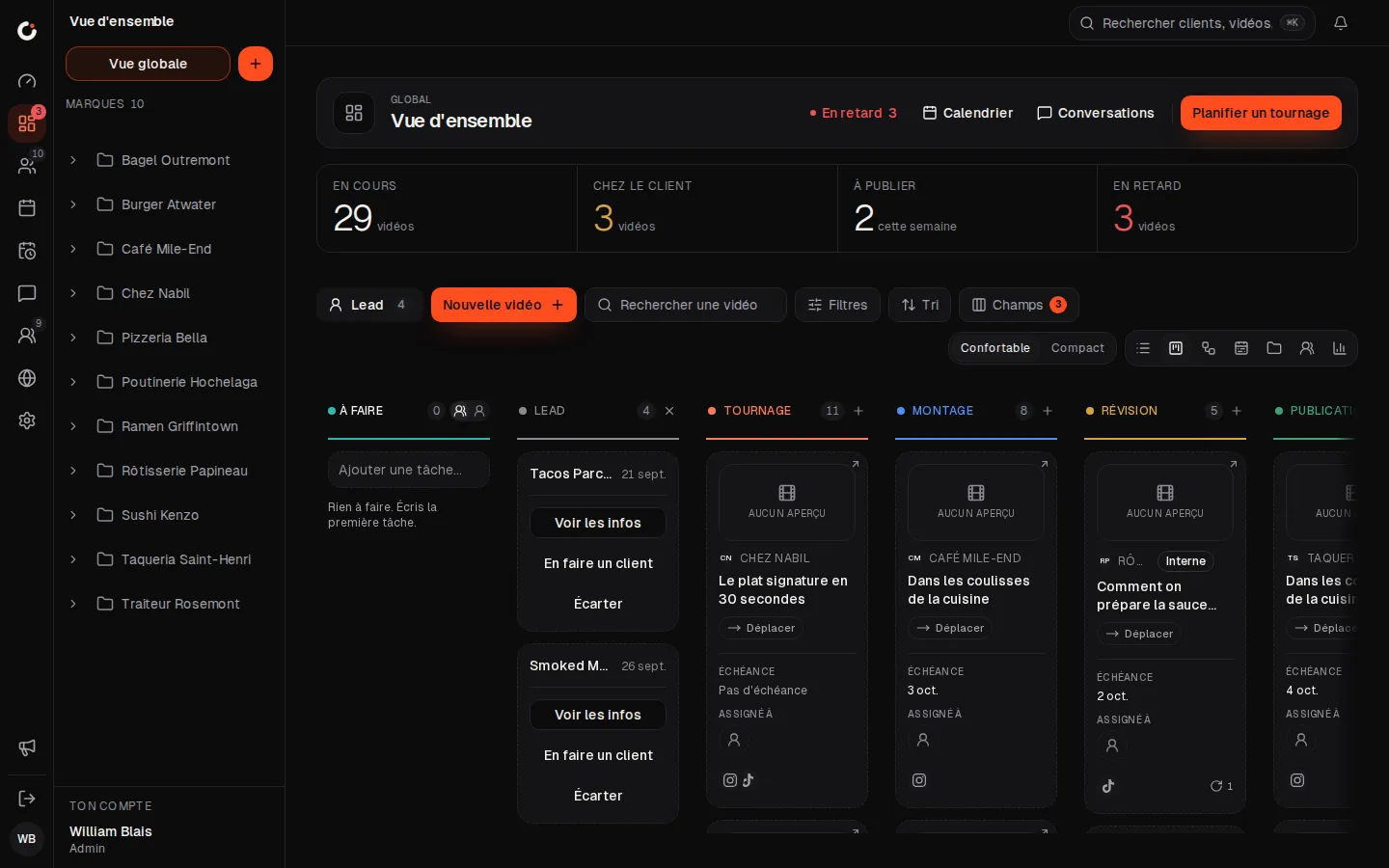
Production pipeline
Every video from shoot to publish, column by column.
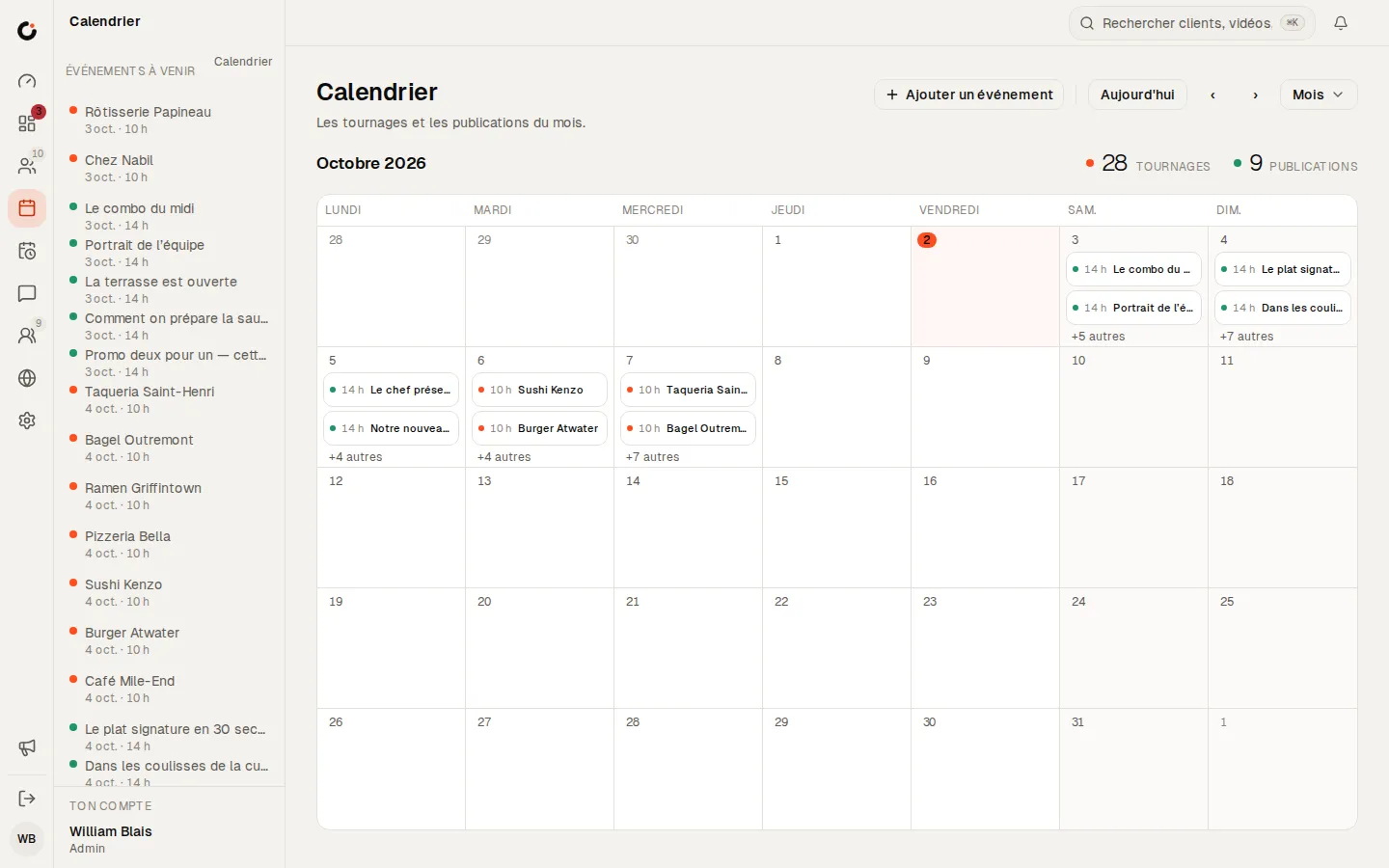
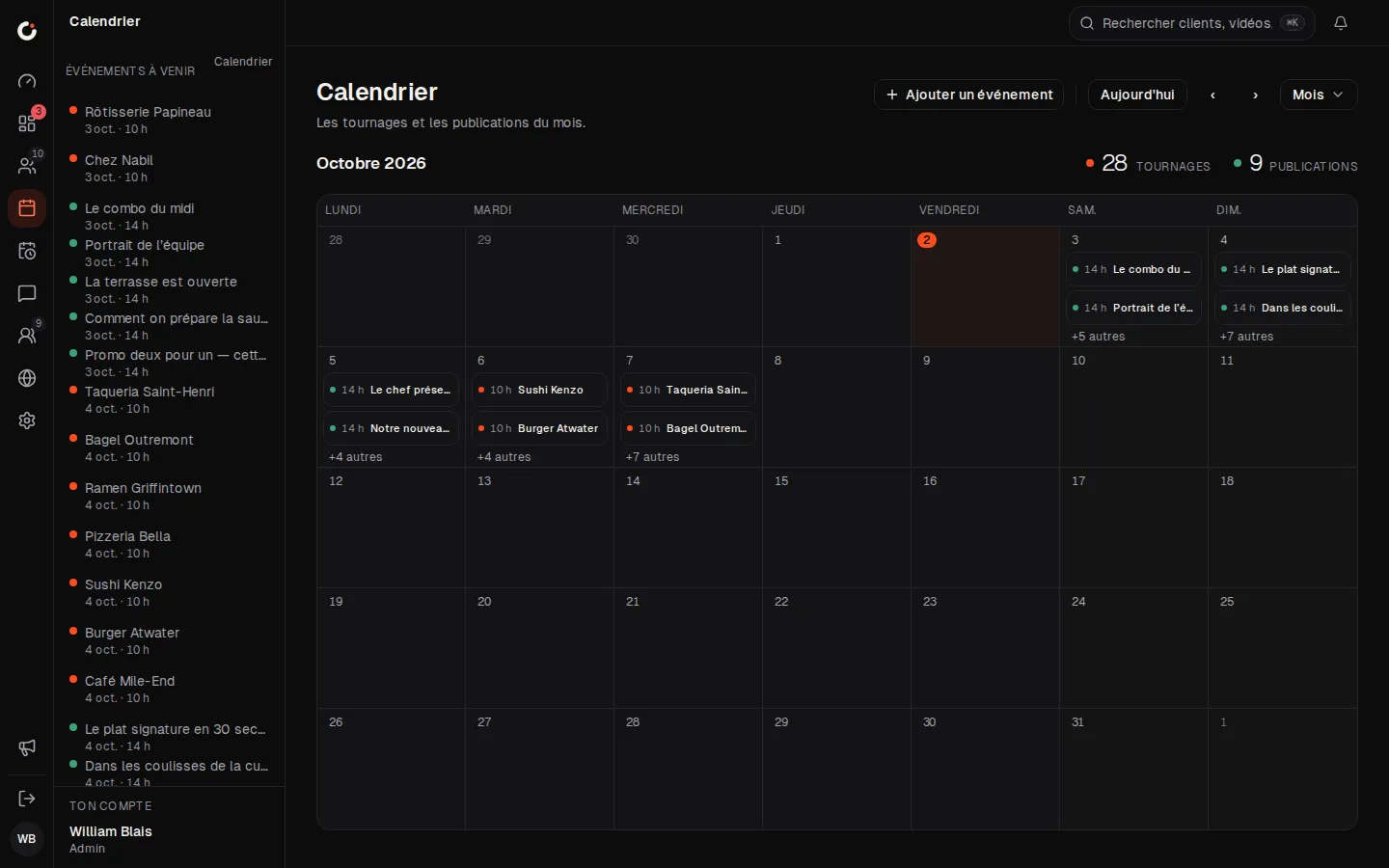
Calendar
The month’s shoots and posts, across every brand.
Leads
Leads land in the pipeline: view, make a client or dismiss.
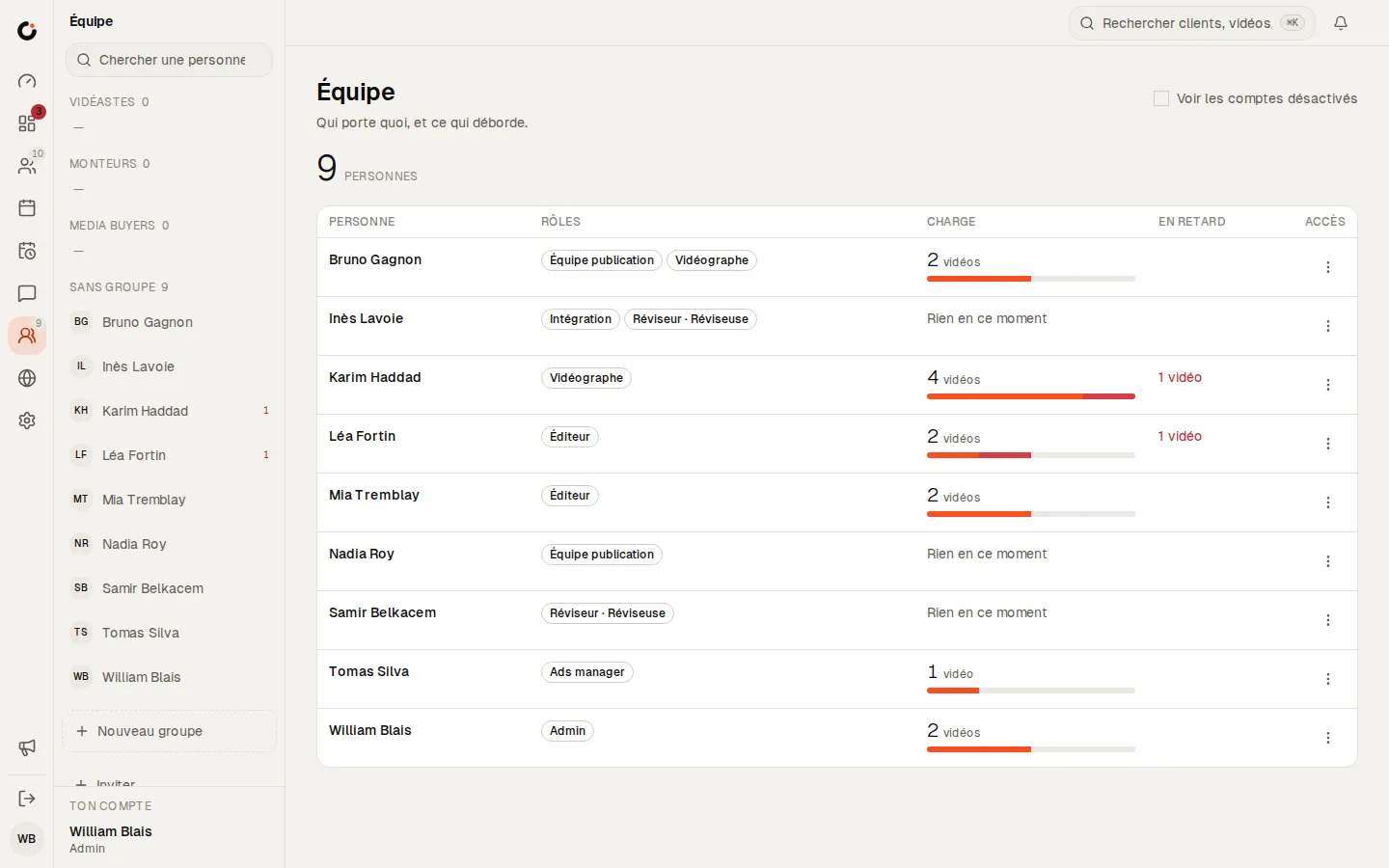
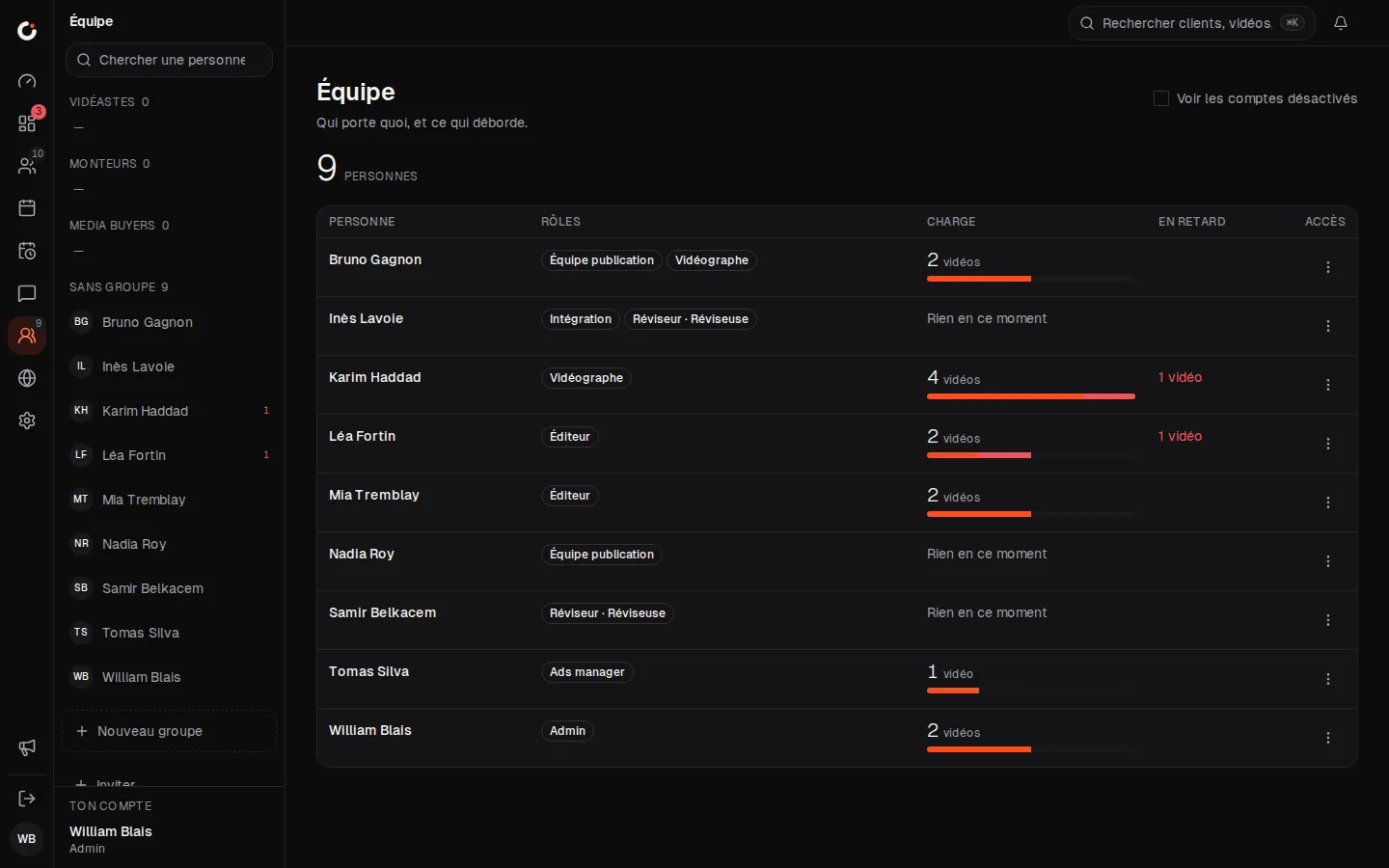
Team and workload
Who carries what, and what is running late.
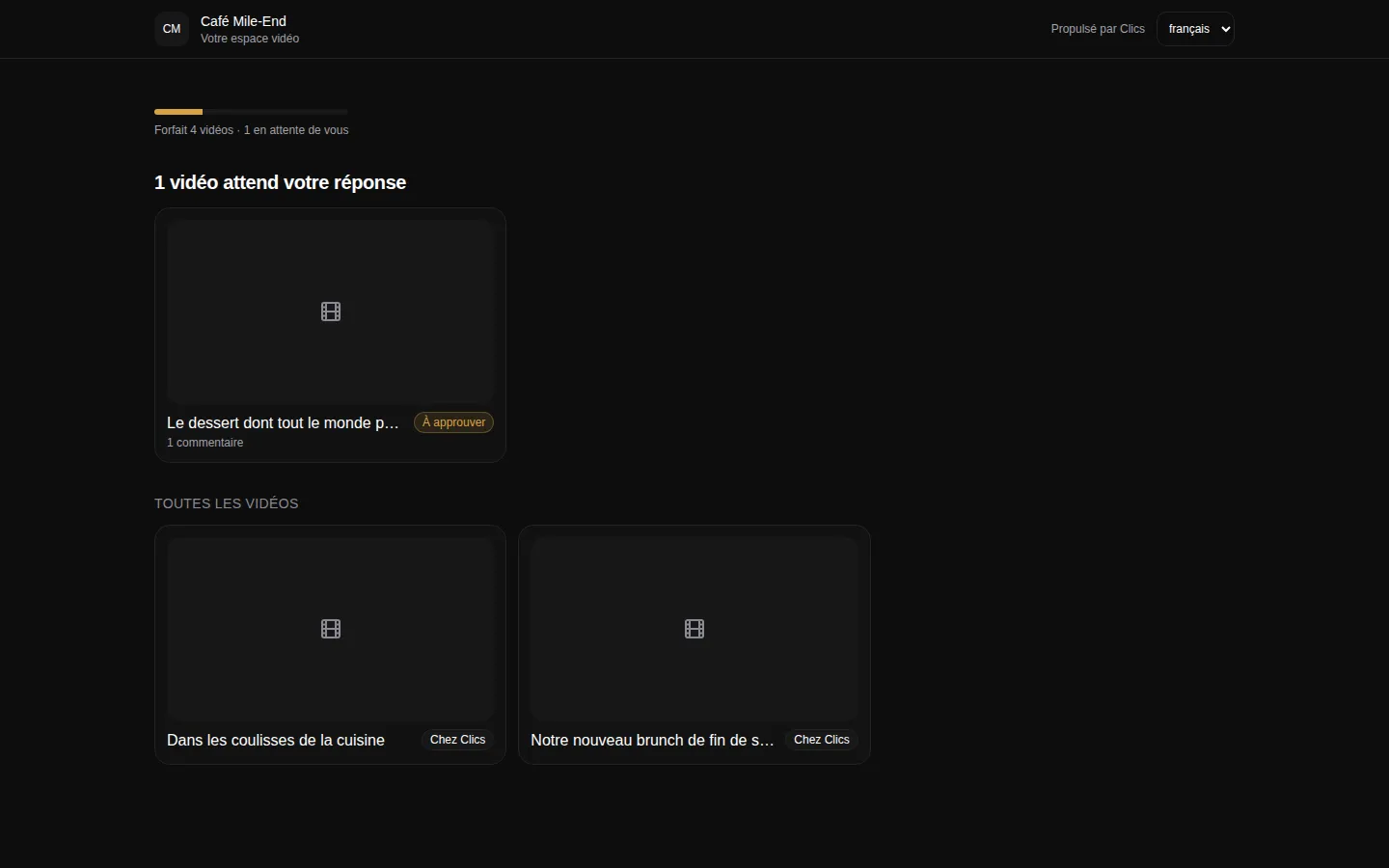
Client portal
The portal where clients see their videos and approve deliverables.
Where to go next.
Each layer opens a page that digs into one part of this one.
Frequently asked questions
Can Clics replace ClickUp for task management?
For producing videos and posts, yes: the pipeline takes the place of task lists. For internal projects, admin work or anything that isn’t content, Clics isn’t designed for it.
Does Clics track how long editors spend?
Not with a timer. The dashboard measures time spent in each pipeline stage, and the Workload view counts each person’s videos per week. If you need timesheets, you’ll want another tool for that.
My clients are guests in ClickUp. How does that work in Clics?
They open a link to their portal without an account, or join their sub-account by invitation if they have one. Either way they see their videos under your brand, in English or French.
Are ClickUp’s prices in US dollars?
Their page, checked on October 2, 2026, shows “$” without stating a currency. We show the numbers as listed, unconverted, and suggest you confirm on their site.
Can I try Clics without signing up?
Yes. The demo opens without an account: click through a sample agency, then one of its clients’ workspaces, the way that client would see it.
The CRM for agencies that deliver.
Open a fully stocked demo agency in seconds, or talk to us about your own install.