
Social post scheduler
Every client’s Facebook and Instagram, on one calendar.
The Clics scheduler publishes your clients’ Reels, Stories and photo posts on Facebook and Instagram right on time, as far as two months ahead. Each brand posts to the Meta pages its client connected, and a video only reaches the calendar after the client approves it. A full month of posts can go in as one batch.
Clics is a CRM for marketing agencies in Canada: video production pipeline, branded client portal with time-stamped review, social post scheduler, Meta leads and an agency dashboard, in French and English.
One batch schedules up to 30 posts at once, daily or every N days, and Clics shows you the calculated dates before anything is sent.
Captions are capped at 2,200 characters, and Clics counts hashtags as you type: Instagram allows 30 at most.
A temporary error on Meta’s side is retried up to five times, with growing gaps, before the post is marked as failed.
Everything Meta allows, on one screen.
Three formats, carousels included
Reel, Story or photo. A photo post holds one image or anywhere from 2 to 10, which becomes a carousel on Instagram and a multi-photo post on Facebook.
Instagram Reel options
Up to three collaborators, people tags, a location, a cover from a frame of the video or a separate image, the audio name and trial Reels.
Brand safety settings
Turn comments off when you need to, label AI-generated content, and add alt text to every image. These settings go out with the post, not as an afterthought.
A month scheduled in one go
Pick a client, tick their ready videos in the order you want, set a first date and a cadence. The batch goes through whole, or not at all.
Best time to post, once there is data
Filtered to one client, the stats strip shows their best posting hour as soon as three posts have 24-hour numbers. Until then, it does not guess.
The same Reel, a week later
A video that is already live can still be scheduled. Rerunning last week’s Facebook Reel on Instagram is fair game.
From connected page to live post.
- 01 / 05
The brand and its accounts
Every client is a brand. Their Facebook pages and Instagram account become posting targets once they connect them; the Instagram account has to be linked to the page.
- 02 / 05
The draft
Caption, format and options save as you go. Drafts sit in their own list, tagged with the client and a one-line caption, ready to pick up on Monday.
- 03 / 05
The approval
A video only becomes schedulable once the client signs off in their portal. It then shows up in the Ready to schedule column next to the calendar.
- 04 / 05
The slot
Drag a ready video onto a calendar day and the post screen opens already filled in. Drag a scheduled post somewhere else to move it.
- 05 / 05
Going live
At the set time, Clics publishes through Meta, then collects views, reach, likes, comments, shares and saves for each post.
What Meta’s API leaves out, and how Clics reminds you.
Some things no scheduler can post, because Meta does not open them to outside tools: polls, licensed music, on-screen text, link stickers, pinned comments and hidden like counts. Instead of pretending, Clics lets you tick “Remind me to add it in the app”; the moment the post goes live, whoever scheduled it gets an alert to finish the job by hand.
On networks, the list is short: Facebook and Instagram, full stop. If a client’s audience is mostly on TikTok, LinkedIn or YouTube, that part of the calendar stays in another tool. When a post fails for good, Clics says why and what to do next, for example that the client needs to reconnect their page from their portal.
Brand limits go with the plan: 3 on Solo, 15 on Studio, unlimited on Agency. See plans and prices for the rest.
See Clics before you step in.
Six screens from the CRM, as your team and your clients will see them. Scroll through, then open the demo: it stays yours for 24 hours.
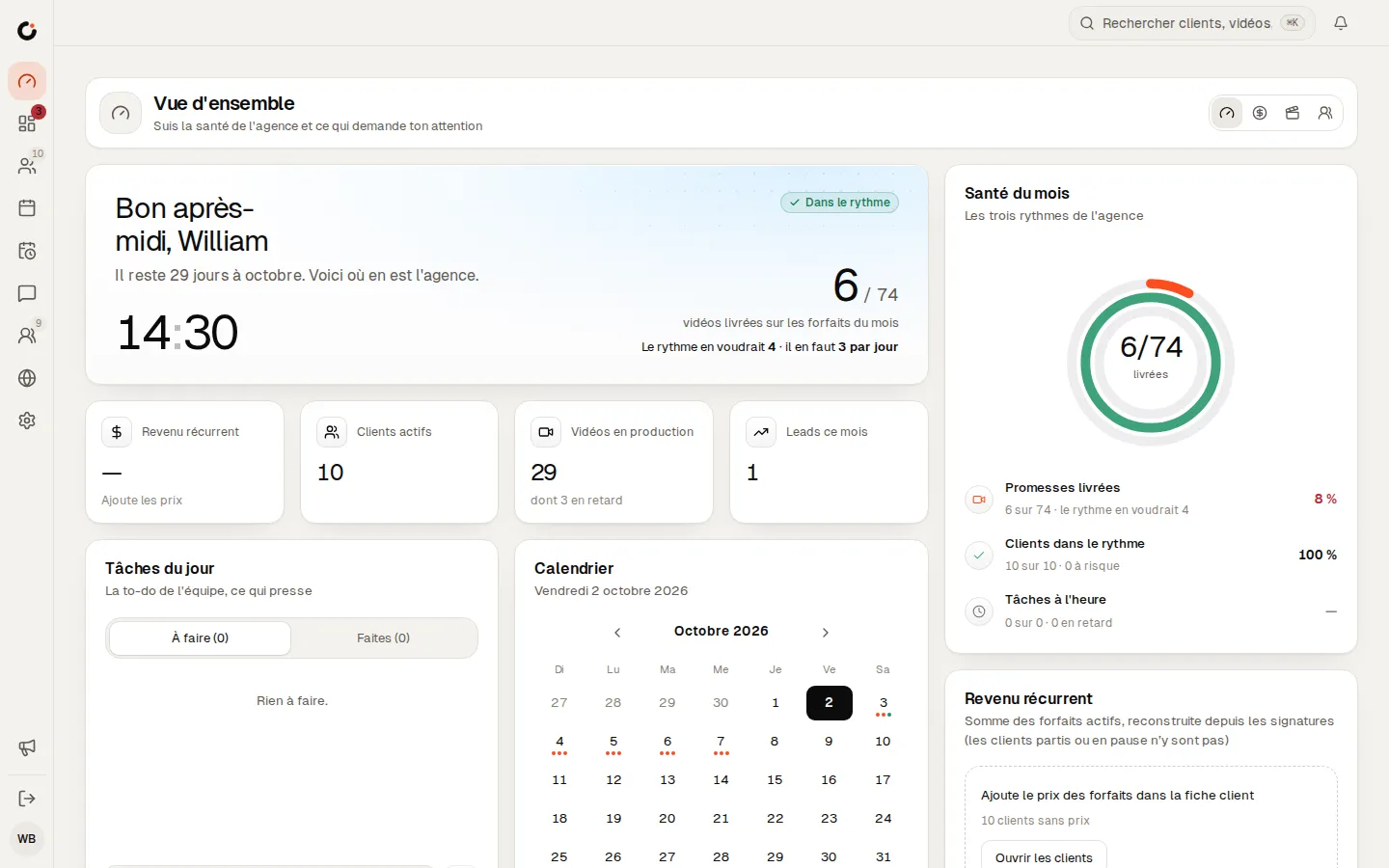
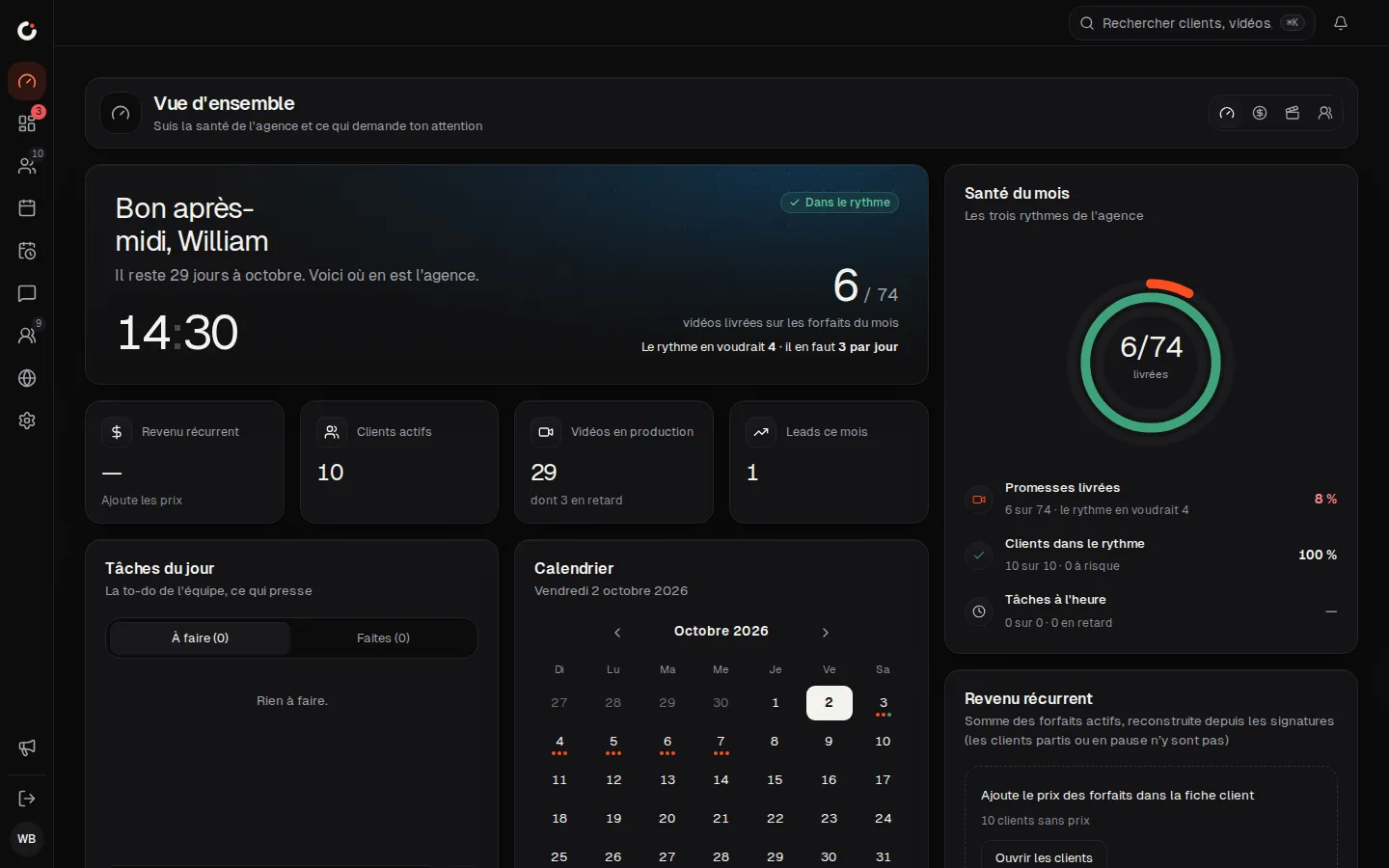
Overview
The agency’s health and what needs your attention, at a glance.
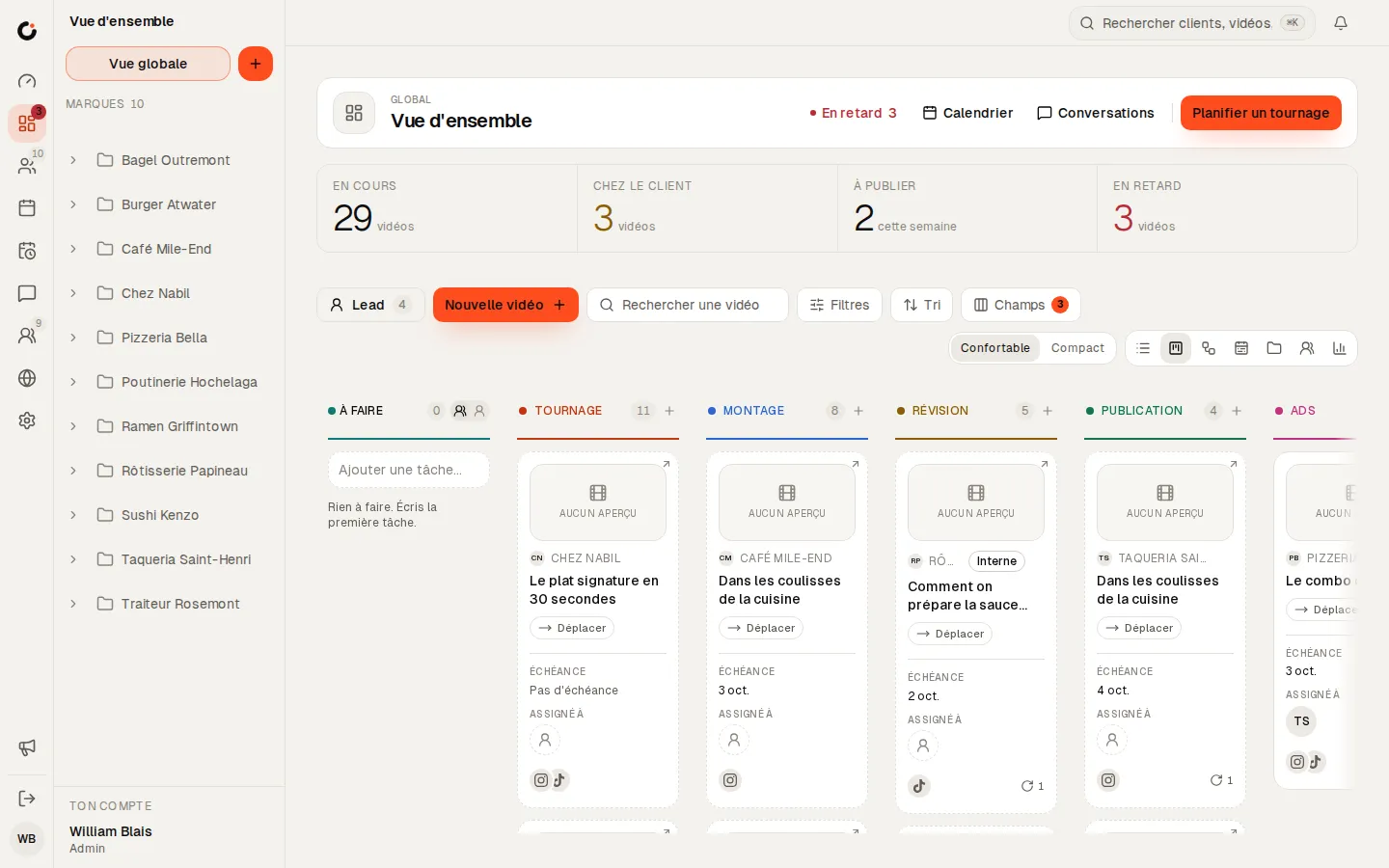
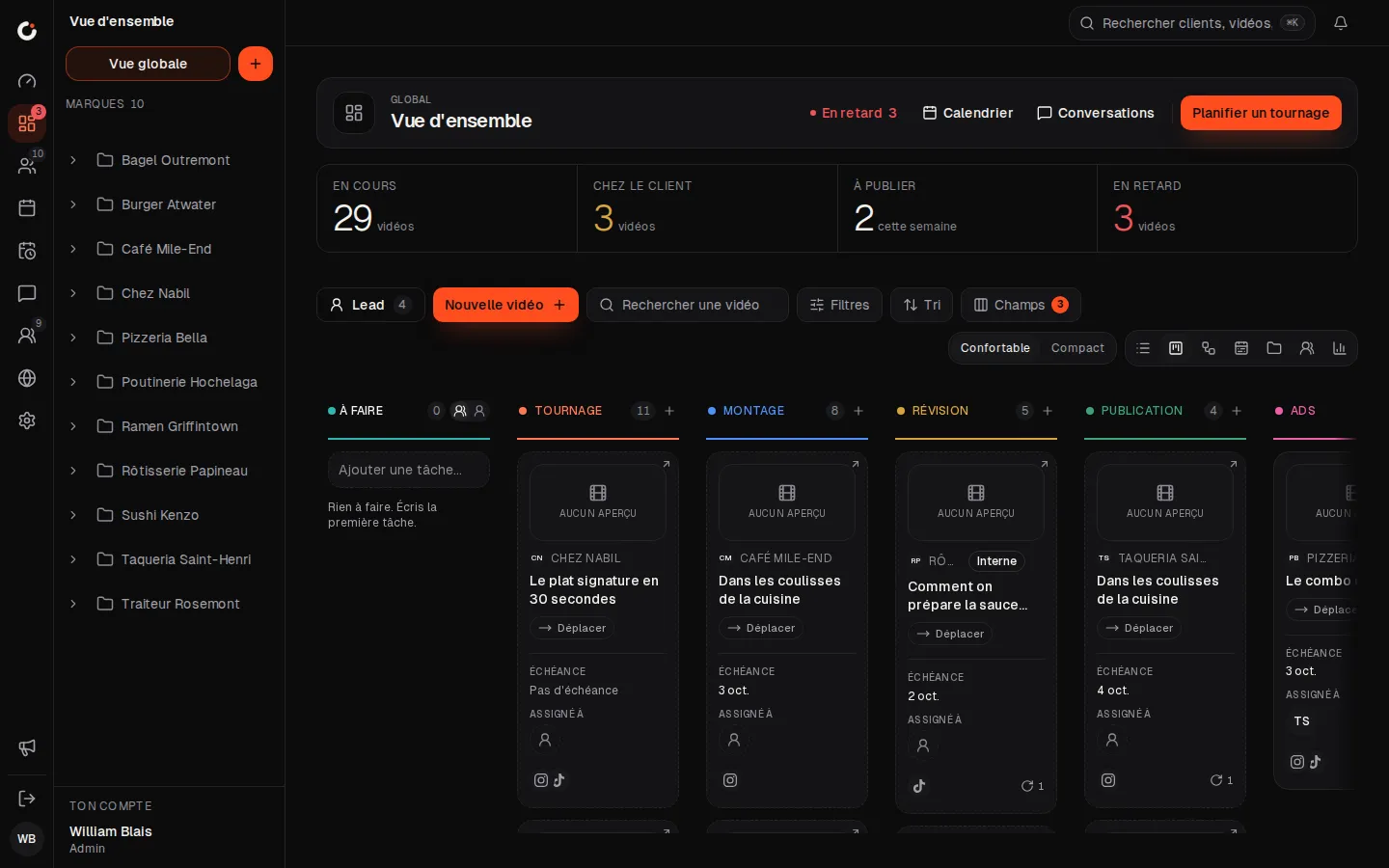
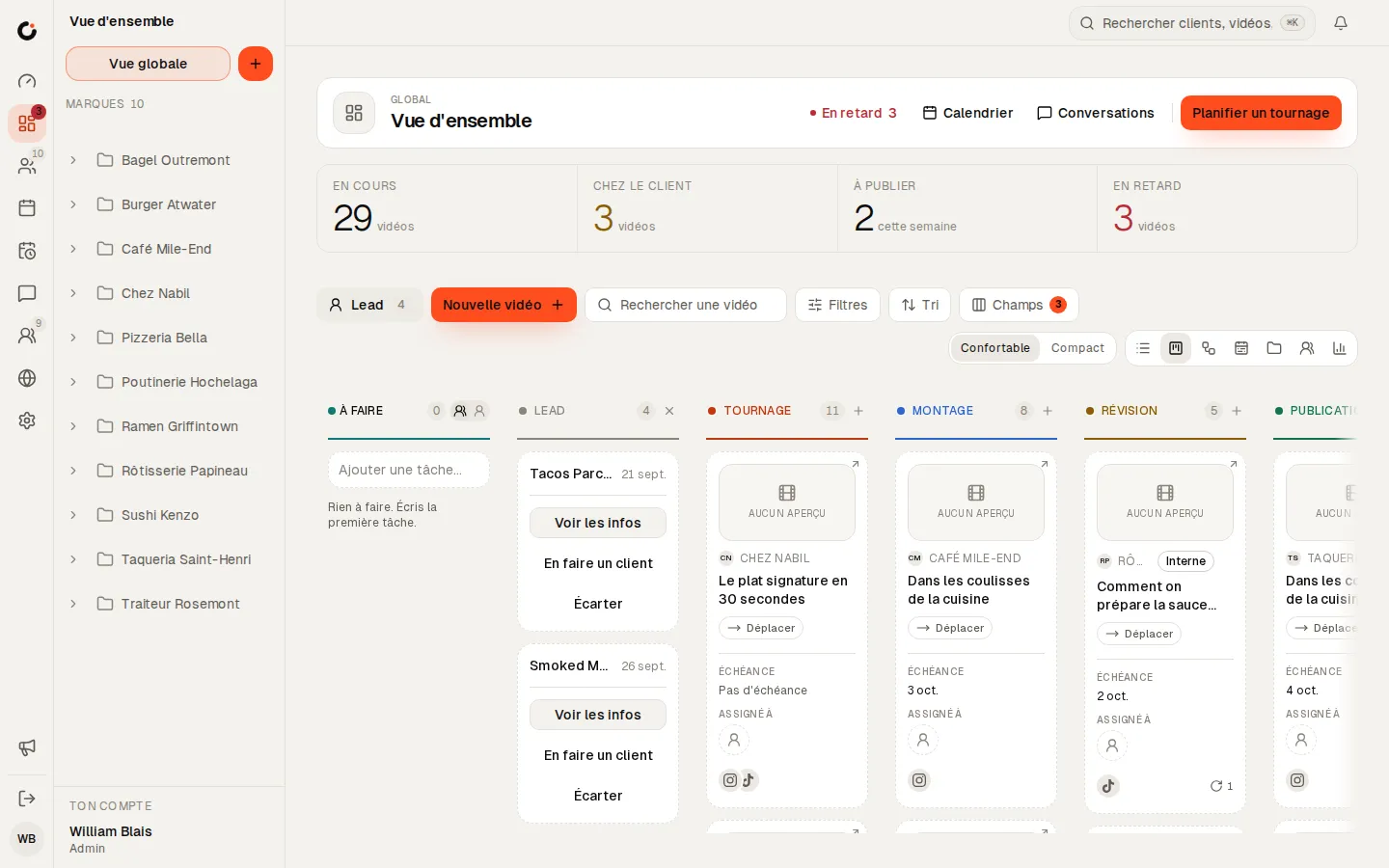
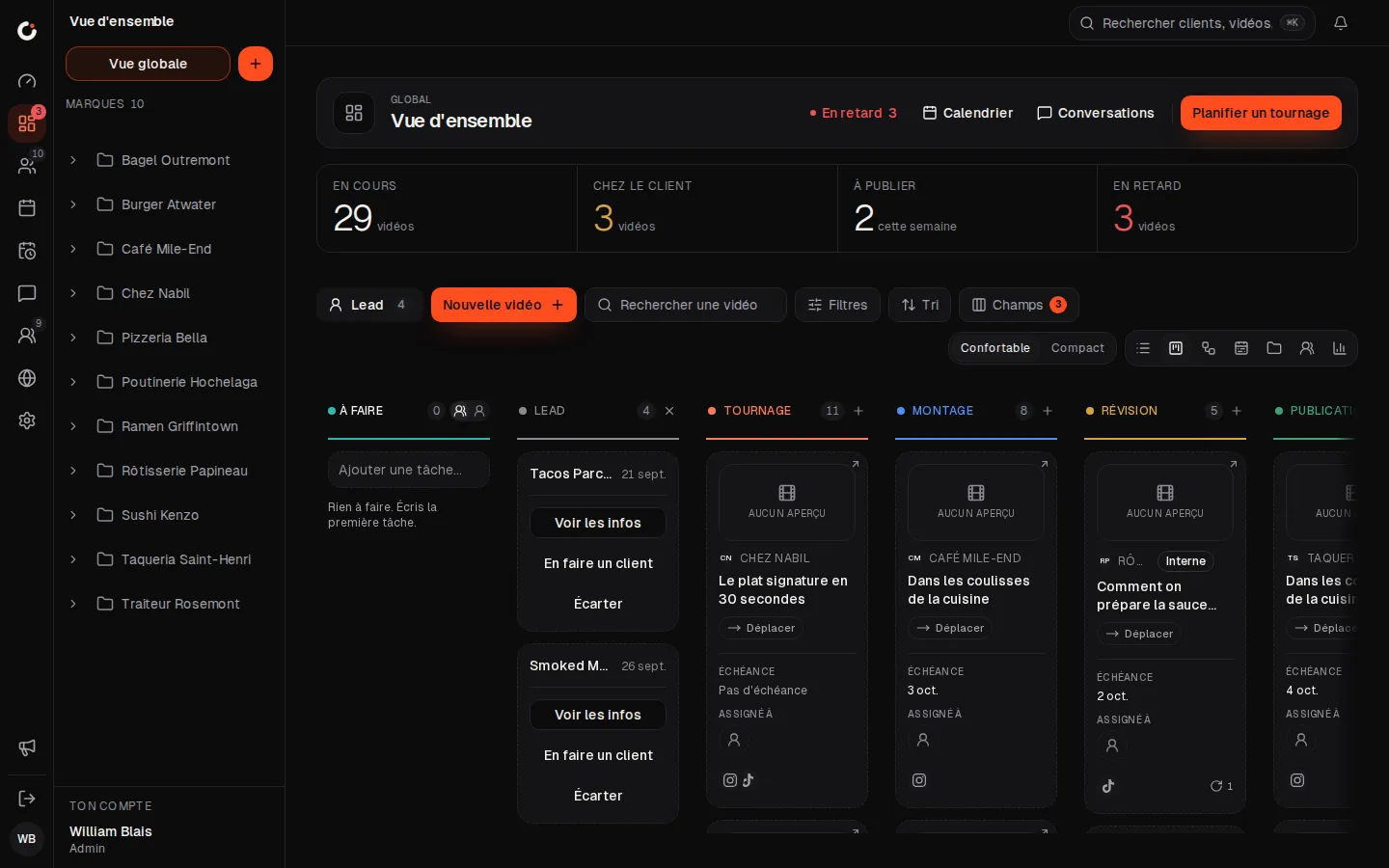
Production pipeline
Every video from shoot to publish, column by column.
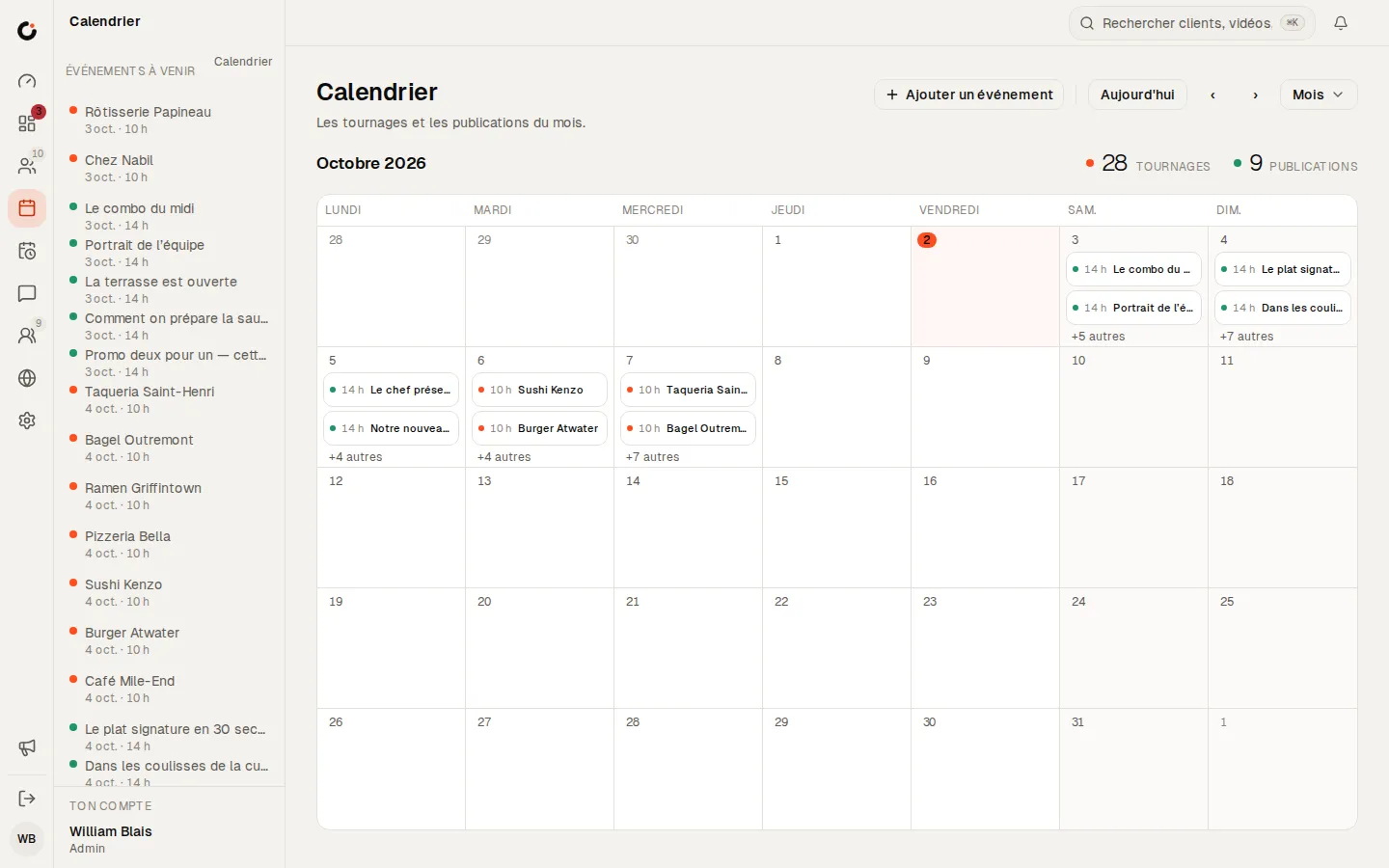
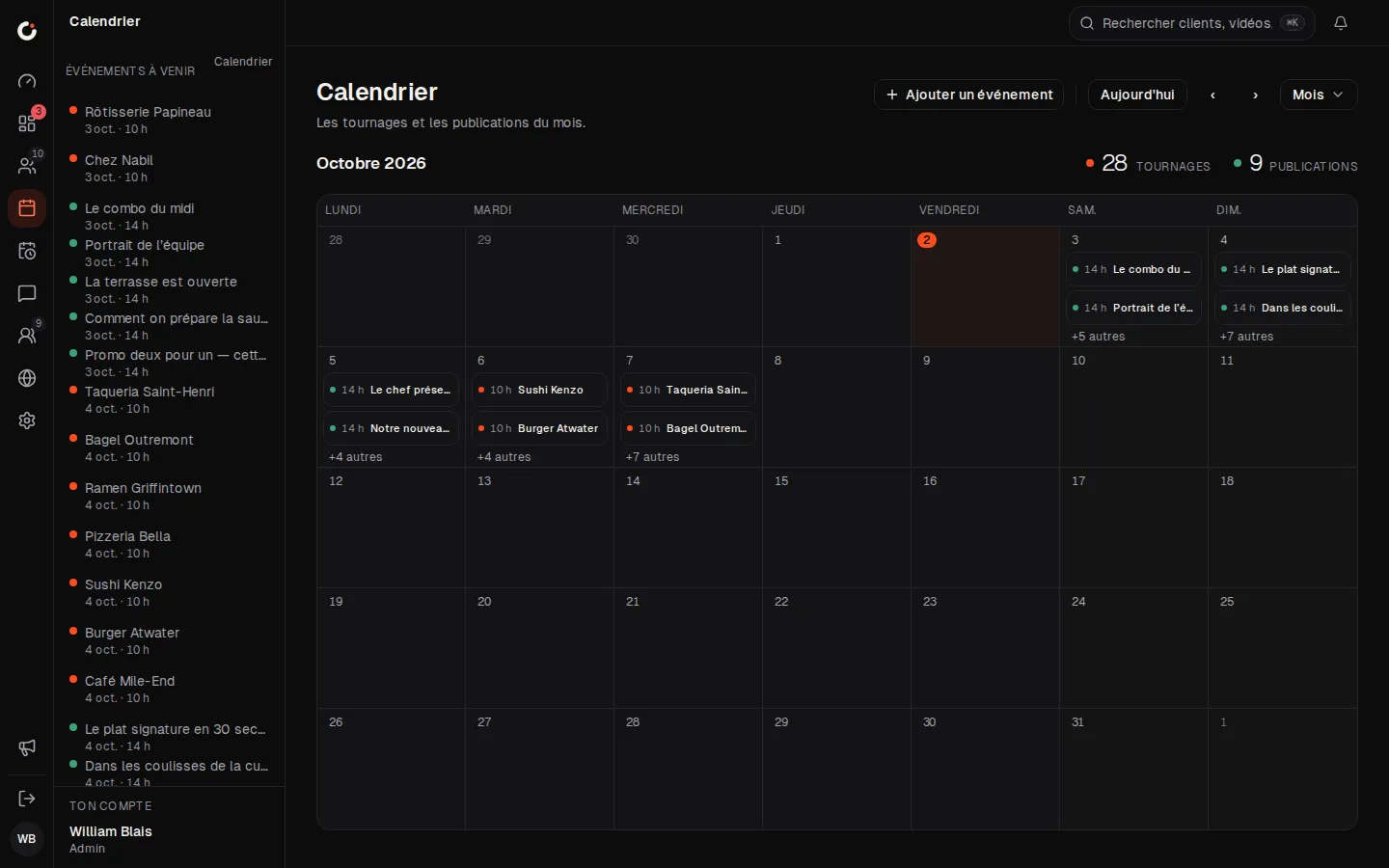
Calendar
The month’s shoots and posts, across every brand.
Leads
Leads land in the pipeline: view, make a client or dismiss.
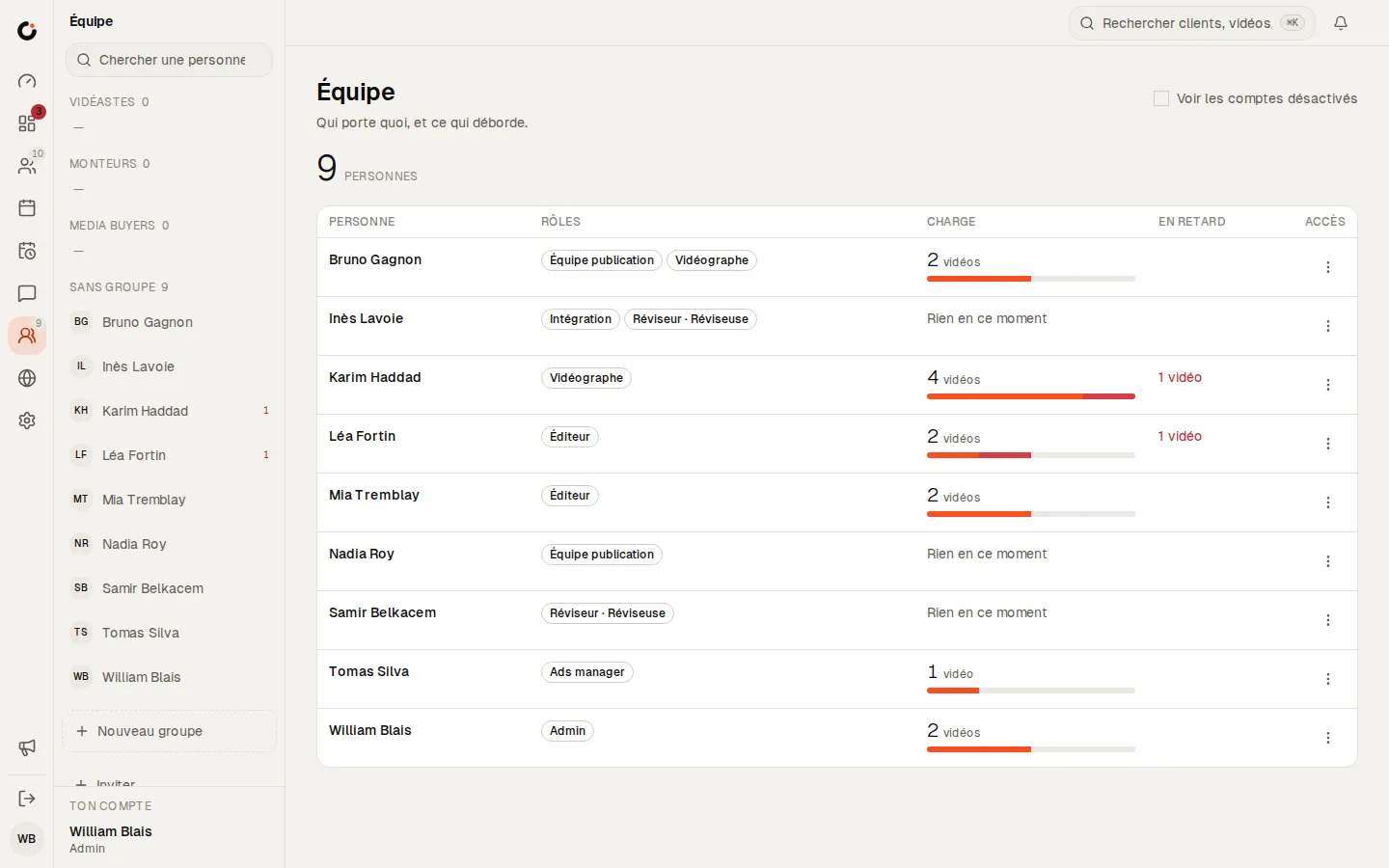
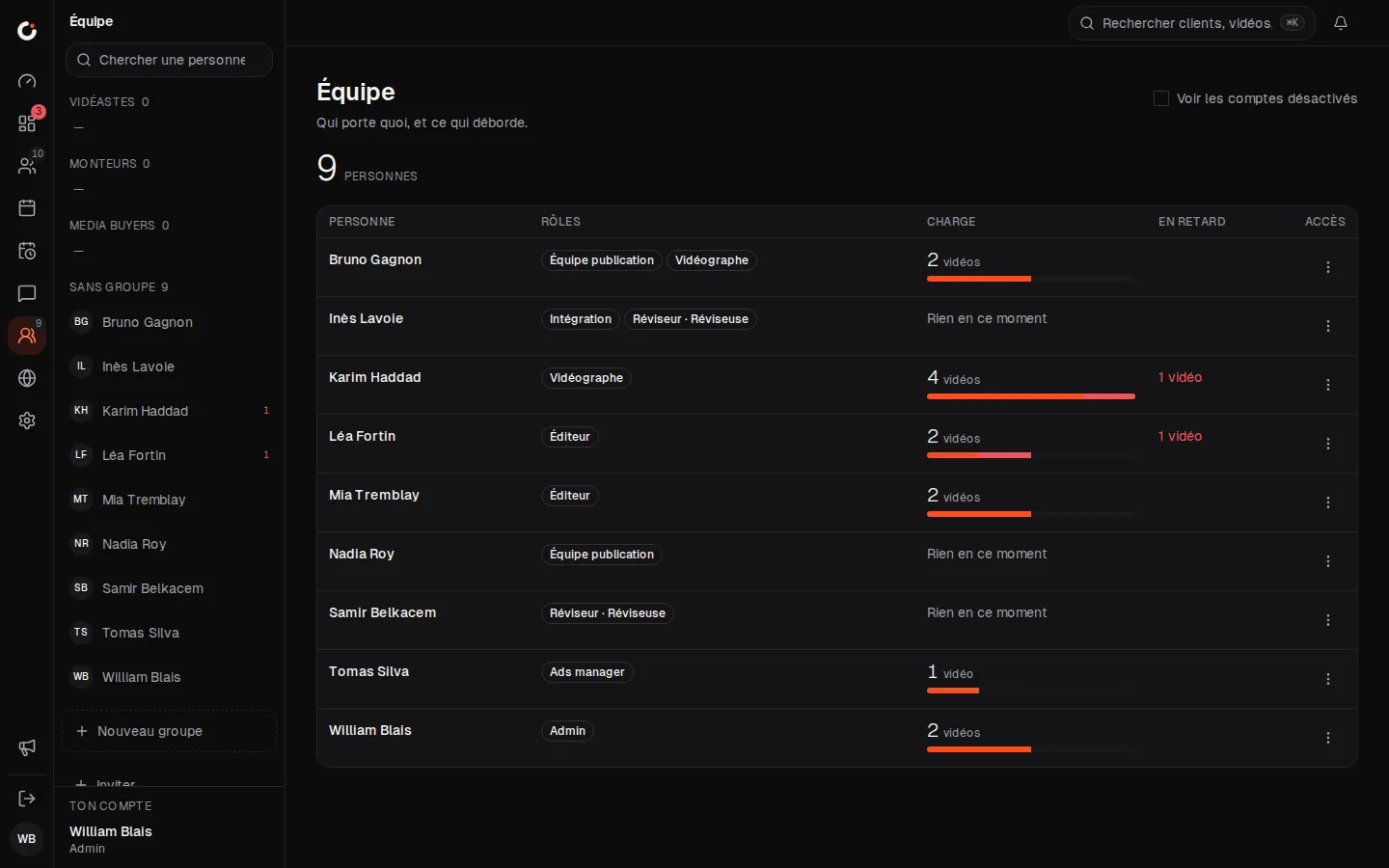
Team and workload
Who carries what, and what is running late.
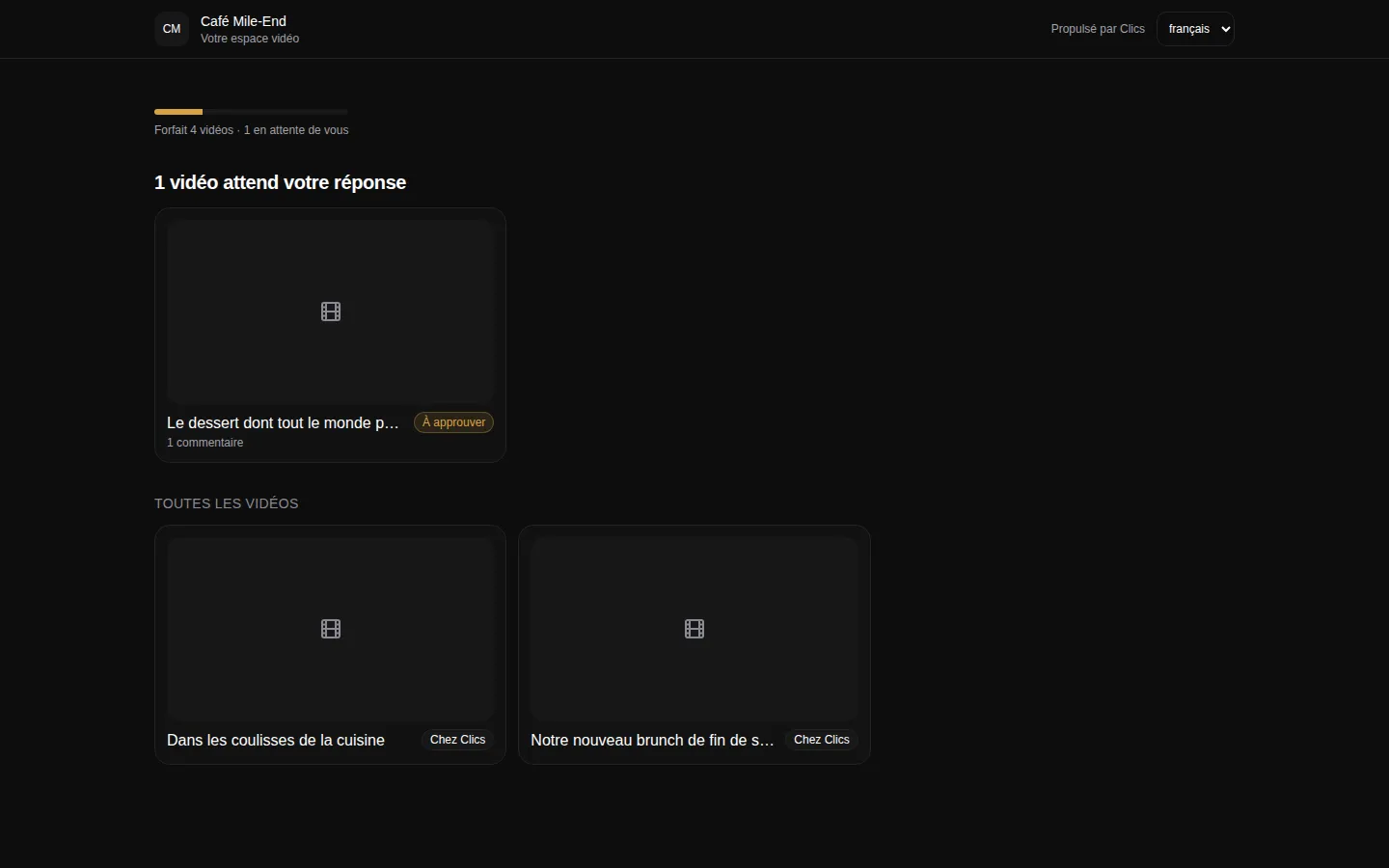
Client portal
The portal where clients see their videos and approve deliverables.
Where to go next.
Each layer opens a page that digs into one part of this one.
Frequently asked questions
Can we schedule a client’s whole month at once?
Yes, with batch scheduling: up to 30 posts, daily or every N days, with an optional default caption. If even one date lands more than 60 days out, Clics warns you before anything is sent.
What happens when Meta rejects a post?
A temporary outage gets up to five retries. A real refusal, such as a disconnected page or a missing permission, marks the post as failed, along with the reason and the fix needed to get it out.
Can we post a carousel with Clics?
Yes, as a photo post with 2 to 10 images. On Instagram it shows up as a carousel; on Facebook, as a post with several photos. Each image can carry its own alt text.
How many brands can we run on the Solo plan?
Three. Moving up to Studio (CA$219 a month) takes you to fifteen, and on the Agency plan the scheduler stops counting brands altogether.
Can we add licensed music or a poll?
Not through Clics, since Meta’s API does not allow it for any tool. Tick the matching reminder, and whoever scheduled the post is alerted as soon as it is live so they can add it in the app.
The CRM for agencies that deliver.
Open a fully stocked demo agency in seconds, or talk to us about your own install.