
Compare · monday.com
A monday.com alternative with no boards to build.
monday.com is a general work-management tool: you build the boards, views and automations yourself, and you pay per seat. Clics ships with a content agency’s production already laid out, with thirteen states per video, a portal where clients approve, and shoots on the calendar. There’s less to set up, and also less you can reshape.
Clics is a CRM for marketing agencies in Canada: video production pipeline, branded client portal with time-stamped review, social post scheduler, Meta leads and an agency dashboard, in French and English.
The monday.com free plan is capped at 2 seats and 3 boards.
On monday.com, time tracking starts with the Pro plan.
Clics Studio is CA$219 a month for 10 people, the tier that adds the Workload view and sub-accounts.
Clics and monday.com, per their pricing page.
monday.com plans and features come from its public pricing page. Anything we could not verify there is left out of the table.
| monday.com plan | Listed price | Terms |
|---|---|---|
| Free | US$0 | per month, up to 2 seats |
| Basic | see their site | |
| Standard | see their site | |
| Pro | see their site |
| Feature | monday.com | Clics |
|---|---|---|
| Access for external clients | Yes | Yes |
| Calendar view | Yes | Yes |
| Timeline (Gantt) view | Yes | Partialtimeline without task dependencies |
| Time tracking per task | Yes | No |
| Automations | Yes | Partialreminders and escalations; no rule builder |
- The monday.com free plan is limited to 2 seats and 3 boards.
- monday.com prices are per seat, with 18% off for annual billing, and vary by visitor (currency, special offers): see their site.
- The Standard plan includes 250 automation actions per month, calendar and Gantt views, and guest access for external users; time tracking arrives with the Pro plan.
Taken on October 2, 2026 — source: monday.com/pricing
monday.com prices in US dollars, as listed. Clics: prices in Canadian dollars.
A kit you assemble, or a tool already cut to fit.
Clics is our product and monday.com isn’t. Here’s the core difference as we see it.
A general work-management tool hands you building blocks: boards, columns, views and automation rules. An agency can rebuild its production process in it, provided someone designs it, maintains it and keeps everyone following it. For a team that likes to shape its own tools, that’s a real strength.
Clics makes the opposite bet. A video’s path is already there, from Concept to Done, with an owner and a deadline at every state. You set the deadlines and the people; you don’t redraw the pipeline. The trade-off: if your agency works very differently, you’ll have less room to manoeuvre than in a general-purpose tool.
On the “Automations” row we marked Clics Partial: it sends reminders and escalates on its own when a deadline passes, but there’s no rule builder. Per-task time tracking is a No: Clics measures time spent in each stage, not a stopwatch per person.
What works on day one.
The client’s portal
Clients need no seat and no account: a link opens their portal, under your brand, where they comment on the edit to the second and sign off.
Timeline and calendar
A timeline grouped by client or by stage shows where each video stands, and the agency calendar holds every shoot, synced with Google Calendar.
Who’s carrying what this week
The Workload view counts each person’s videos per week, along with the backlog to assign and what’s overdue. No formulas required.
What happens after approval
An approved video moves to the Facebook and Instagram scheduler, then to boosting if one is planned. Meta leads land in the same CRM.
Per seat, or per tier.
monday.com charges per seat, with 18% off on annual billing. Its prices change with the visitor, the currency and current offers, so we don’t print any figures here; check their page.
Clics charges by tier, in Canadian dollars: $69 for 5 people, $219 for 10, $639 for 20, then $8 per added person, and 20% less on annual billing. Your clients open their portal with no account and no seat. Subscriptions are waitlist-only for now. The custom install is a one-time $5,000, with no per-person pricing.
Two ways to get Clics.
Solo
Deliver$69$55.20/month
billed monthlyper month, billed yearly
5 people included, $8 per extra person
Timeliner equivalentTimeliner Studio, $122.82$104.40/month
On top of TimelinerJoin the waitlist- Meta leads CRM
Studio
Sell and retain$219$175.20/month
billed monthlyper month, billed yearly
10 people included, $8 per extra person
Timeliner equivalentTimeliner Agency, $274.62$233.43/month
On top of TimelinerJoin the waitlist- Conversations inbox (Gmail, WhatsApp)
- 5 mini-CRM sub-accounts
Agency
Grow$639$511.20/month
billed monthlyper month, billed yearly
20 people included, $8 per extra person
Timeliner equivalentTimeliner Scale, $688.62$585.33/month
On top of TimelinerJoin the waitlist- Claude connector (the CRM inside Claude)
Clics, installed on your side.
$5,000
one-time payment, or 3 payments of $1,750
- Installed under your brand, on your agency’s Cloudflare account
- Meta (leads, publishing) and Google (Gmail, Calendar, Drive) connections
- Training for your team
- 90 days of support
- Unlimited users
- Self-hosted (about US$5 a month, paid to Cloudflare) or managed by us for $79 a month
Prices in Canadian dollars, taxes extra.
When monday.com is the better fit.
- The whole company runs on it, not just production. If finance, HR and sales share your boards, adding a separate tool for video splits your information.
- You track hours. Time tracking is in monday.com (on Pro), not in Clics.
- You like designing your own workflows. Build-it-yourself automations are exactly what Clics lacks.
- Your agency doesn’t make video. The Clics pipeline is built for video and social posts; for other deliverables, a general tool suits you better.
See Clics before you step in.
Six screens from the CRM, as your team and your clients will see them. Scroll through, then open the demo: it stays yours for 24 hours.
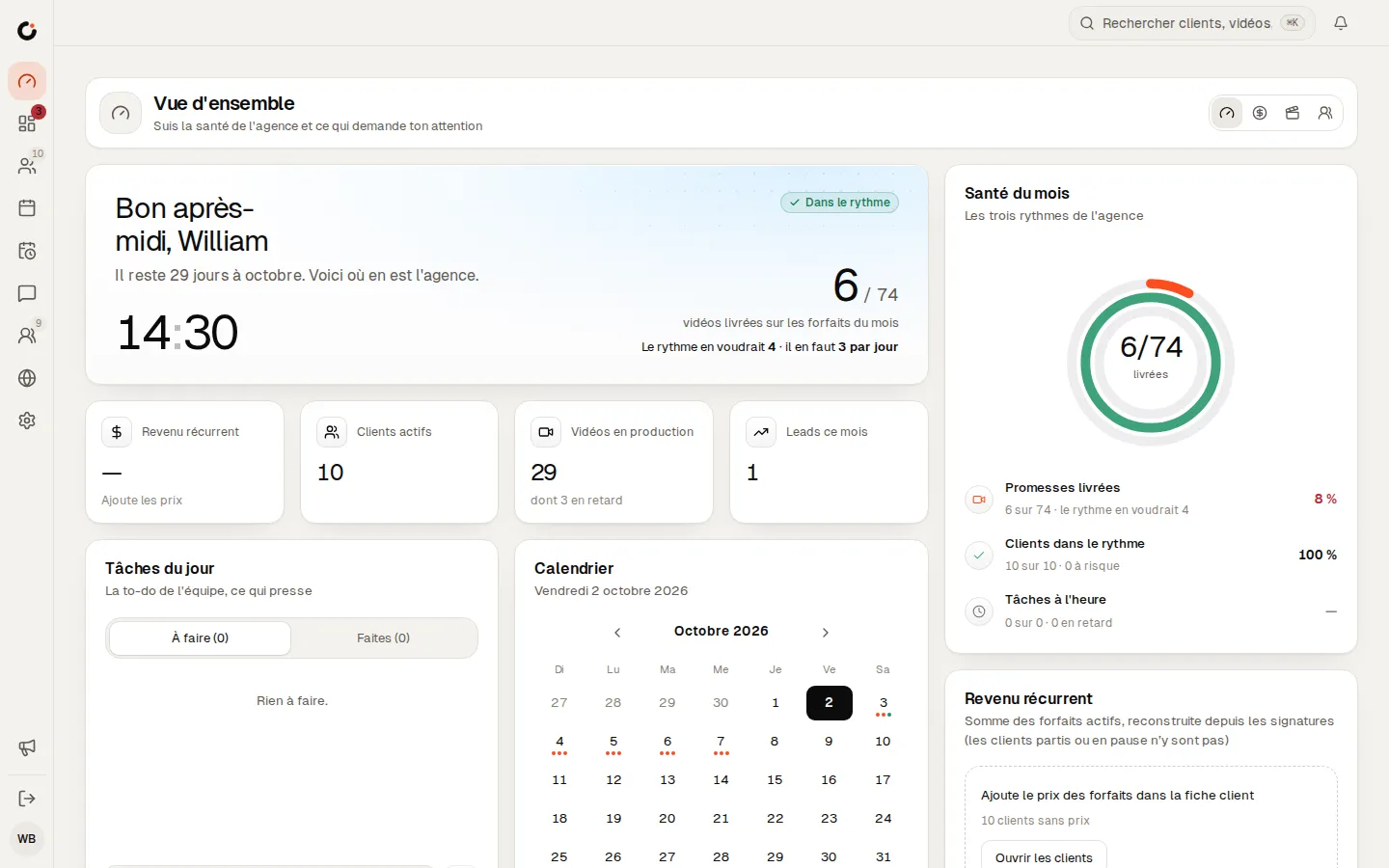
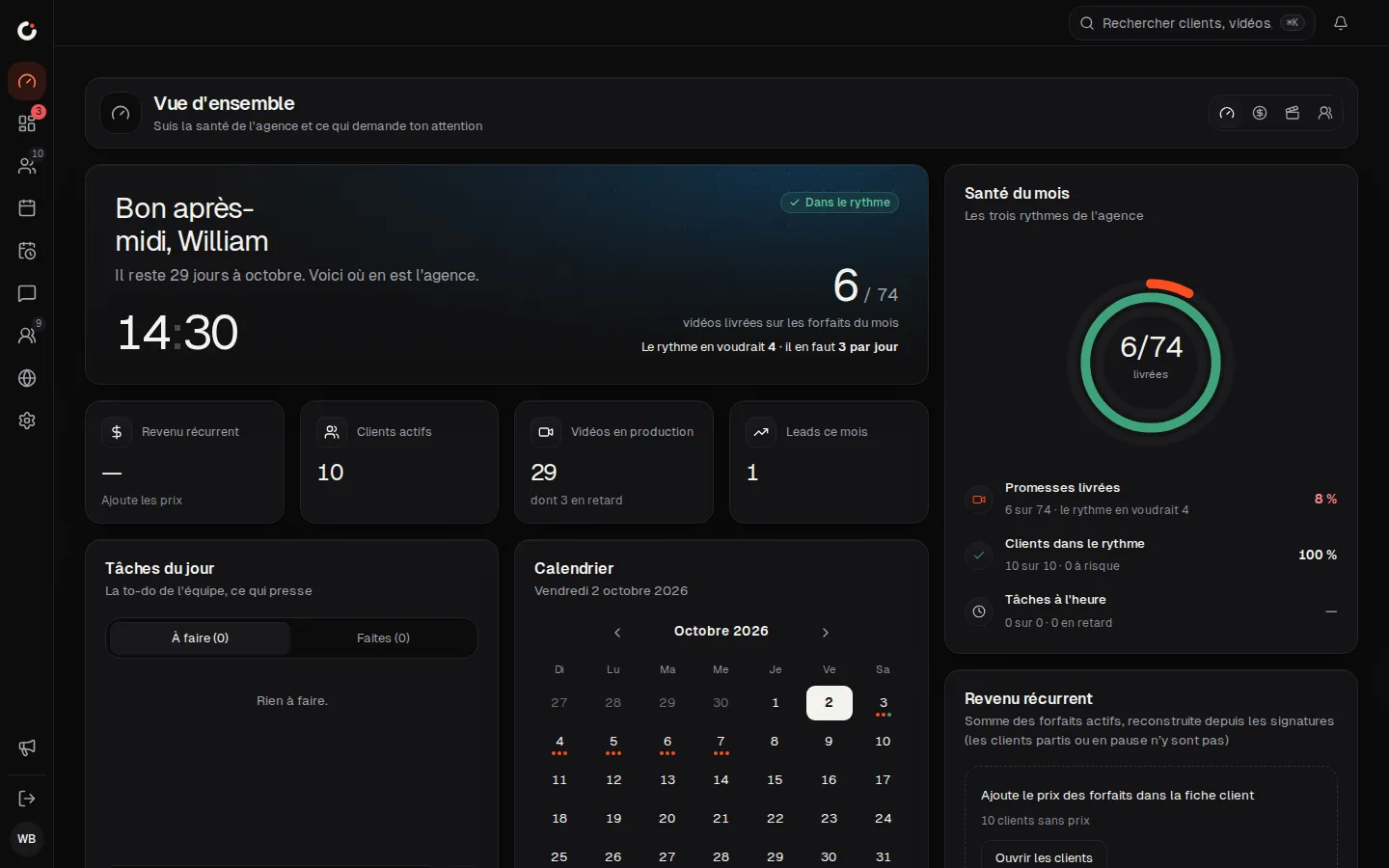
Overview
The agency’s health and what needs your attention, at a glance.
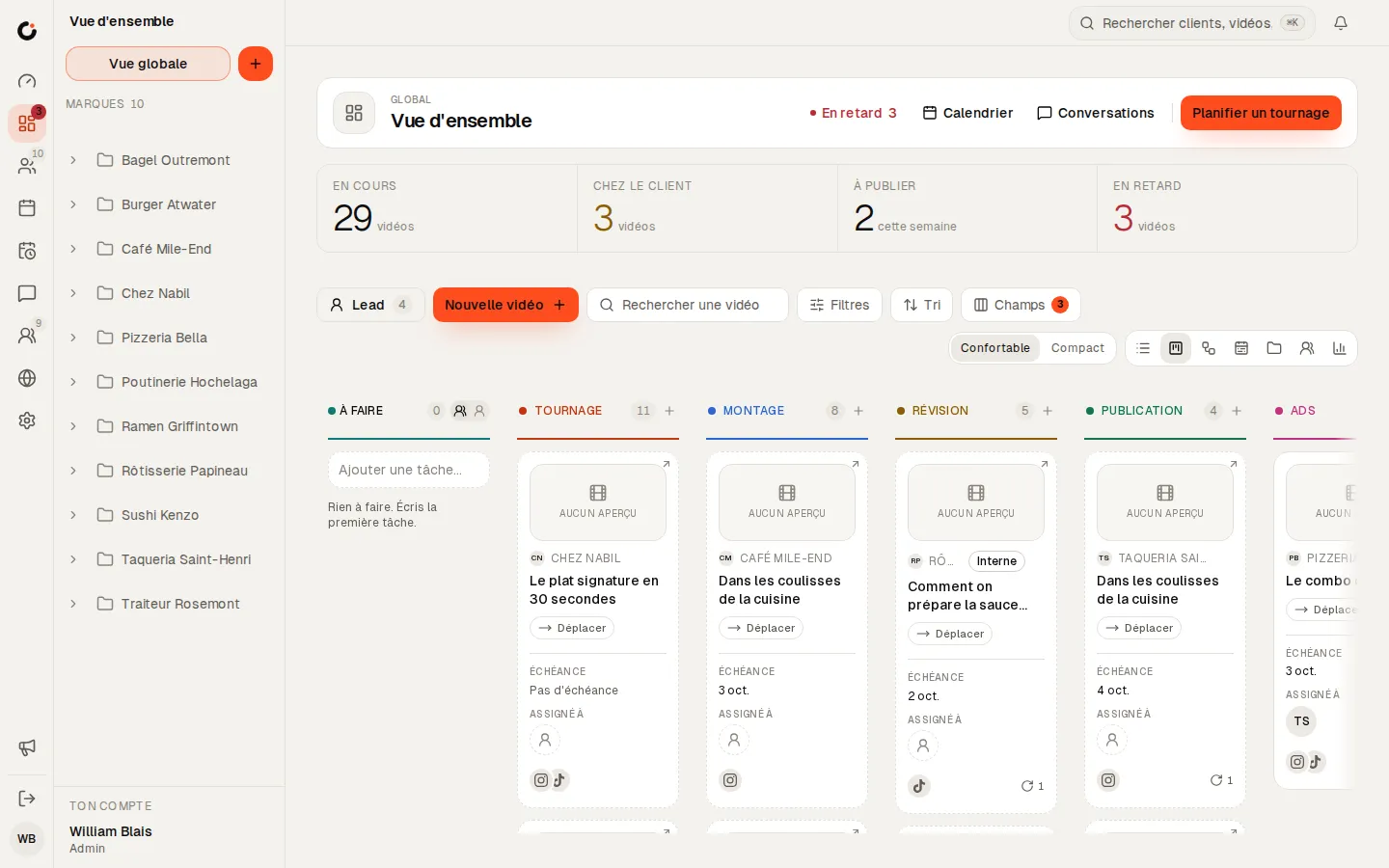
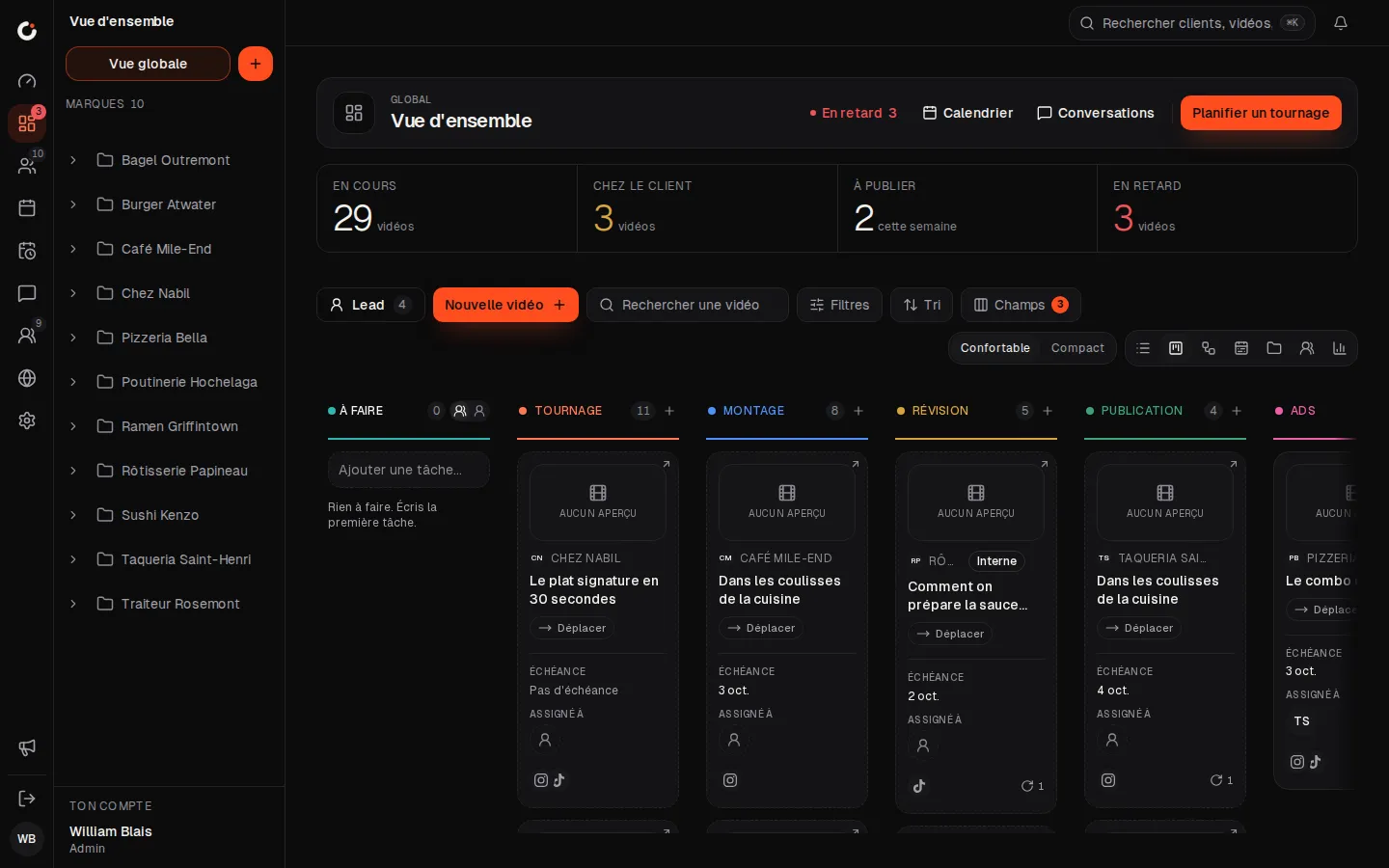
Production pipeline
Every video from shoot to publish, column by column.
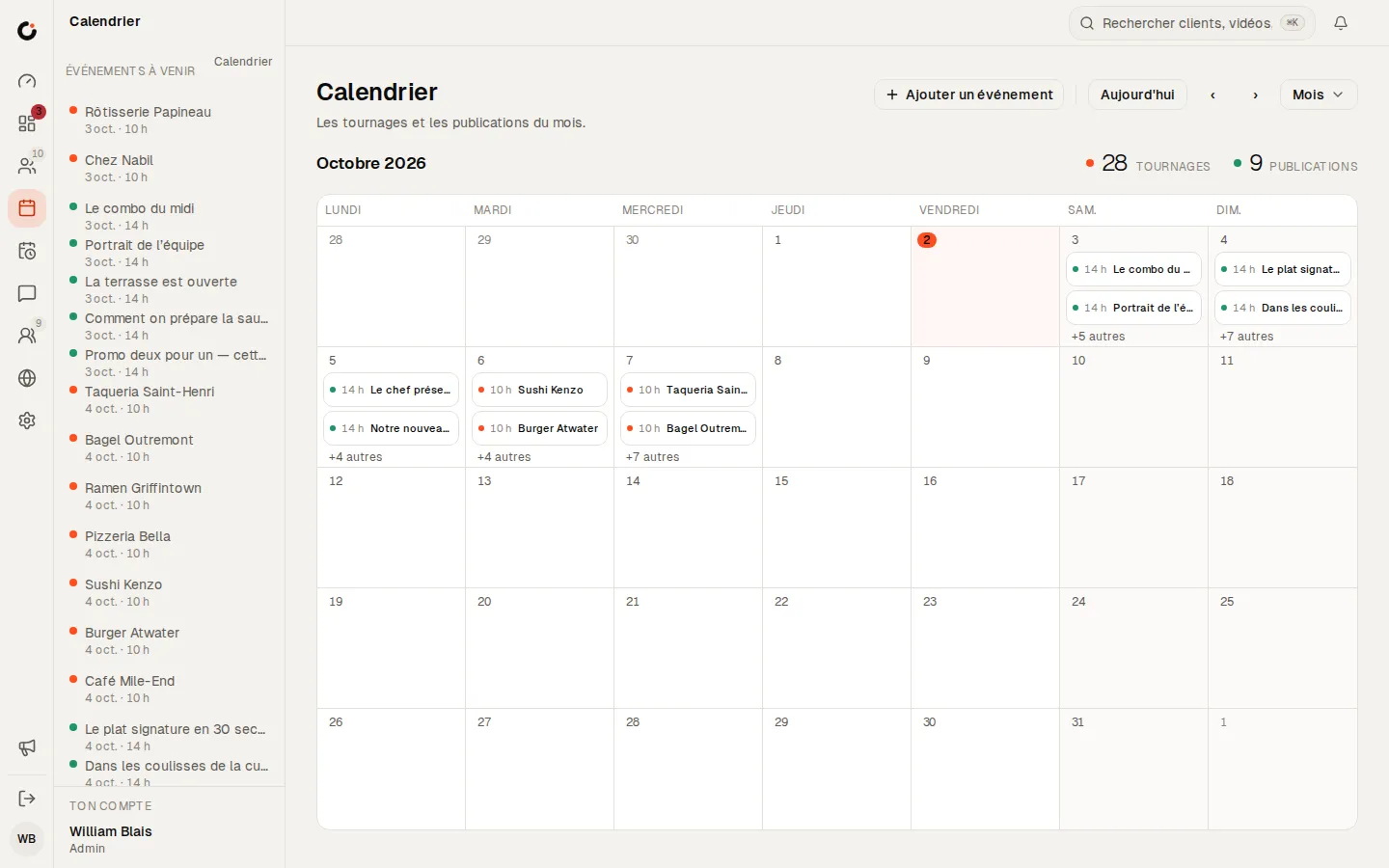
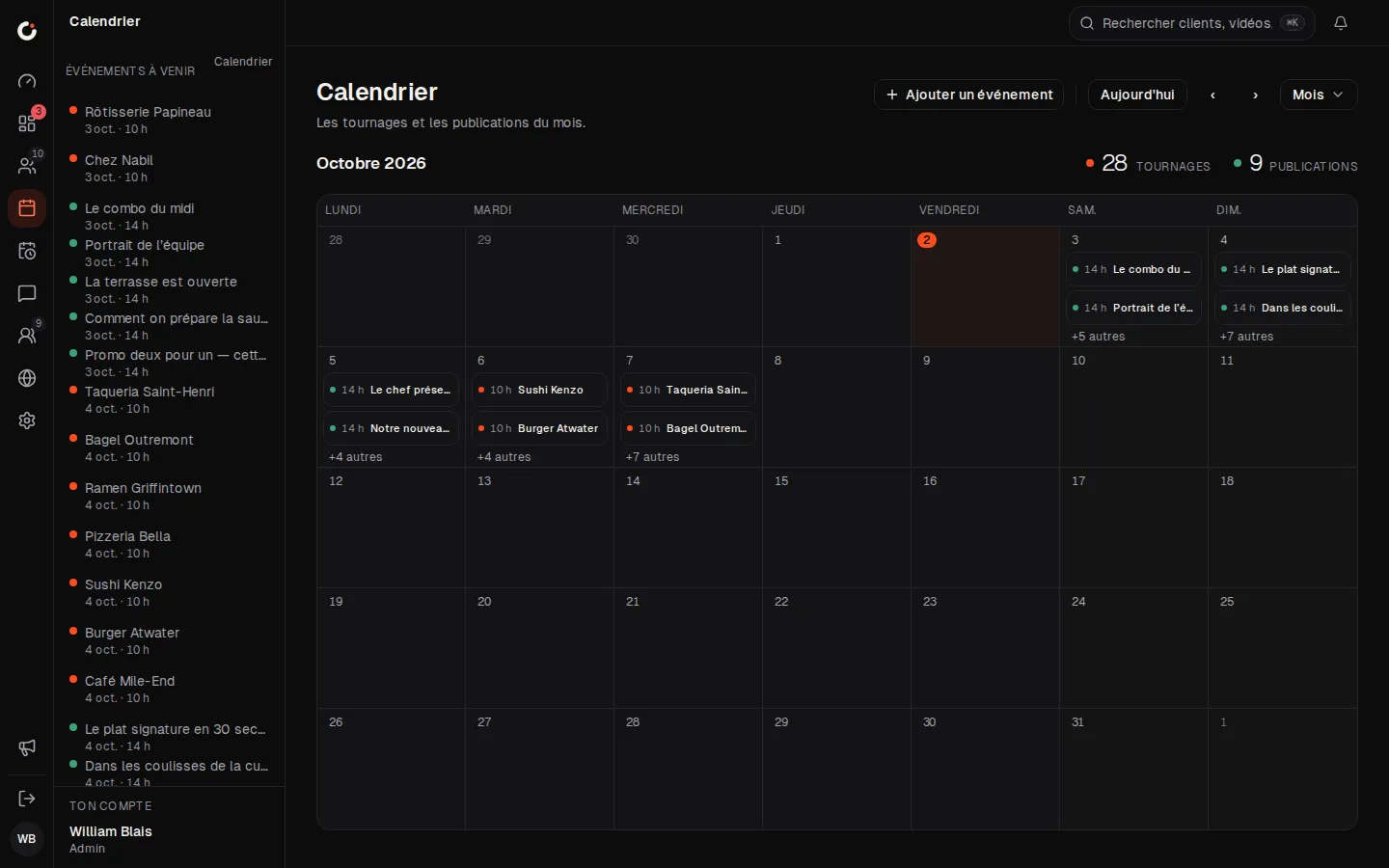
Calendar
The month’s shoots and posts, across every brand.
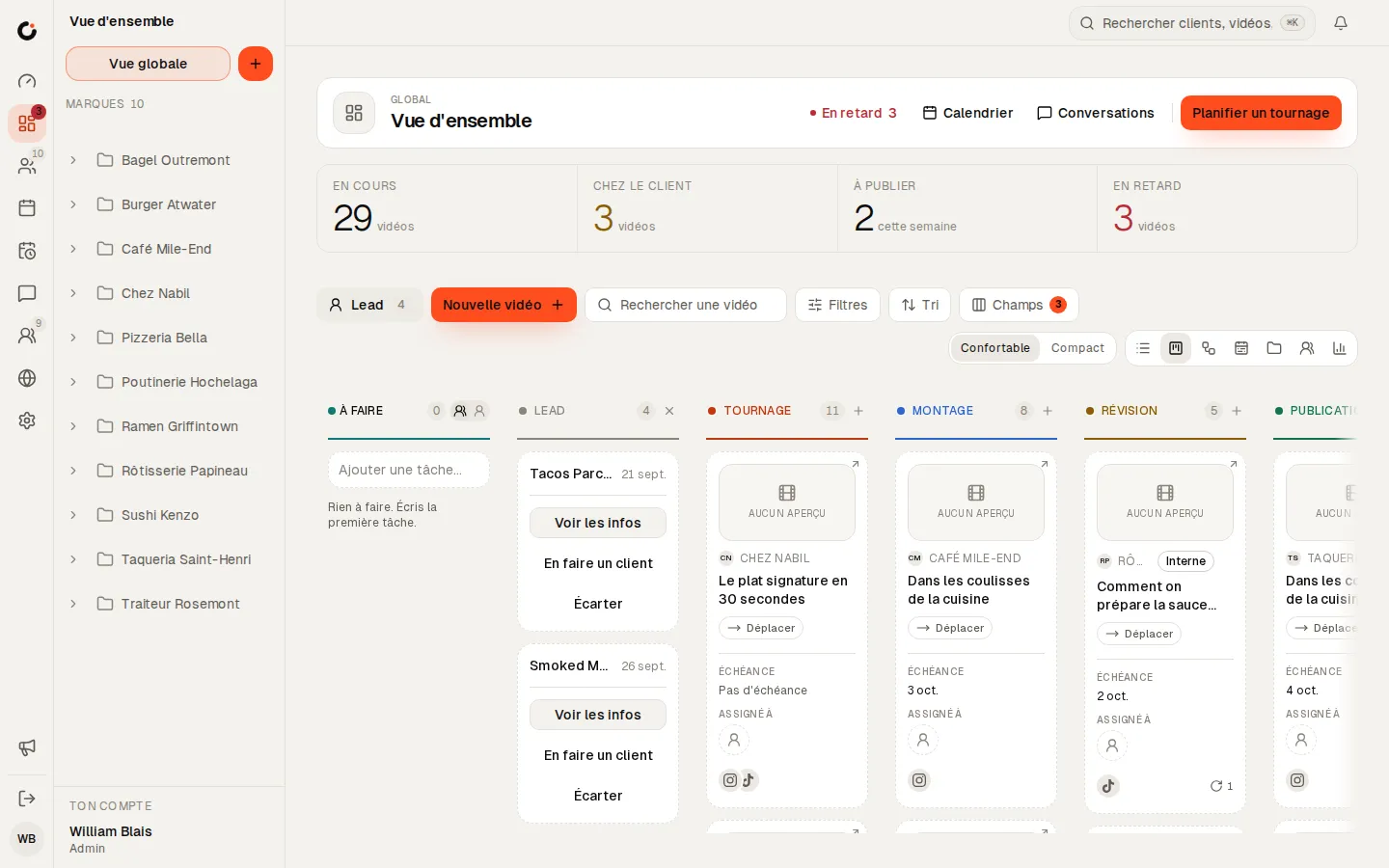
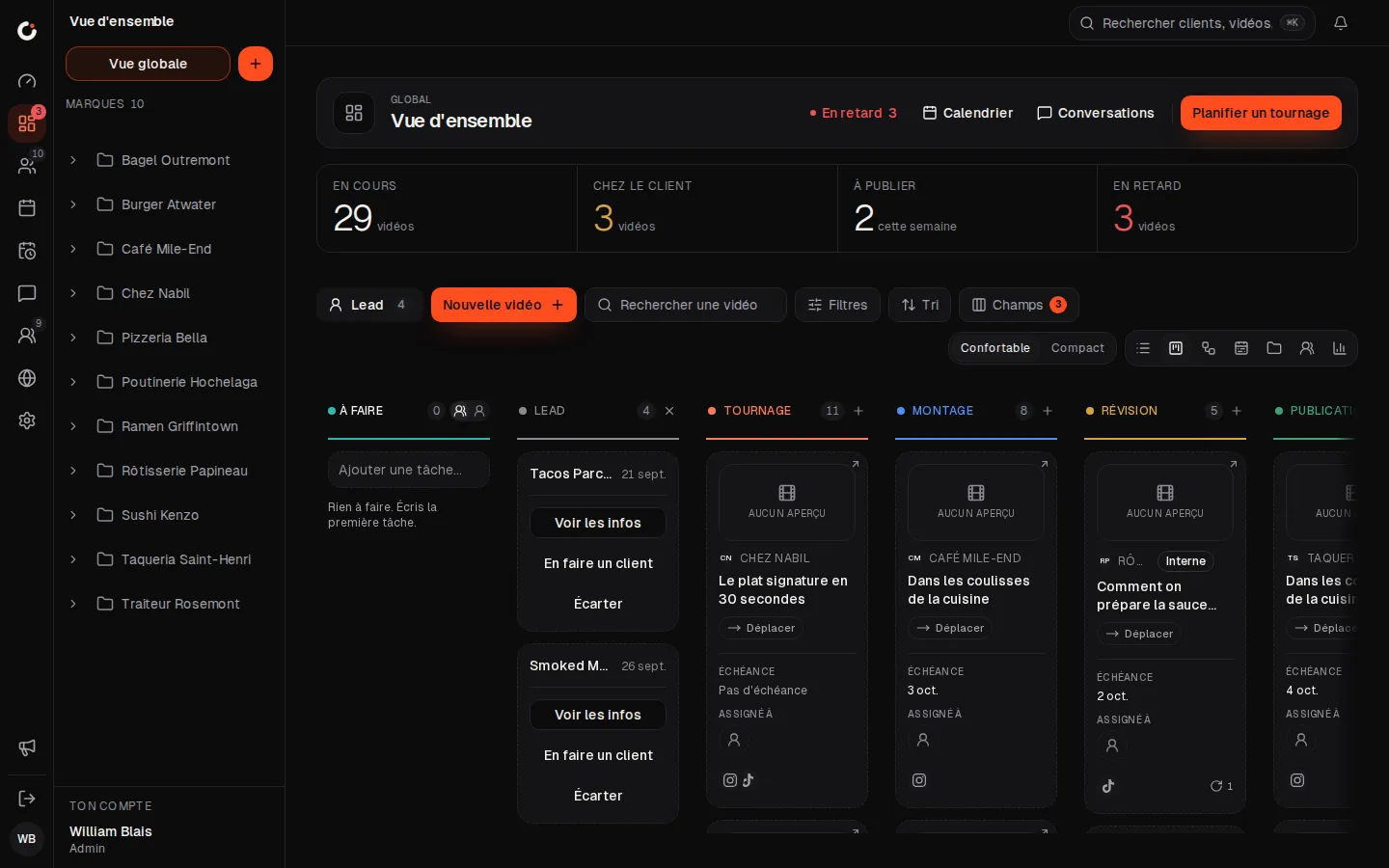
Leads
Leads land in the pipeline: view, make a client or dismiss.
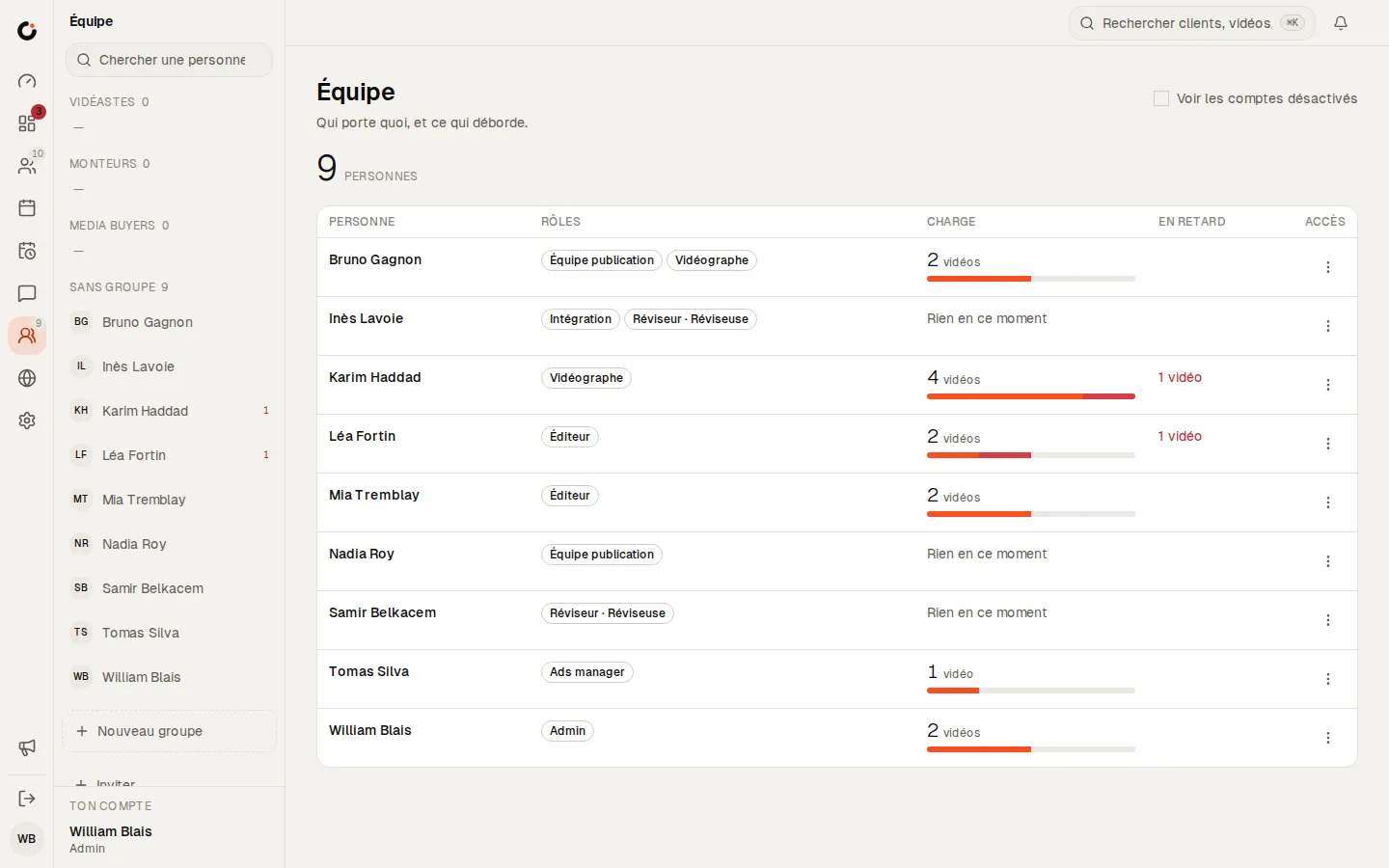
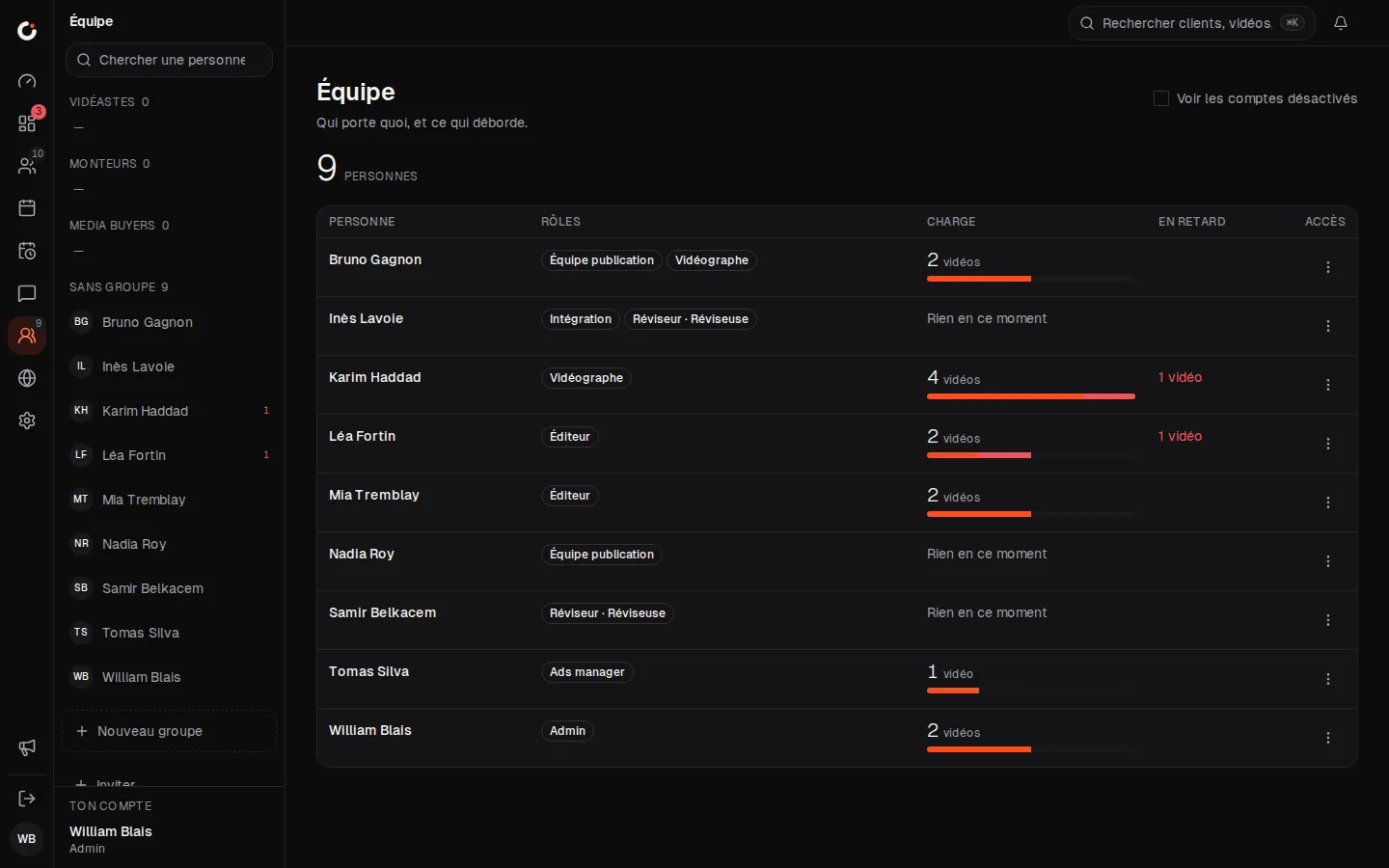
Team and workload
Who carries what, and what is running late.
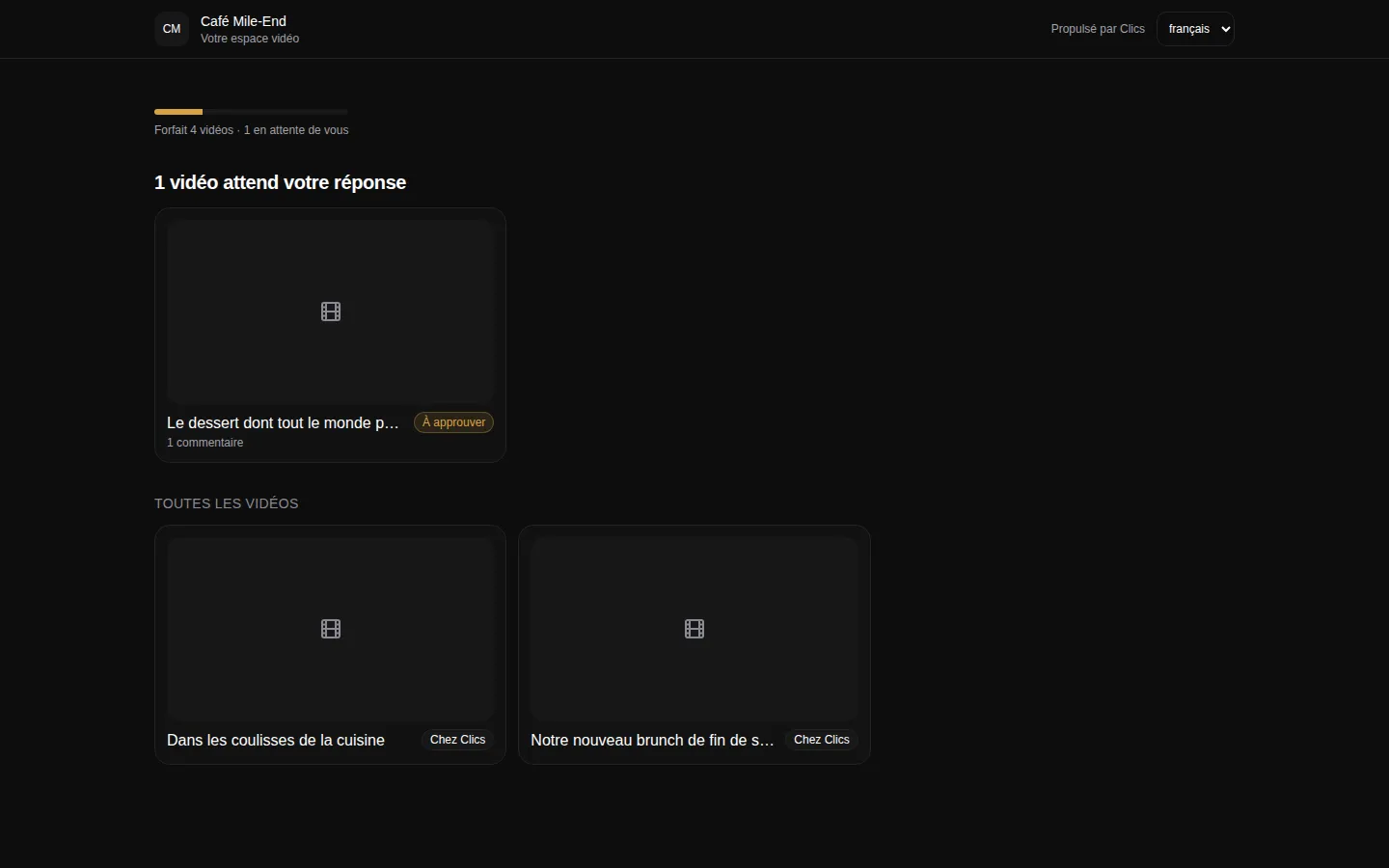
Client portal
The portal where clients see their videos and approve deliverables.
Where to go next.
Each layer opens a page that digs into one part of this one.
Frequently asked questions
Can we change the stages in the Clics pipeline?
You set each state’s deadline and who owns it, but the thirteen states themselves are fixed. That’s deliberate: the pipeline gives the whole team one shared frame.
Do clients need a seat to see their videos?
No. The portal opens from a link, without an account. If a client has a sub-account, their people are invited to it by link, from inside Clics.
Is there a Gantt view in Clics?
Clics has a timeline of videos, grouped by client or by stage, with a marker for today. It shows production over time; it isn’t built for managing dependencies between tasks.
Why don’t you show monday.com’s prices?
Because when we checked on October 2, 2026, their page showed different prices depending on the visitor. Rather than print a number that may be wrong for you, we point you to their pricing page.
Can we keep monday.com for the rest of the agency?
Yes. Production can live in Clics while other teams stay on monday.com. The two don’t sync, and we don’t offer a connector between them.
The CRM for agencies that deliver.
Open a fully stocked demo agency in seconds, or talk to us about your own install.