
Production pipeline
A video production pipeline that shows where work stalls.
Clics is video production pipeline software for agencies. A video travels thirteen states between Concept and Done, and at every stop one role is responsible and a default deadline is ticking. When it sits too long, Clics nudges whoever holds it, then flags your admins, so a stalled edit surfaces before the client starts asking.
Clics is a CRM for marketing agencies in Canada: video production pipeline, branded client portal with time-stamped review, social post scheduler, Meta leads and an agency dashboard, in French and English.
Waiting on client gets three days by default. On day two, Clics emails the client a reminder on its own.
You can tune each state’s deadline in the agency settings. What you cannot do is add, rename or remove a state.
Moving a video backwards is a real transition: an admin drags the card left, and it is recorded like any step forward.
Thirteen states, who owns each, and for how long.
These are the defaults a new install starts with. Each deadline is how long a video can sit in that state before it counts as late, and you can stretch or shorten any of them.
- Concept: the admin, 3 days to lock the idea and the brief.
- Shoot to book: the admin, 2 days to pin down a date and a videographer.
- Shoot booked: the videographer; the deadline is the shoot date itself.
- Footage to upload: the videographer, 1 day to get the files in.
- Up for grabs: the editors’ shared queue, 2 days before someone claims it.
- Editing: the editor who claimed it, 2 days.
- Internal review: the reviewer, 1 day to pass it or send it back.
- Waiting on client: the client, 3 days, with a reminder on day two.
- To publish: the publishing team; the deadline tracks the planned post date.
- Published, then Boost to launch when a campaign is planned, handled by your ads manager.
- Done and Cancelled close the record. An admin can cancel a video from any state.
What Clics does when a deadline passes.
- 01 / 04
The deadline goes by
The card turns late on the pipeline board and on the dashboard. Nobody needs a side spreadsheet to notice.
- 02 / 04
A nudge to the owner
Whoever holds the video gets an alert. In the shared queue that means every editor; when it is waiting on the client, the client contact gets an email.
- 03 / 04
Escalation to admins
If nothing has moved after a second stretch of the same length, the agency’s admins hear about it. States with no deadline of their own wait one day.
- 04 / 04
Boosts are never “late”
The Boost to launch deadline is the planned end of the campaign. When it arrives, it is time to swap the ad, not to hunt for whoever dropped the ball.
The usual places a video gets stuck.
Footage still on the card
After the shoot, the video stays on the videographer until the files are uploaded. A day later, the nudge goes to them, not to the editor who is twiddling their thumbs.
The client who goes quiet
This is where most schedules slip. Clics emails the client on day two, flags the deadline on day three, and loops in your admins if the silence drags on.
A queue nobody picks from
A video ready for editing waits in a queue every editor can see. If it lingers there, the reminder goes to all of them at once, since nobody owns it yet.
The bottleneck, named on the dashboard
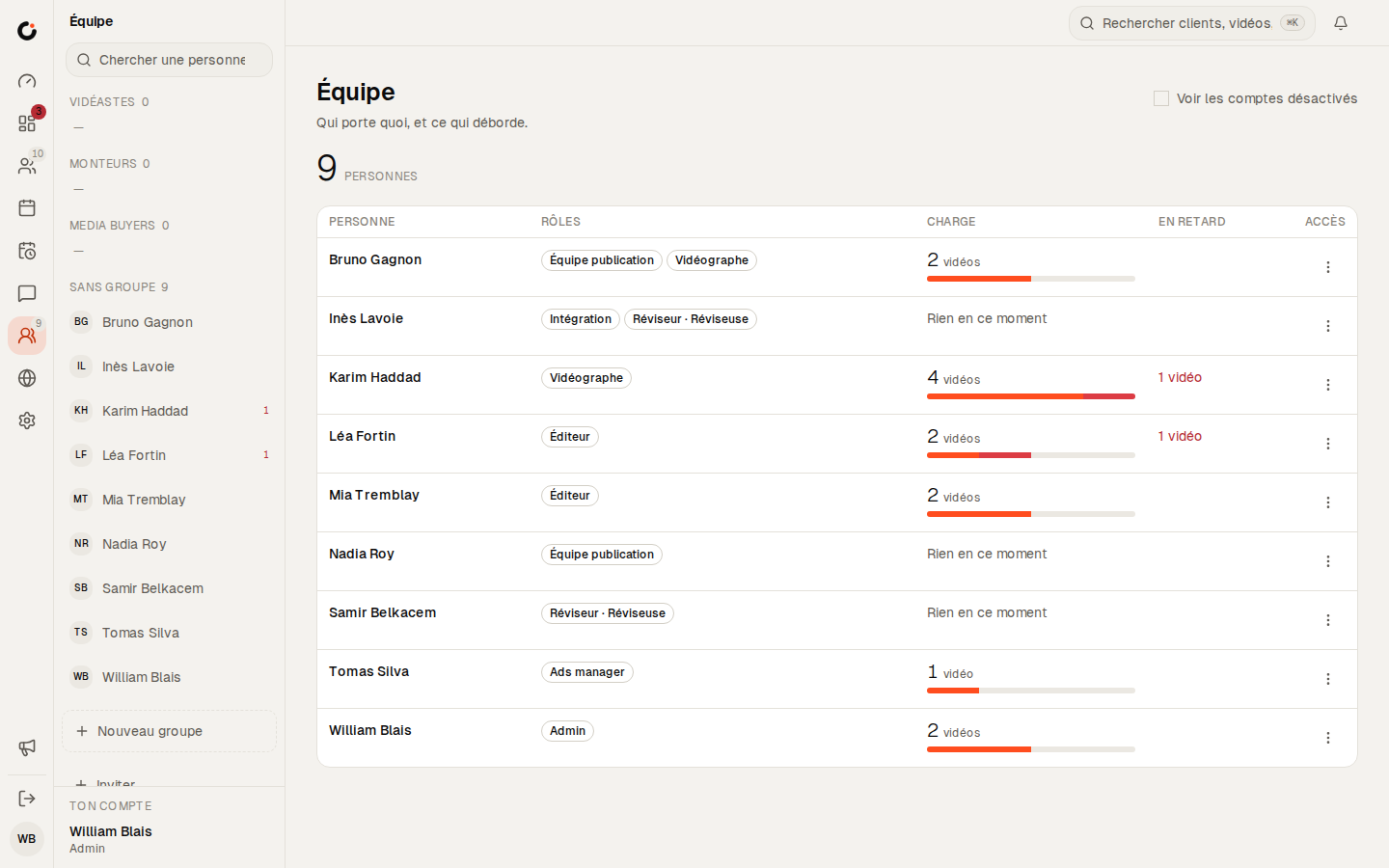
The team workload board breaks down videos in progress by person and by stage, then names the bottleneck: the stage holding the most work right now. Start the production meeting there.


See Clics before you step in.
Six screens from the CRM, as your team and your clients will see them. Scroll through, then open the demo: it stays yours for 24 hours.
Overview
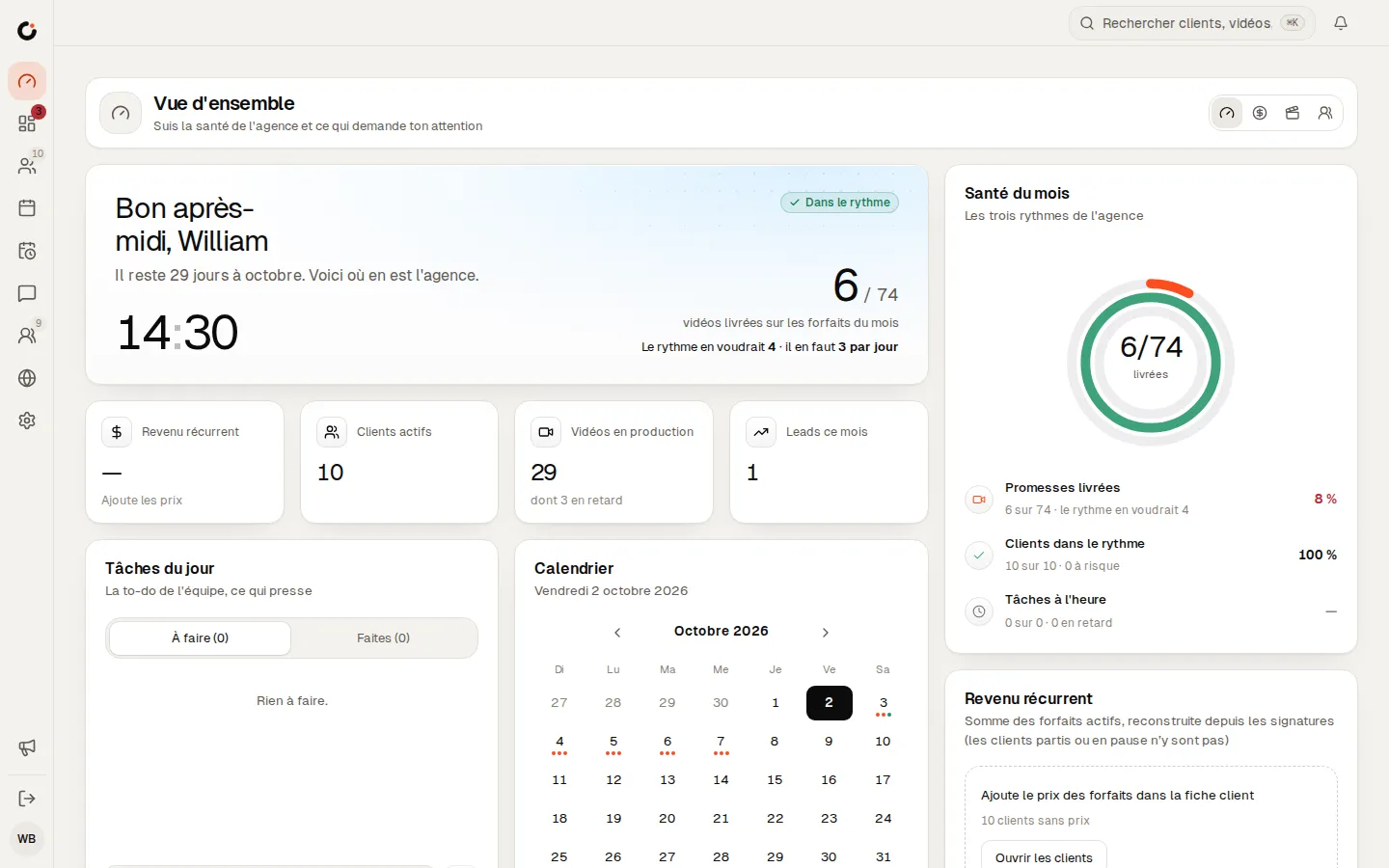
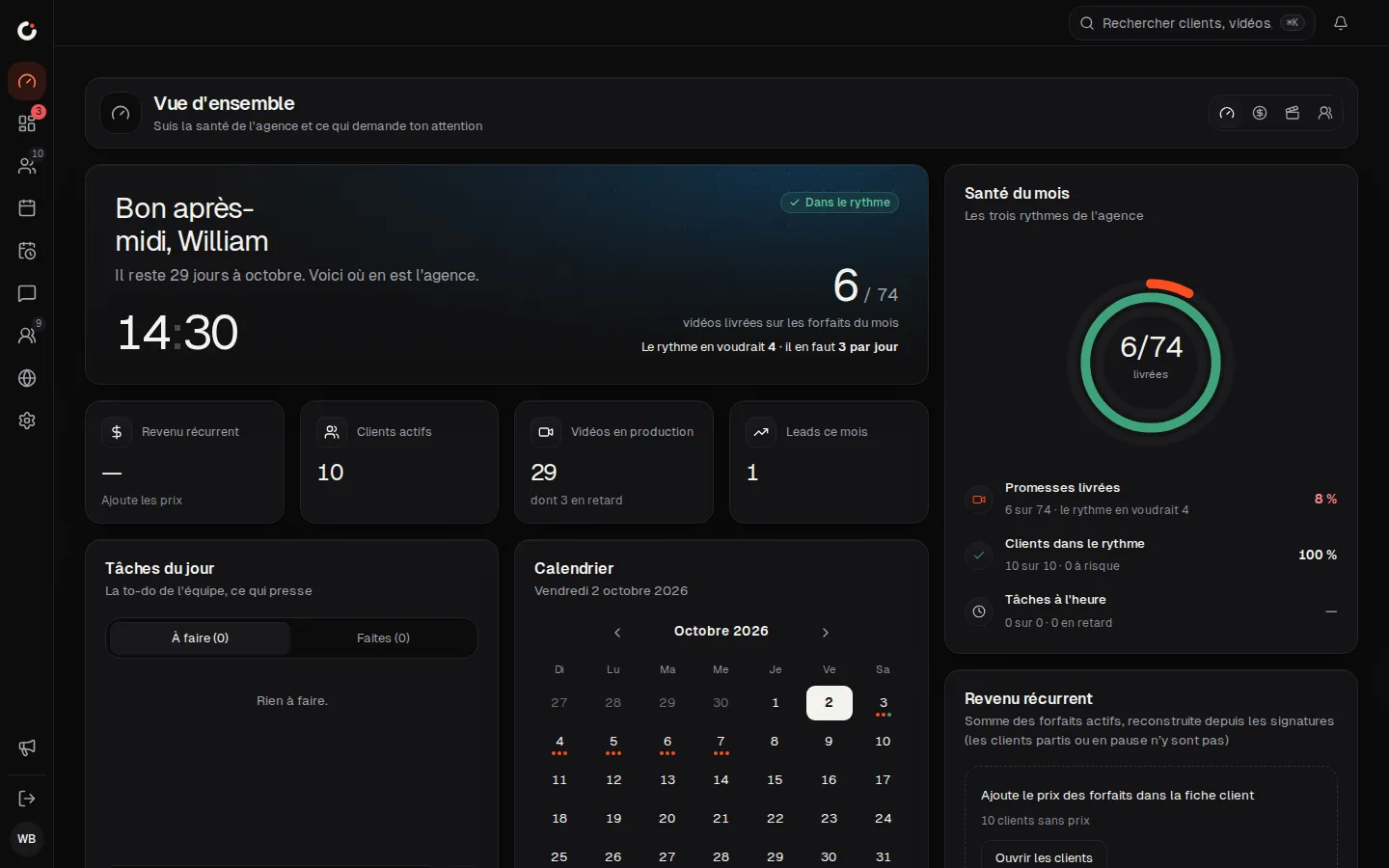
The agency’s health and what needs your attention, at a glance.
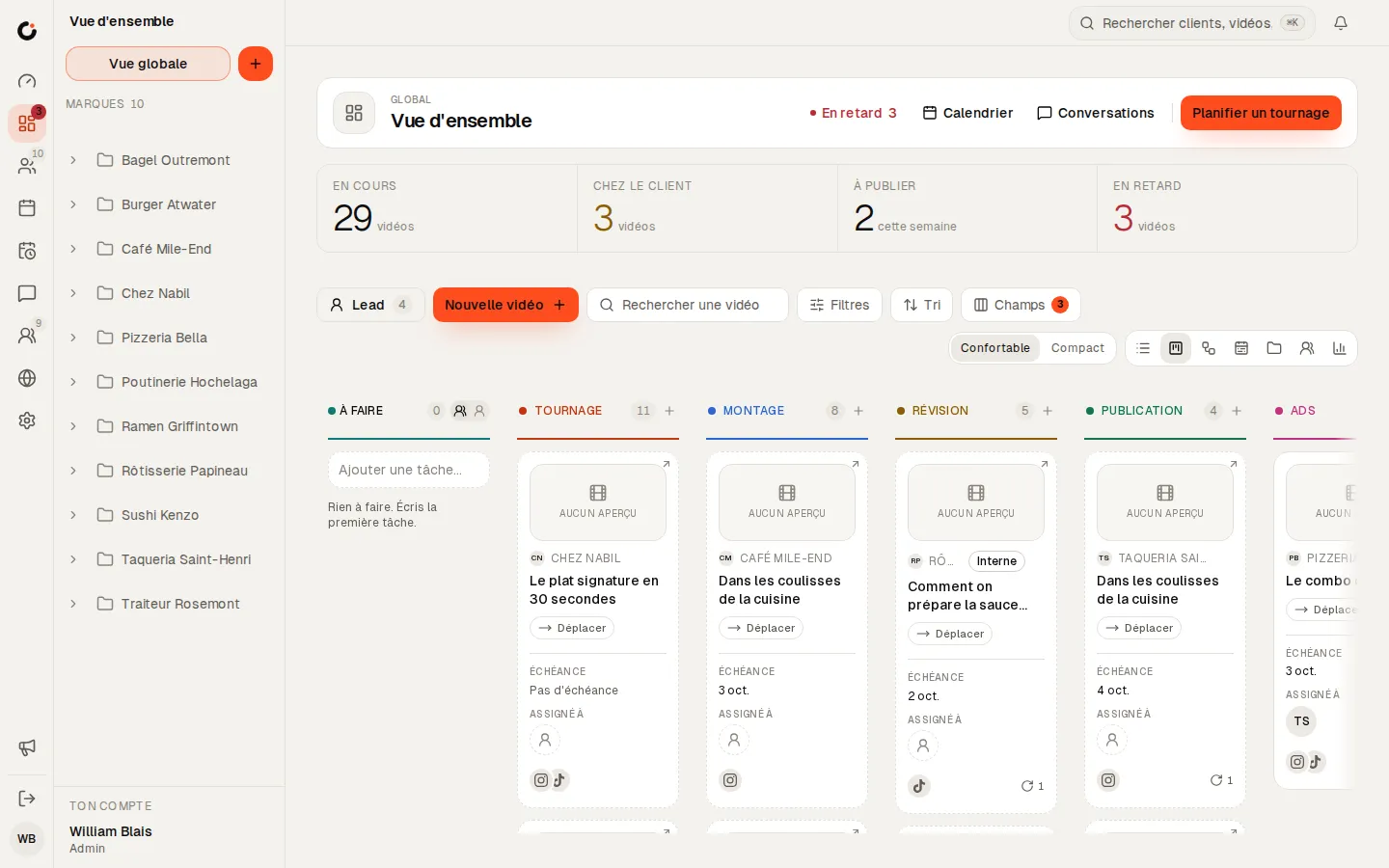
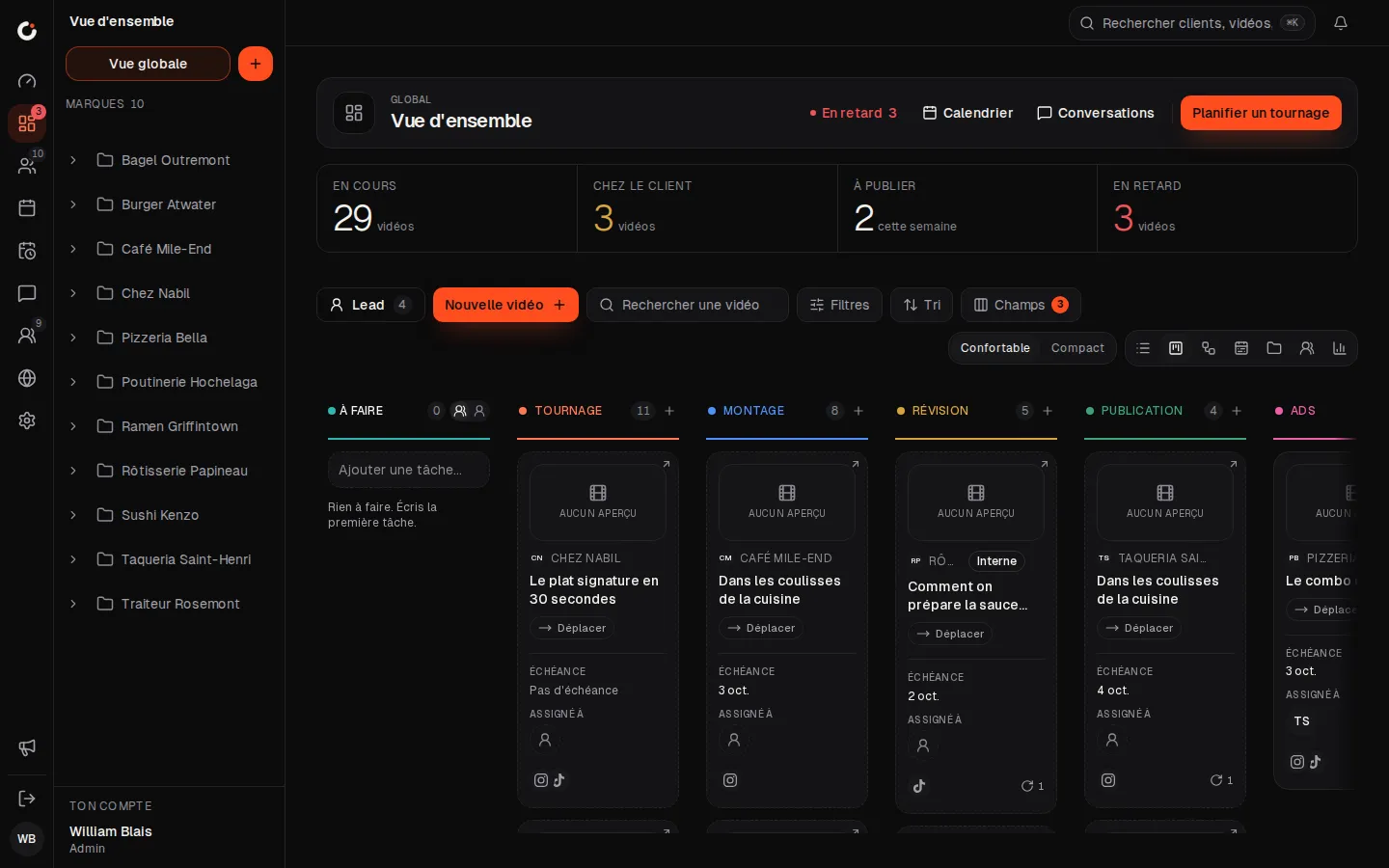
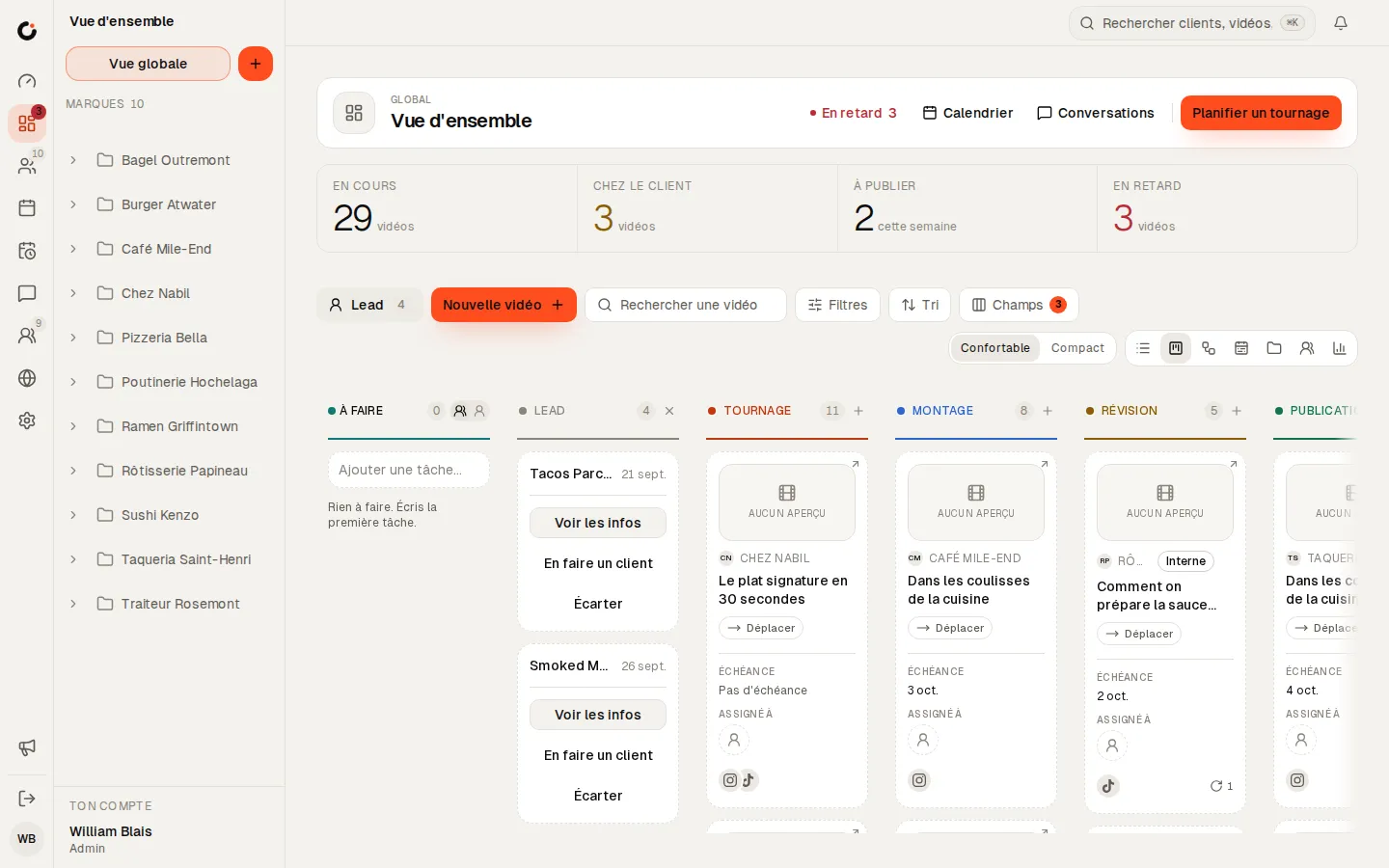
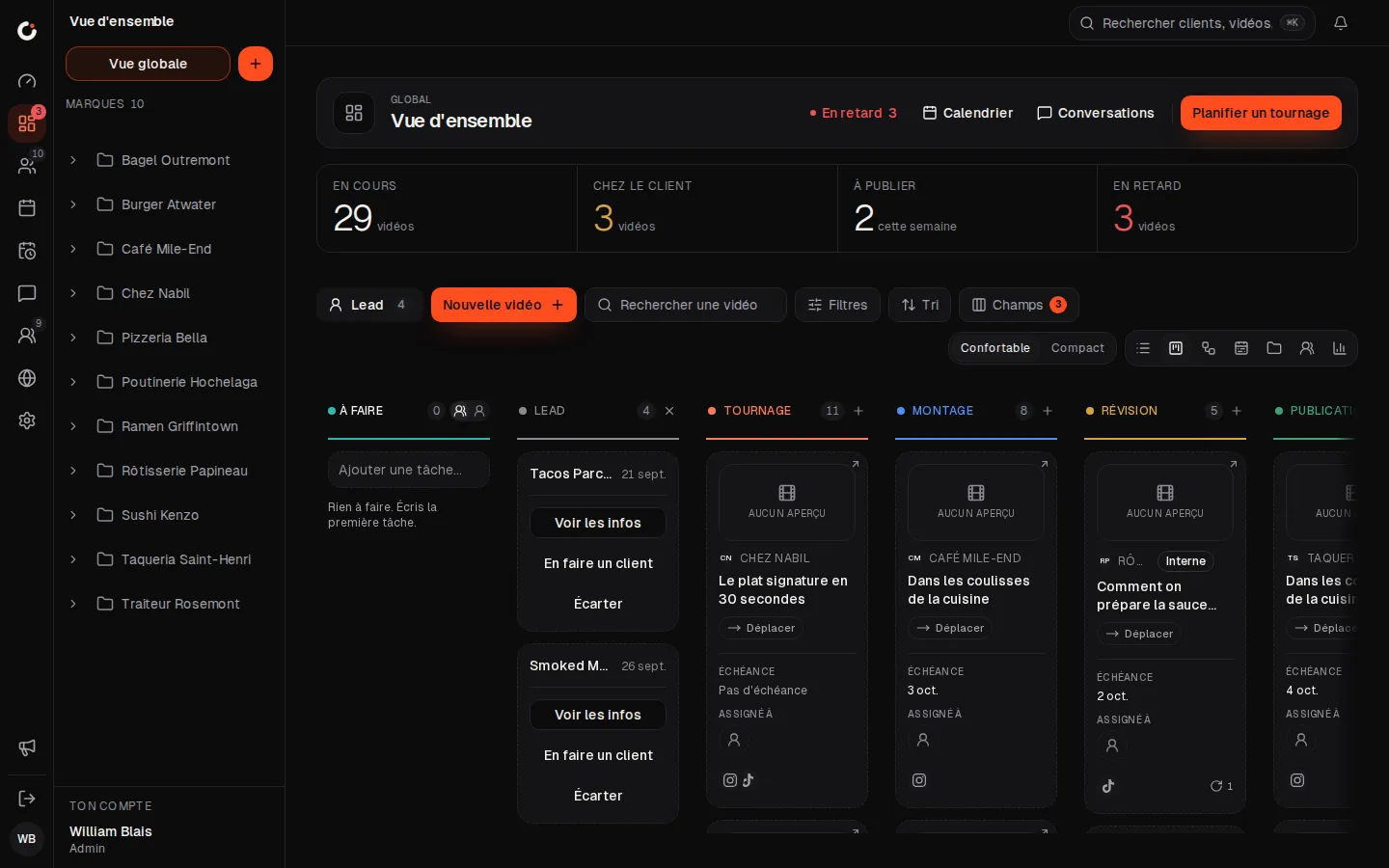
Production pipeline
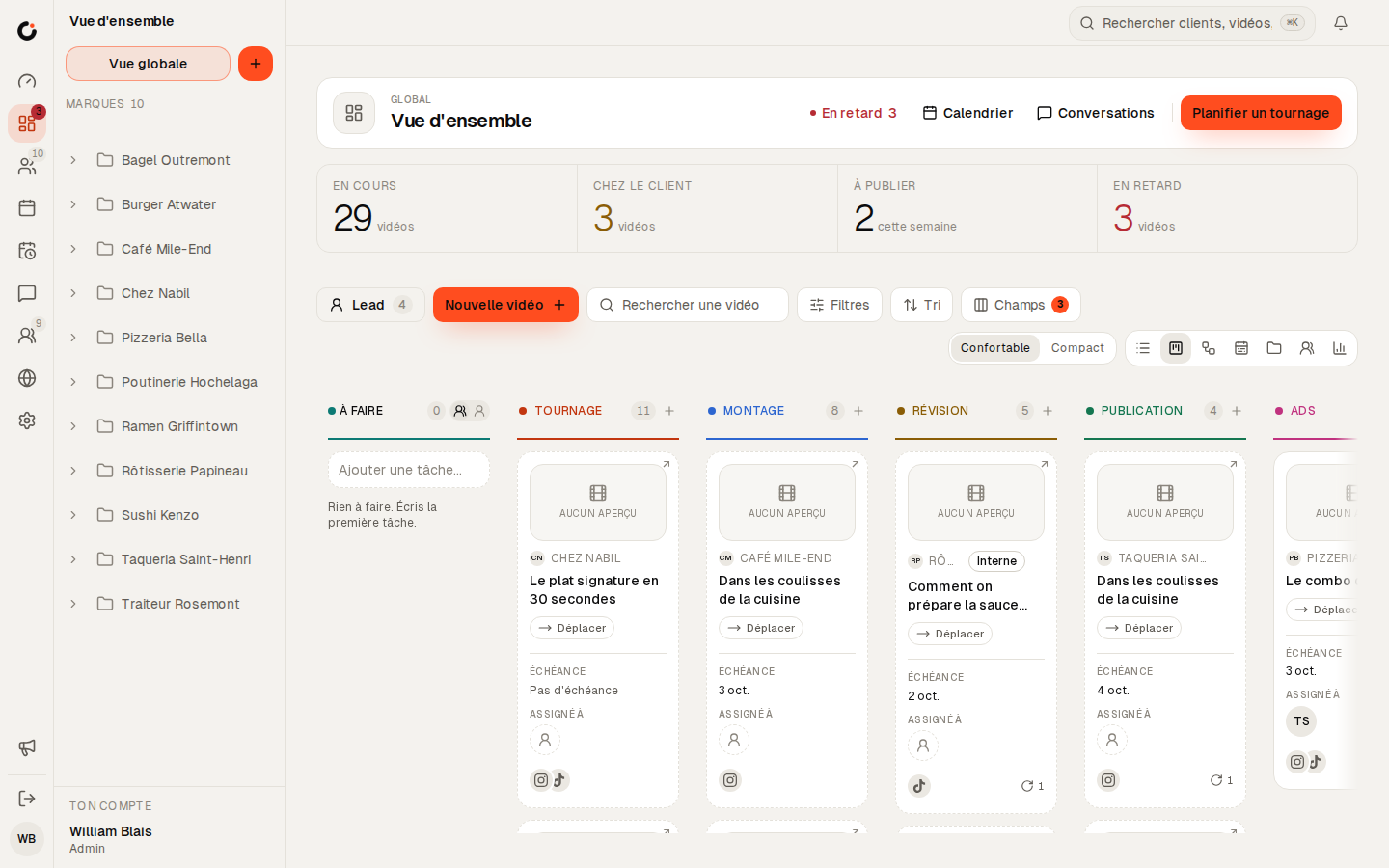
Every video from shoot to publish, column by column.
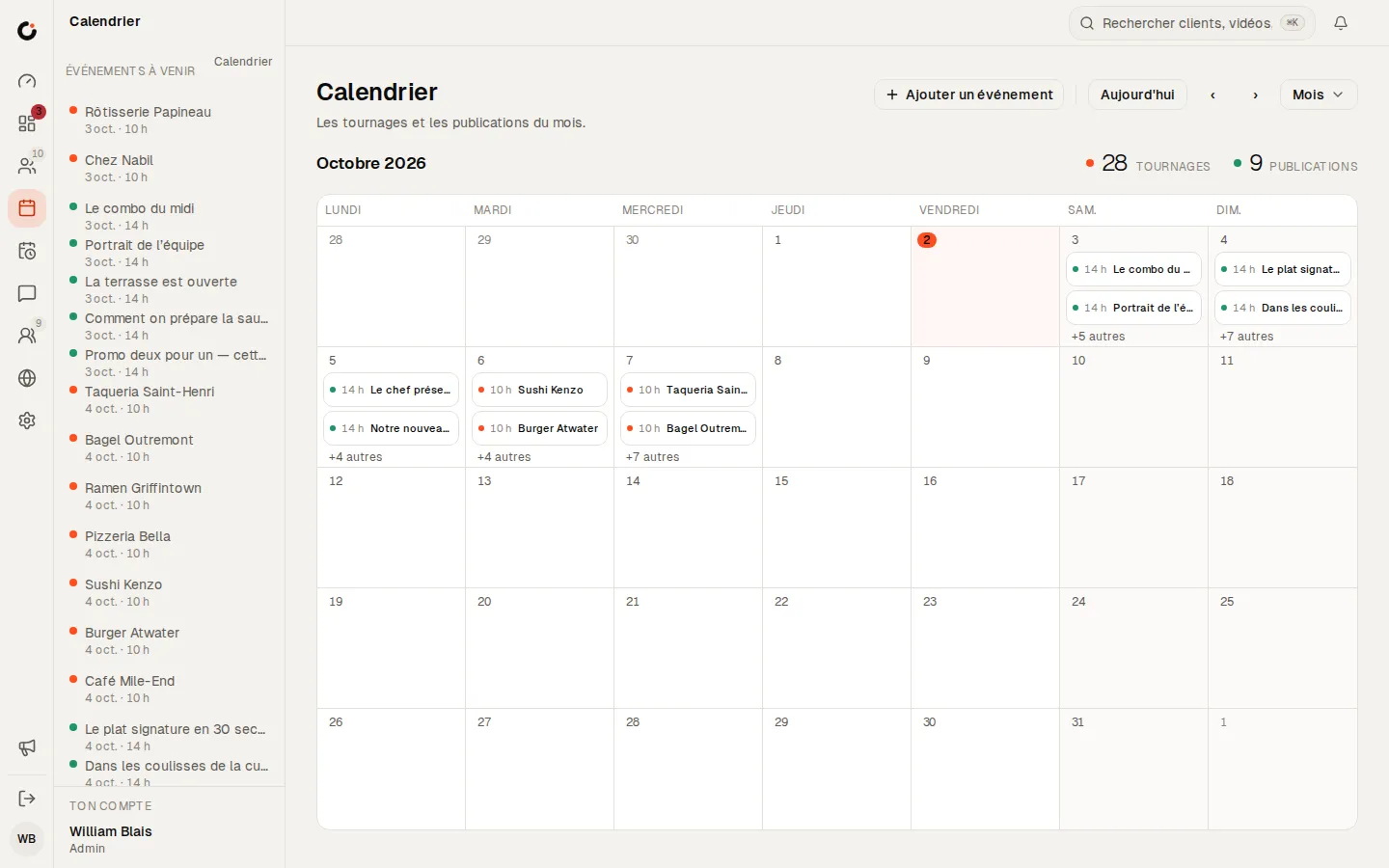
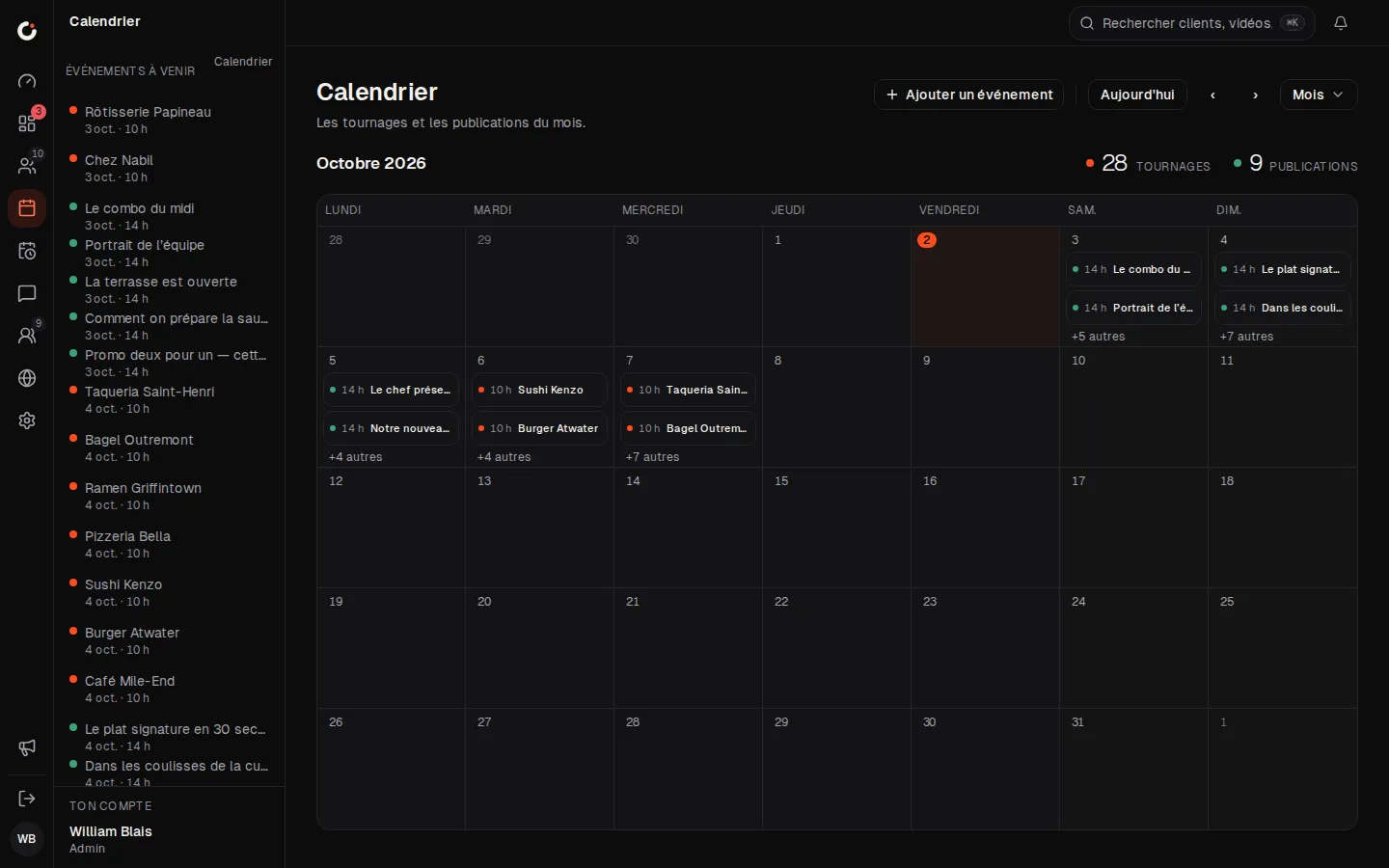
Calendar
The month’s shoots and posts, across every brand.
Leads
Leads land in the pipeline: view, make a client or dismiss.
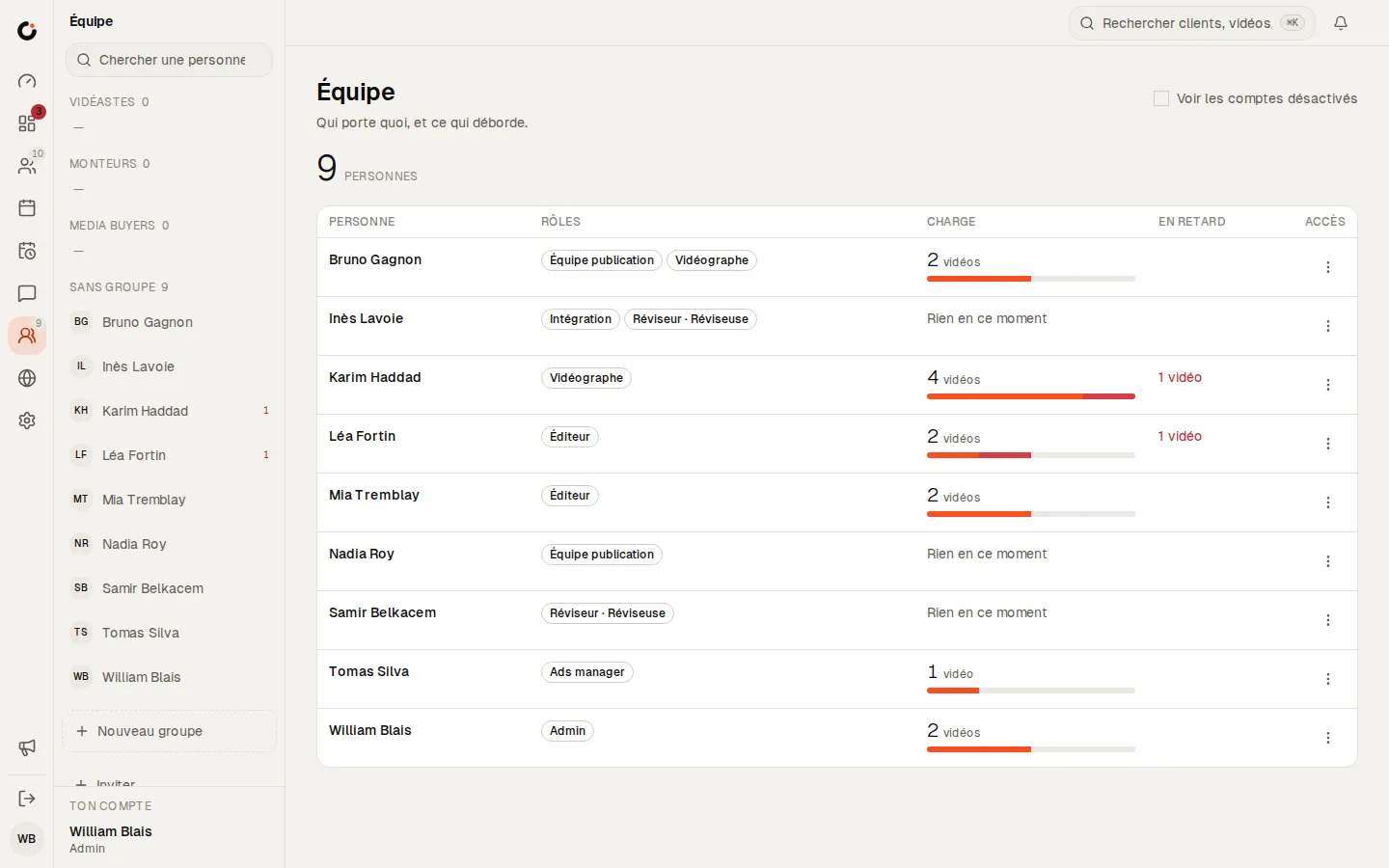
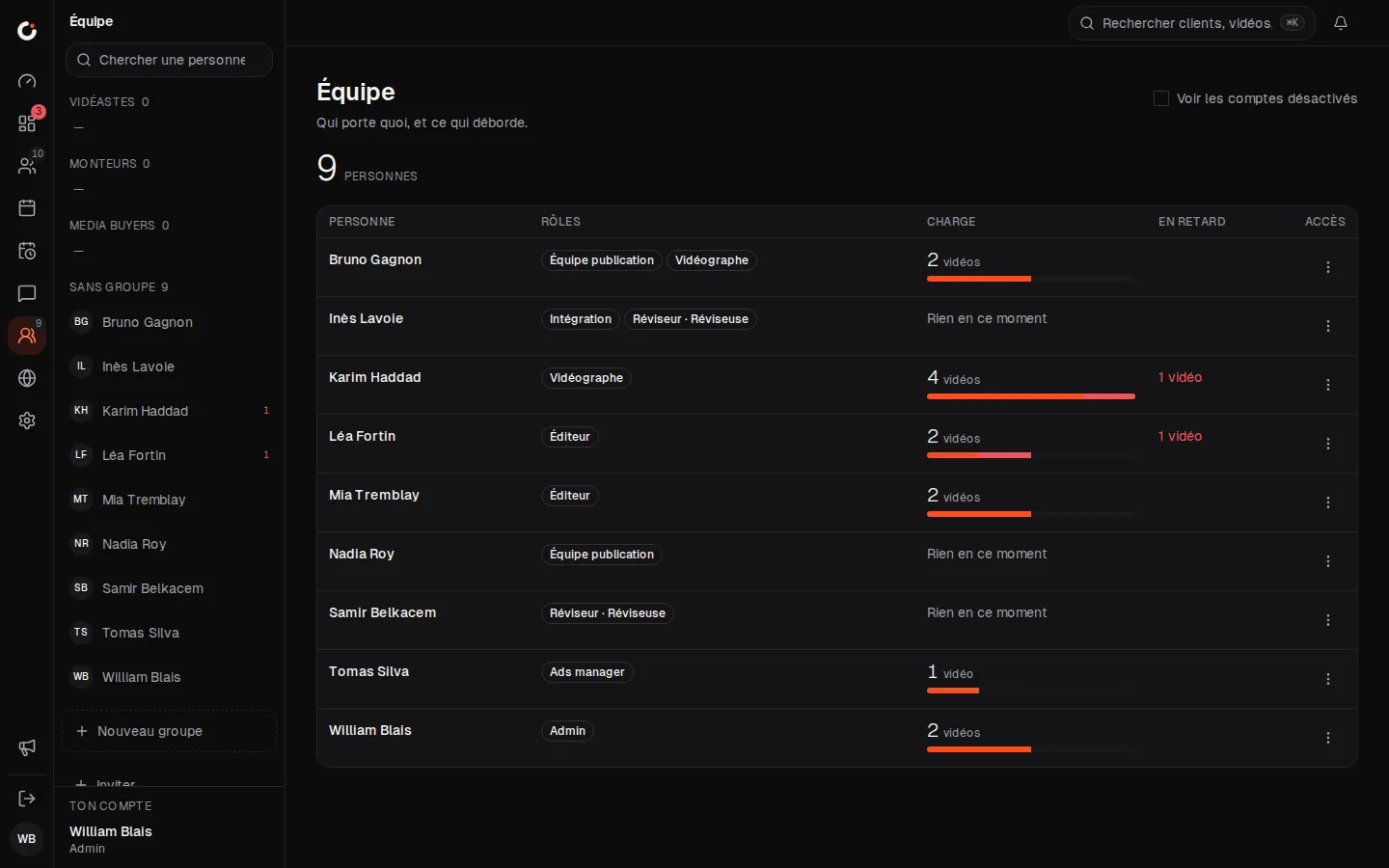
Team and workload
Who carries what, and what is running late.
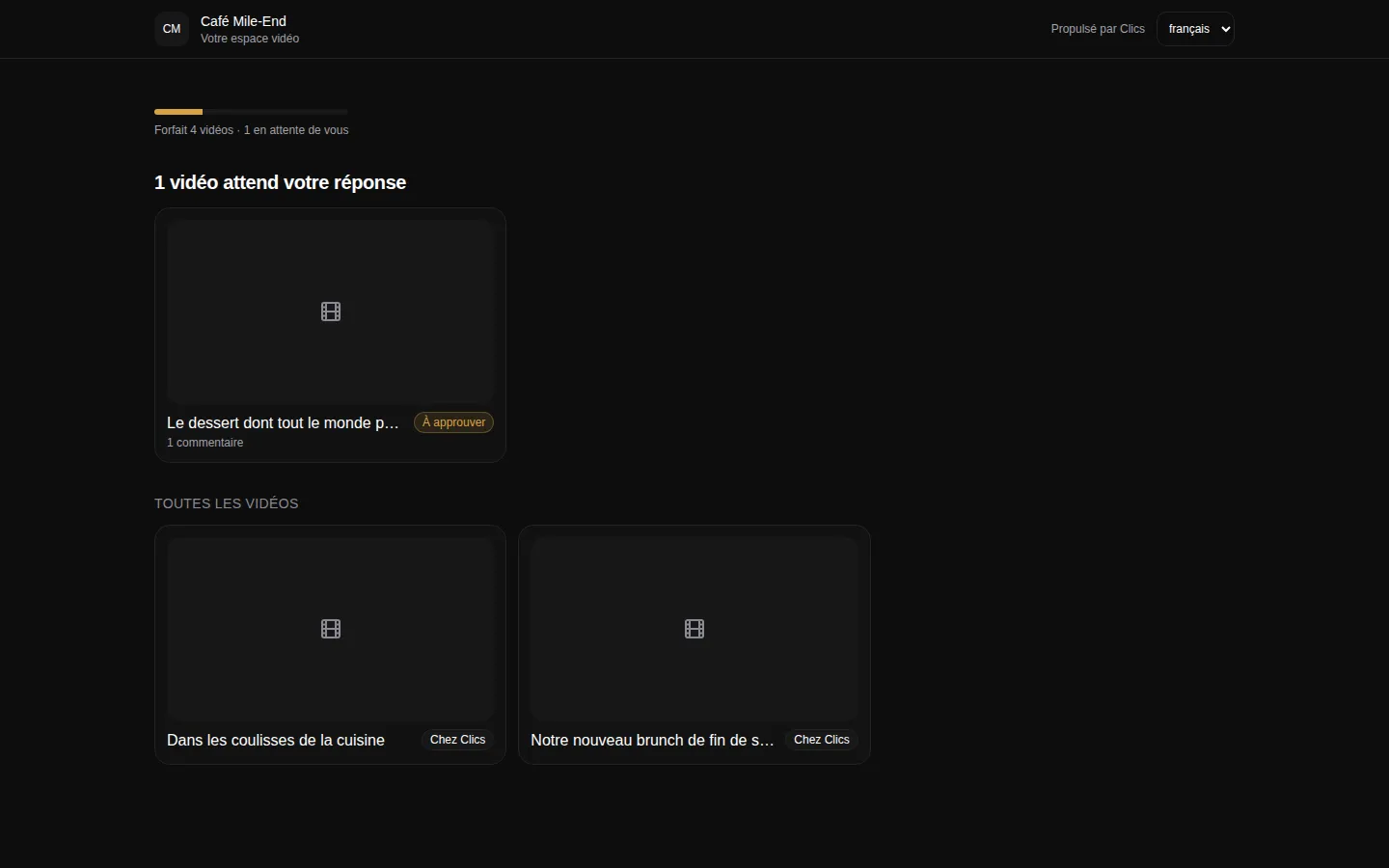
Client portal
The portal where clients see their videos and approve deliverables.
What this pipeline will not do.
The list of states is locked: you adjust the clocks, not the stages. Because the pipeline is built around video, it has no wireframe or site-launch stage, so a website rebuild belongs in another tool.
You cannot write your own automations either, such as “when the client approves, ping Sam”. Nudges, escalations, boost routing and on-time publishing all happen automatically, on rules every agency shares.
Finally, the clock follows the video, not the people: how long it sat in editing, never how long an editor worked on it. No timer, no timesheets. Plan limits and prices are on plans and prices.
Where to go next.
Each layer opens a page that digs into one part of this one.
Frequently asked questions
How long can a video sit waiting on the client?
Three days by default, and you can change that. On day two the client gets an email reminder; once the deadline passes, the reminder goes out again and, if nothing happens, your admins take it from there.
Who gets the escalation when a video runs late?
Your agency’s admins, and only them. People on a client sub-account never get alerts about your internal production, and they never see which team member fell behind.
Can one slow client get a longer deadline than the others?
Not per client. A deadline applies across the whole agency, one state at a time. If several clients need five days to approve, lengthen the Waiting on client deadline for everyone.
Can a video go back a step after internal review?
Yes. The reviewer can send it back to editing in one click, and an admin can drag any card one stage back on the board. Each move back is recorded with who made it and when.
Can we add our own state, say “Captioning”?
No. Every agency gets the same list of states. Captioning then happens during Editing, and you lengthen the Editing deadline if your videos need the extra time.
The CRM for agencies that deliver.
Open a fully stocked demo agency in seconds, or talk to us about your own install.