
Client portal and approvals
Get client sign-off without the reply-all thread.
Clics gives every client a portal link with your agency’s name and logo on it. They click, watch the cut, drop a note on the exact second that bugs them and approve with one button, no login required. Approval pushes the video toward publishing, and your team is alerted the moment it happens.
Clics is a CRM for marketing agencies in Canada: video production pipeline, branded client portal with time-stamped review, social post scheduler, Meta leads and an agency dashboard, in French and English.
Internal team notes and unsent versions never reach the client’s screen.
Links can be revoked whenever you like, and can carry an expiry date from day one.
Folder links shut themselves once the last video in that folder leaves client review.
Why approvals stall, and what changes.
You know the pattern. The cut goes out as a download link, feedback comes back in three places (an email, a text, a comment from someone’s boss on a call) and nobody is sure which version they were looking at. The edit sits for a week while you chase a yes.
With Clics, the client gets one link. The only versions on it are the ones you chose to send, every note sits on a specific timestamp, and the approval is a button, not a sentence you have to interpret. When they click it, the video moves on in your pipeline without anyone updating a tracker.
What your client actually gets.
A clear answer to “what do you need from me?”
The portal opens on the number of videos waiting on them, then lists everything else by folder. They only ever see what you have sent.
Comments with first names
Whoever comments is asked for a first name once, and the portal remembers it. When the CMO and a junior coordinator disagree on the same cut, your editor can tell who is who.
The brief, right there
Share the brief or the script with a tick box. The client reads it inside the portal, view-only, next to the video it belongs to.
This month’s output
The portal counts how many of the client’s videos went live this month and dates each one, which takes care of half your monthly check-in.
Leads, if they opt in
From a brand link, the client can hook up their Facebook page so form leads come straight to you. If they skip it, nothing else in the portal changes.
English or French, per client
Set the portal language for each client. Your Calgary account and your Quebec City account each read theirs in their own language.
What happens after they click.
- 01 / 03
They approve
The video moves to To publish and becomes schedulable on their Facebook and Instagram pages. Your team gets an alert straight away.
- 02 / 03
They ask for changes
It goes back to editing, and whatever they typed lands as a comment on the video, so the editor starts from their words rather than from your summary of them.
- 03 / 03
They go quiet
On day two, Clics emails them a reminder. At the three-day deadline it reminds them again, and if the silence keeps going, your admins hear about it.
Links, folders and whose logo is on top.
There are two kinds of link. A brand link opens every video for that client and stays live until you revoke it or its expiry date passes. A folder link opens a single folder, cannot touch the client’s Facebook connection, and closes on its own once that review round is over. Send folder links when you are not sure who the email will get forwarded to.
On branding: from Solo up, clients see your agency’s name and logo. The Agency plan drops every trace of Clics, and a custom install moves the portal onto your own domain. Branding is chosen at install time, for the whole agency. Every client sees your look, not a per-client theme, and it is not a setting inside the app.
A client on a sub-account gets a password-protected space of their own, where approvals sit next to their leads and calendar. Open the demo client space to see it from their side, or check plans and prices.
See Clics before you step in.
Six screens from the CRM, as your team and your clients will see them. Scroll through, then open the demo: it stays yours for 24 hours.
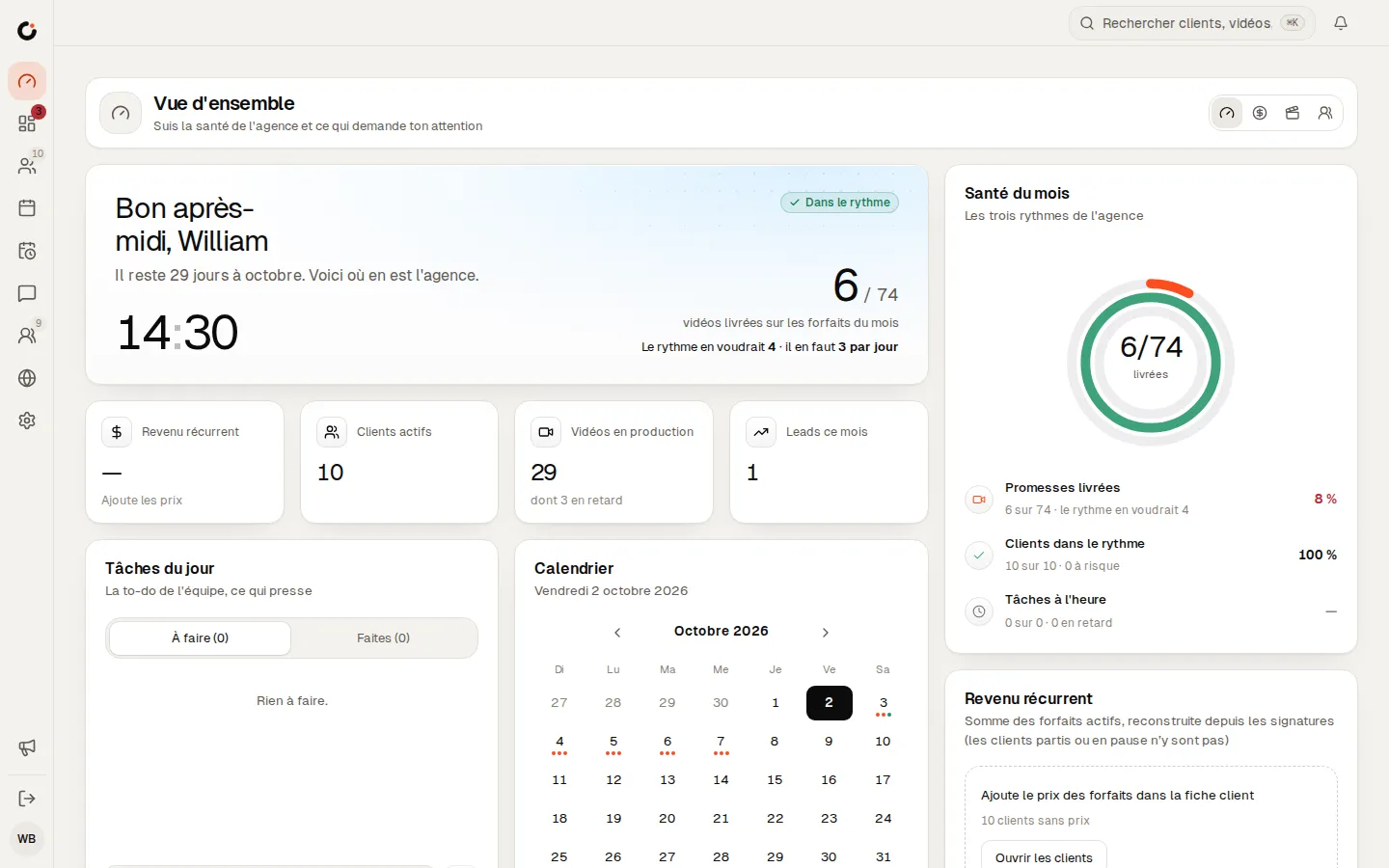
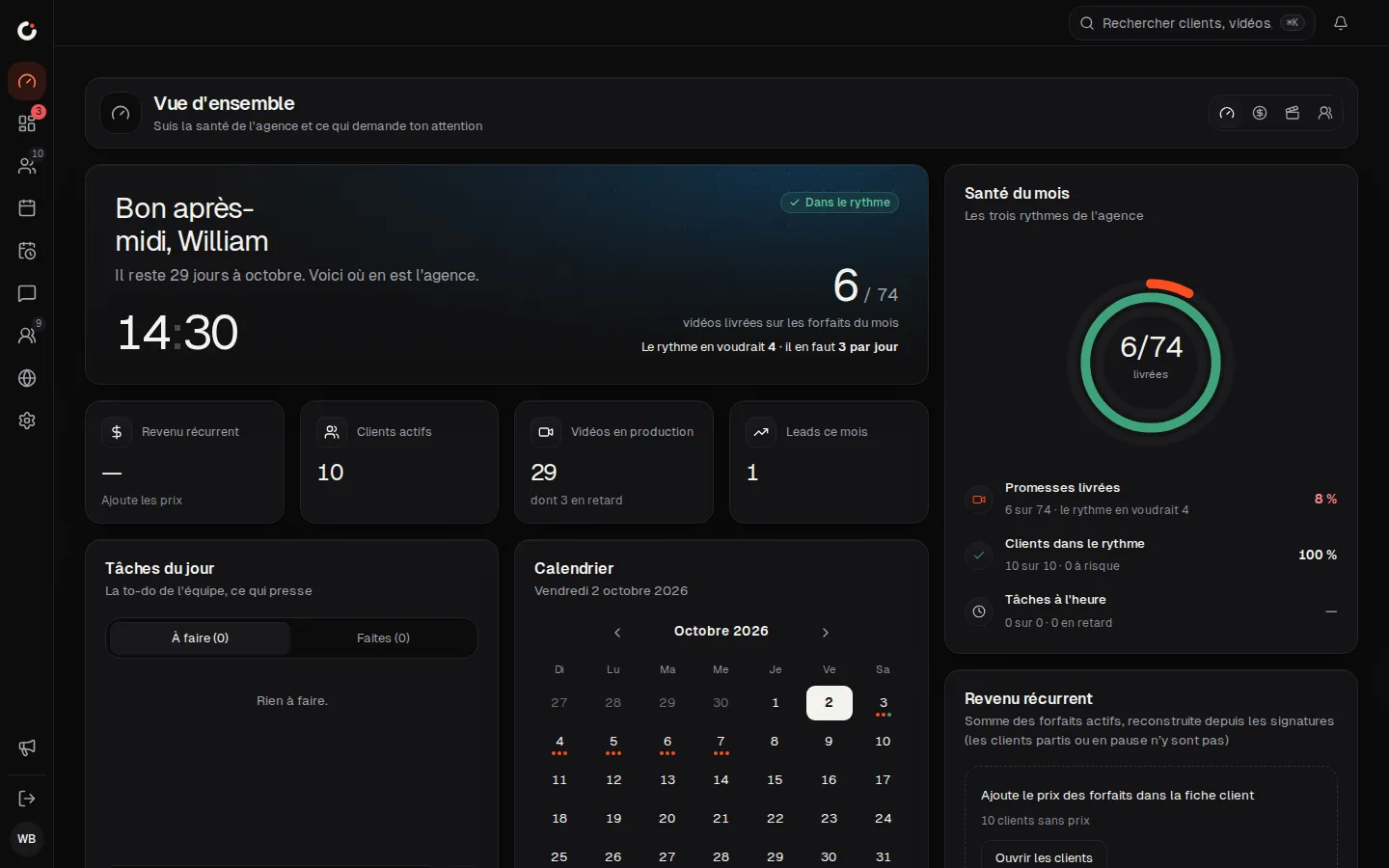
Overview
The agency’s health and what needs your attention, at a glance.
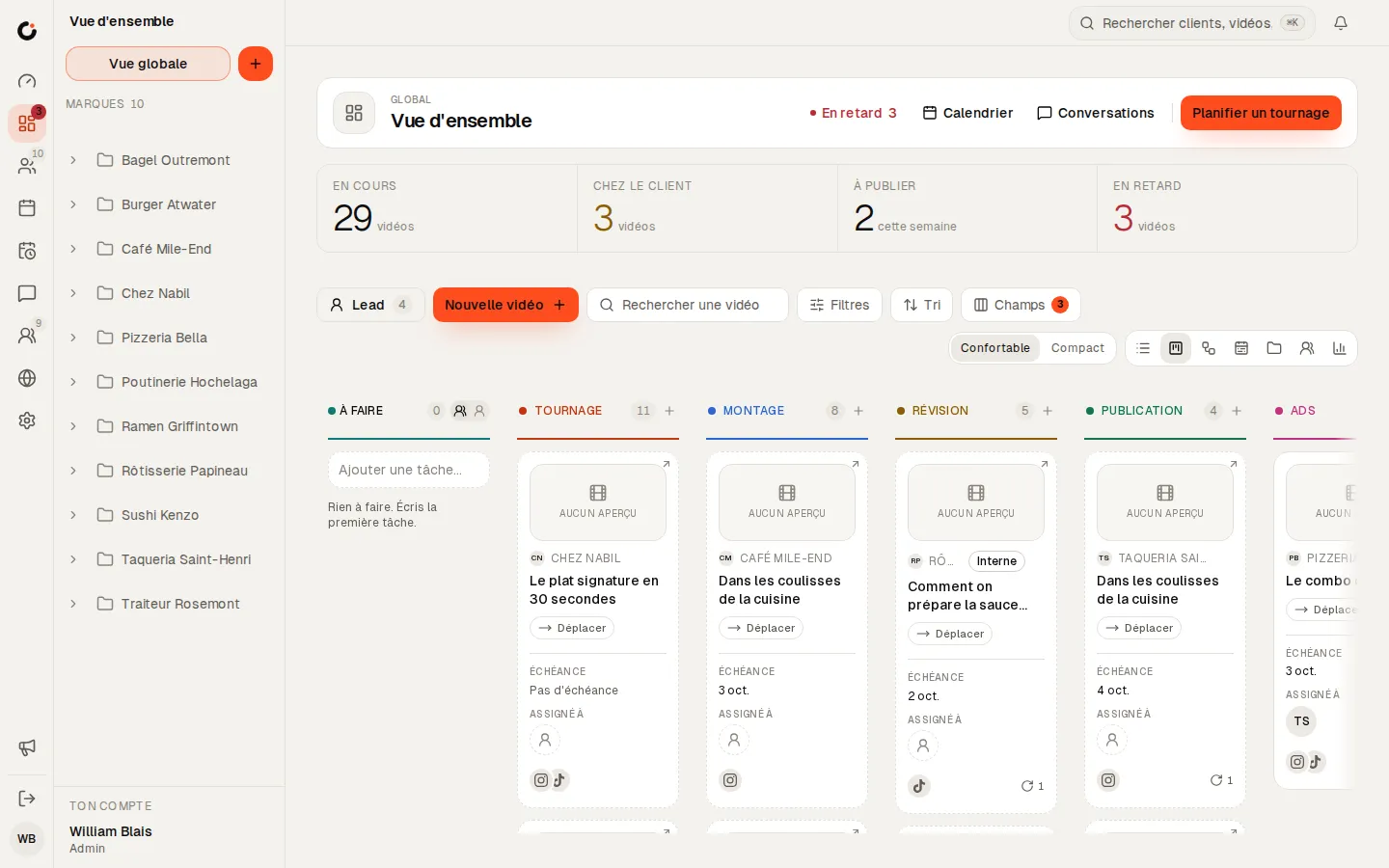
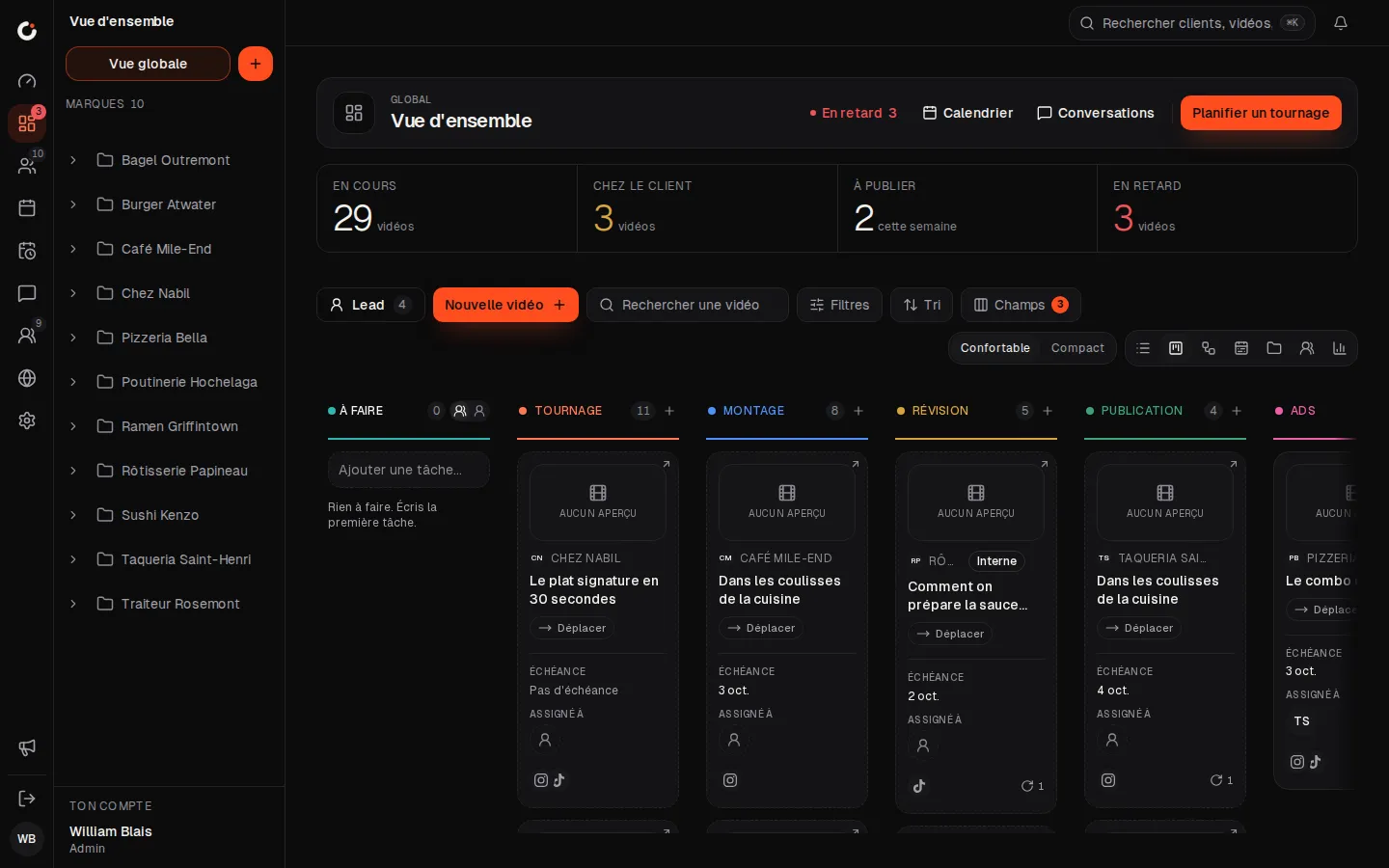
Production pipeline
Every video from shoot to publish, column by column.
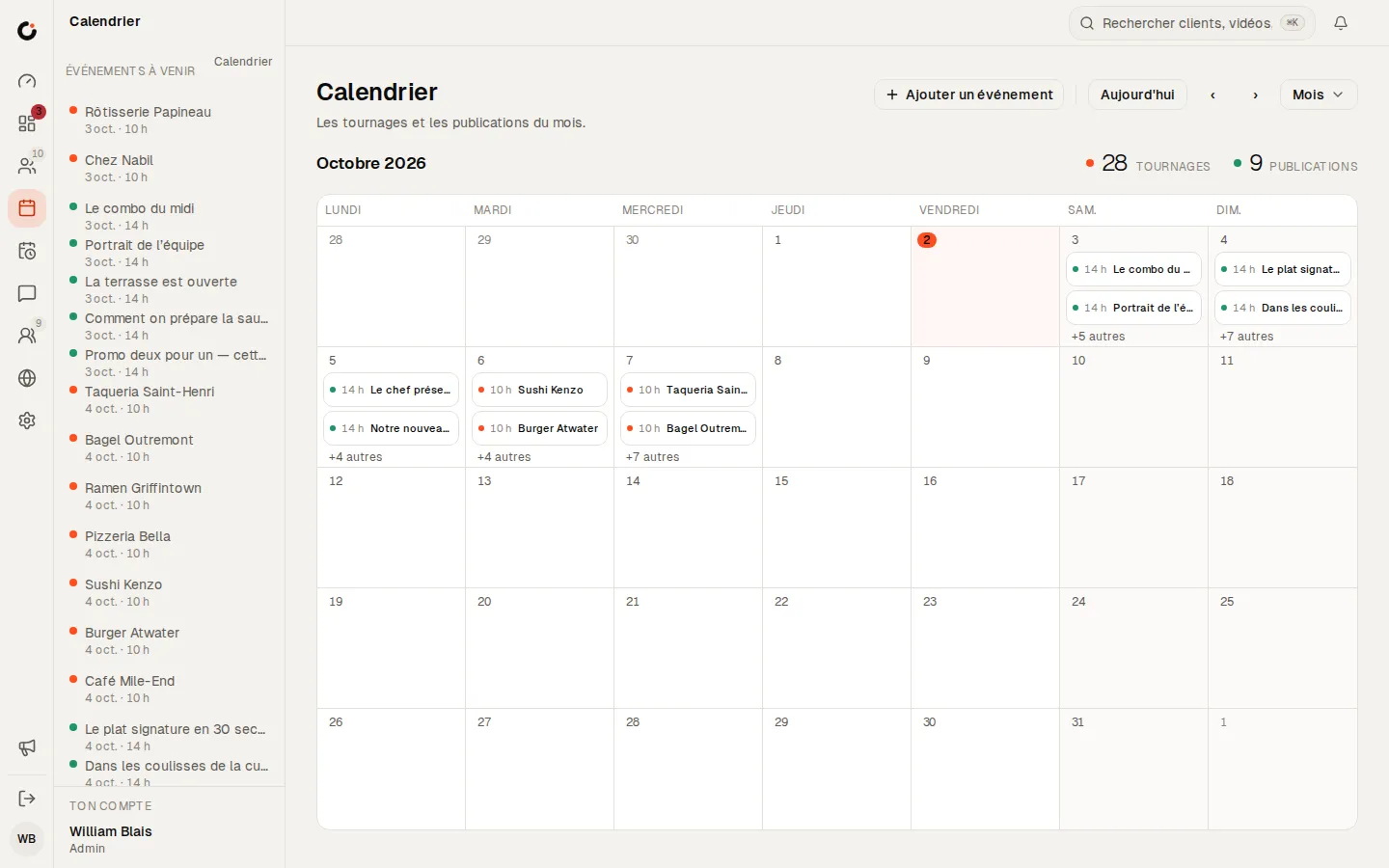
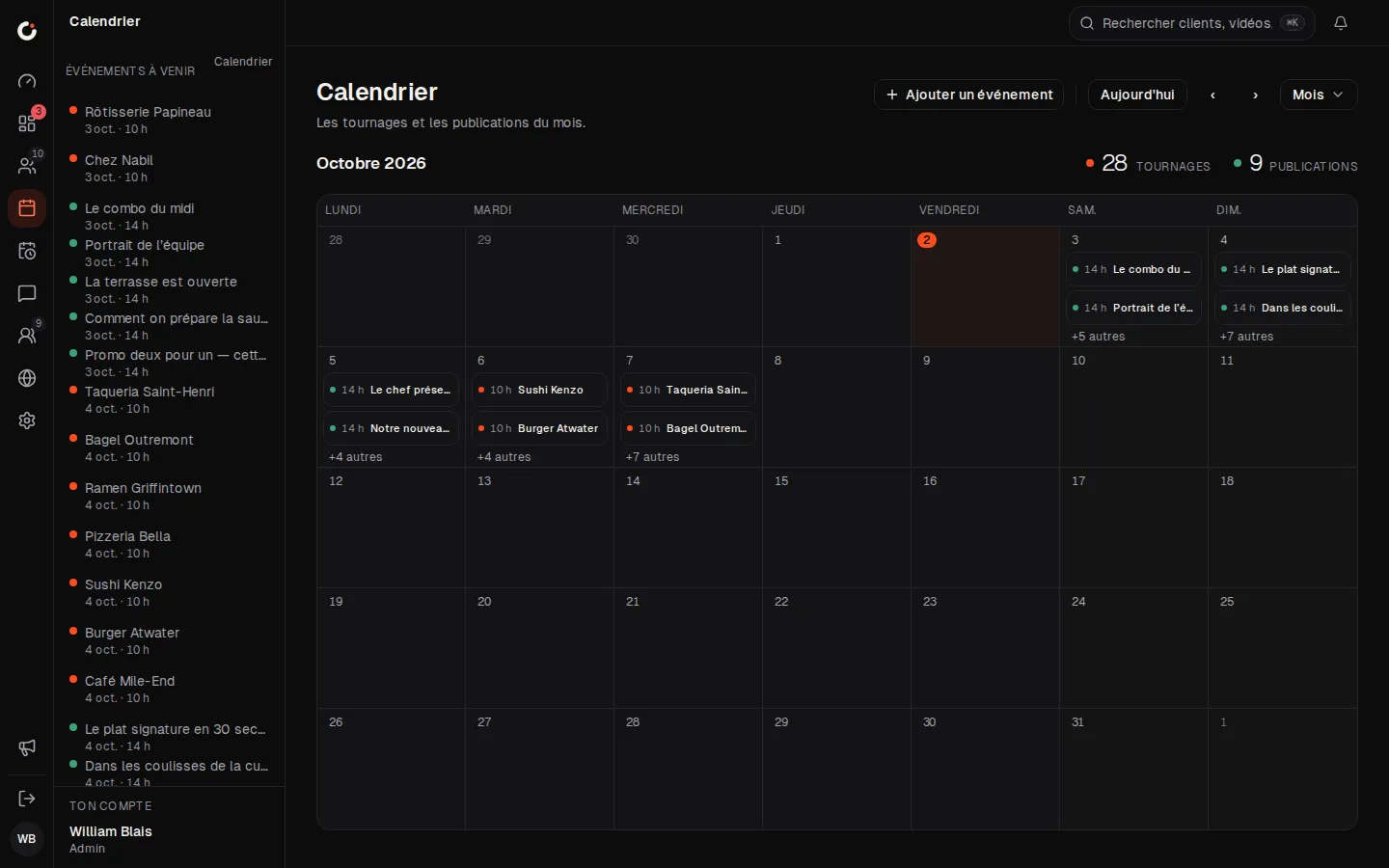
Calendar
The month’s shoots and posts, across every brand.
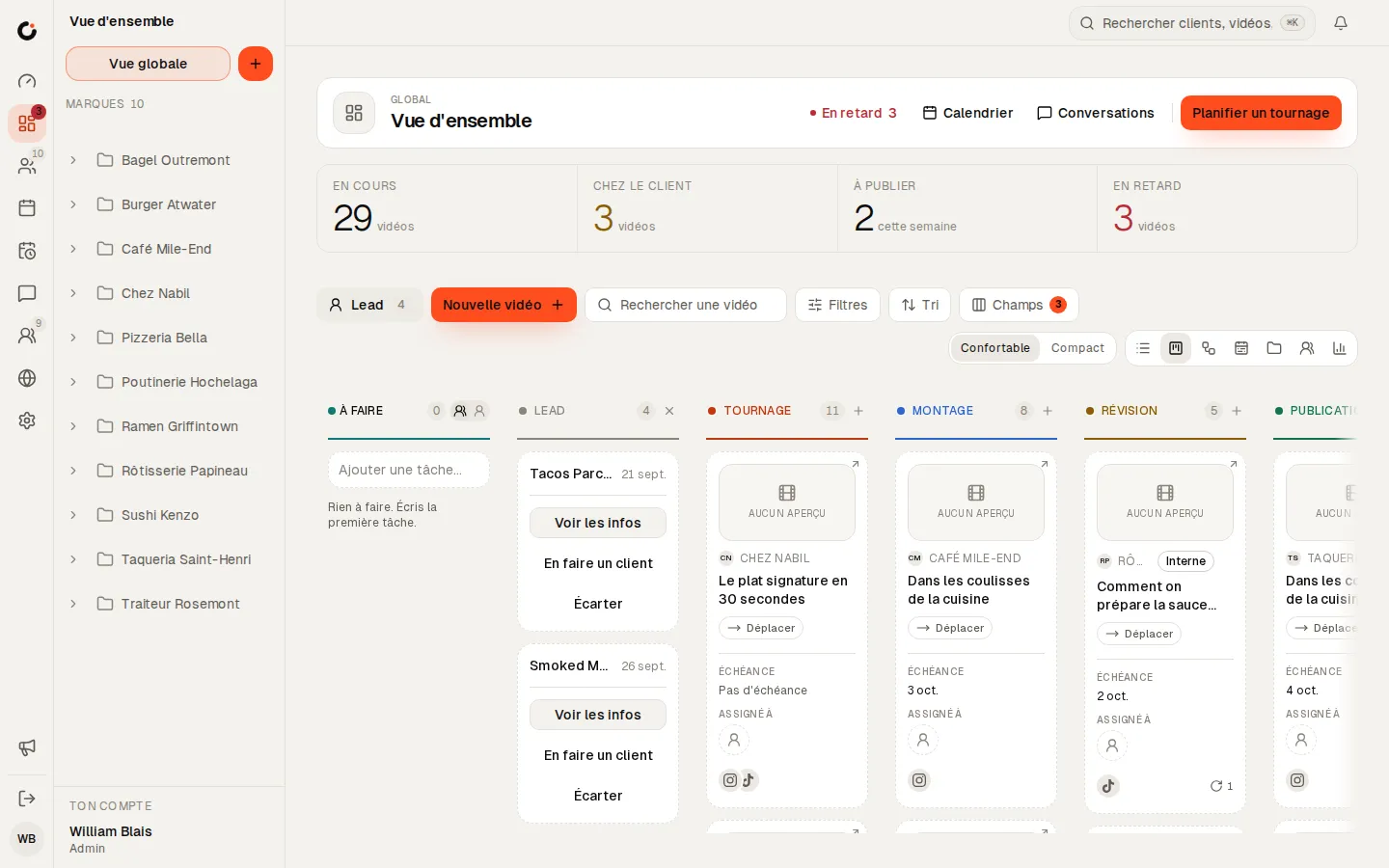
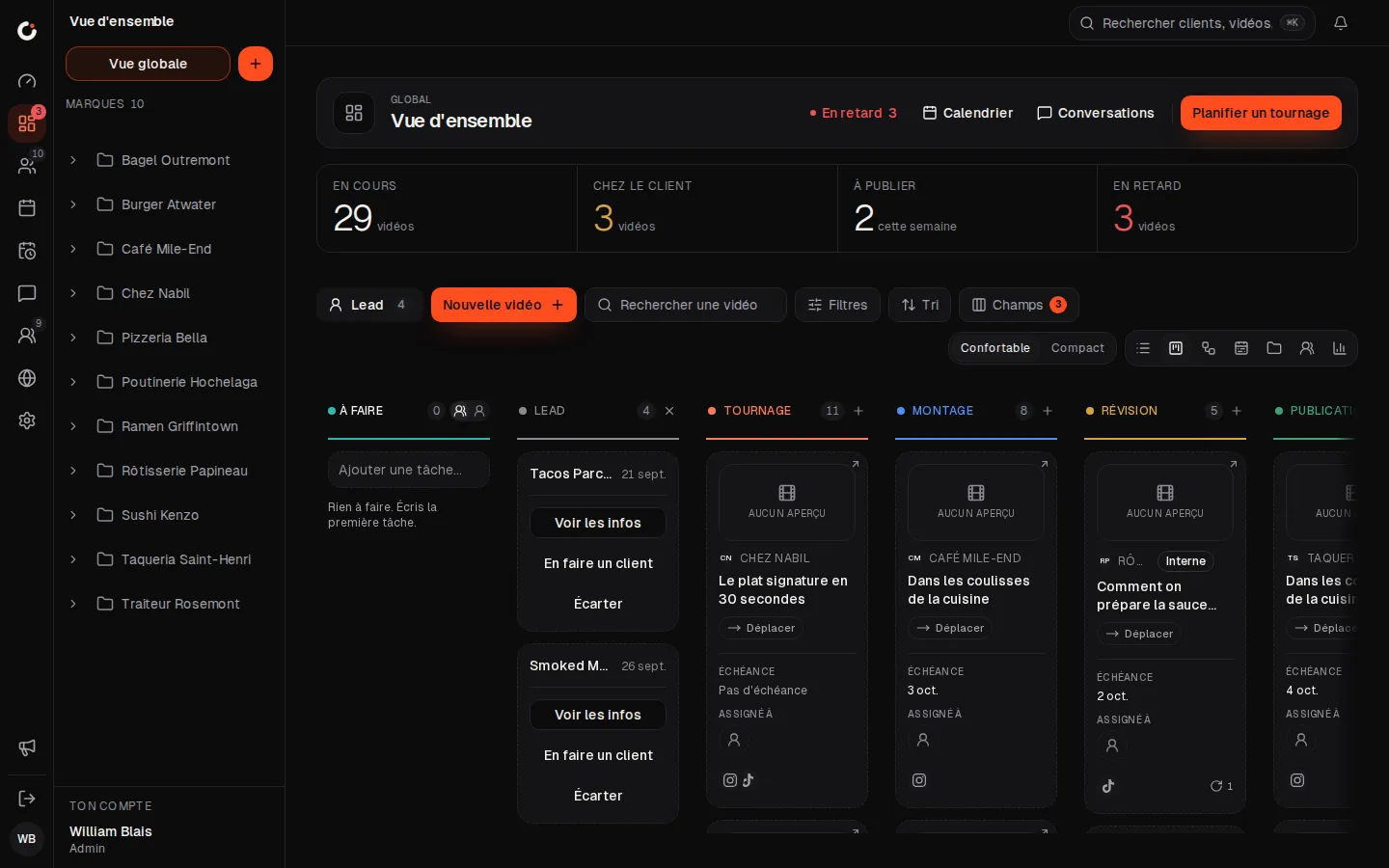
Leads
Leads land in the pipeline: view, make a client or dismiss.
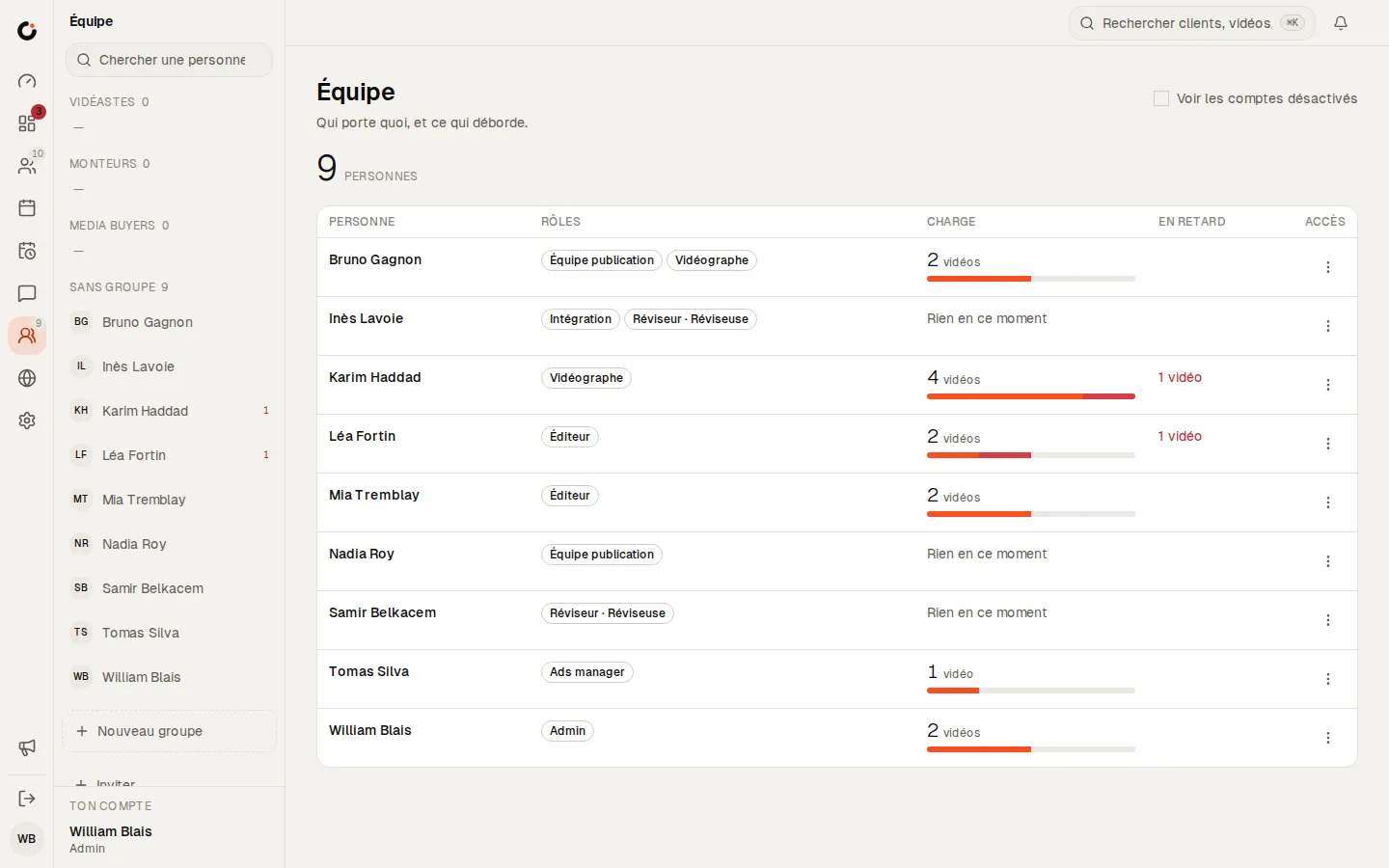
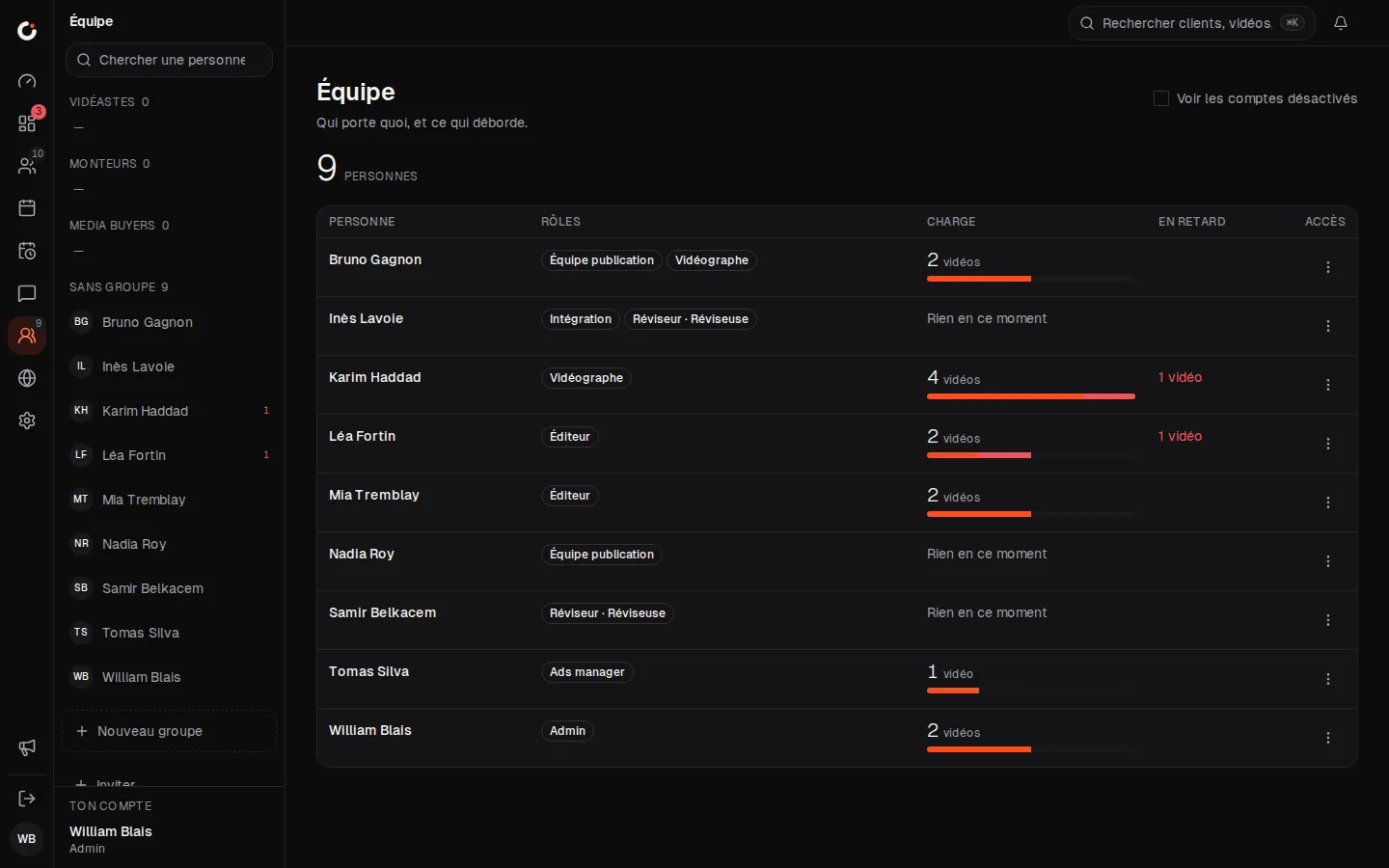
Team and workload
Who carries what, and what is running late.
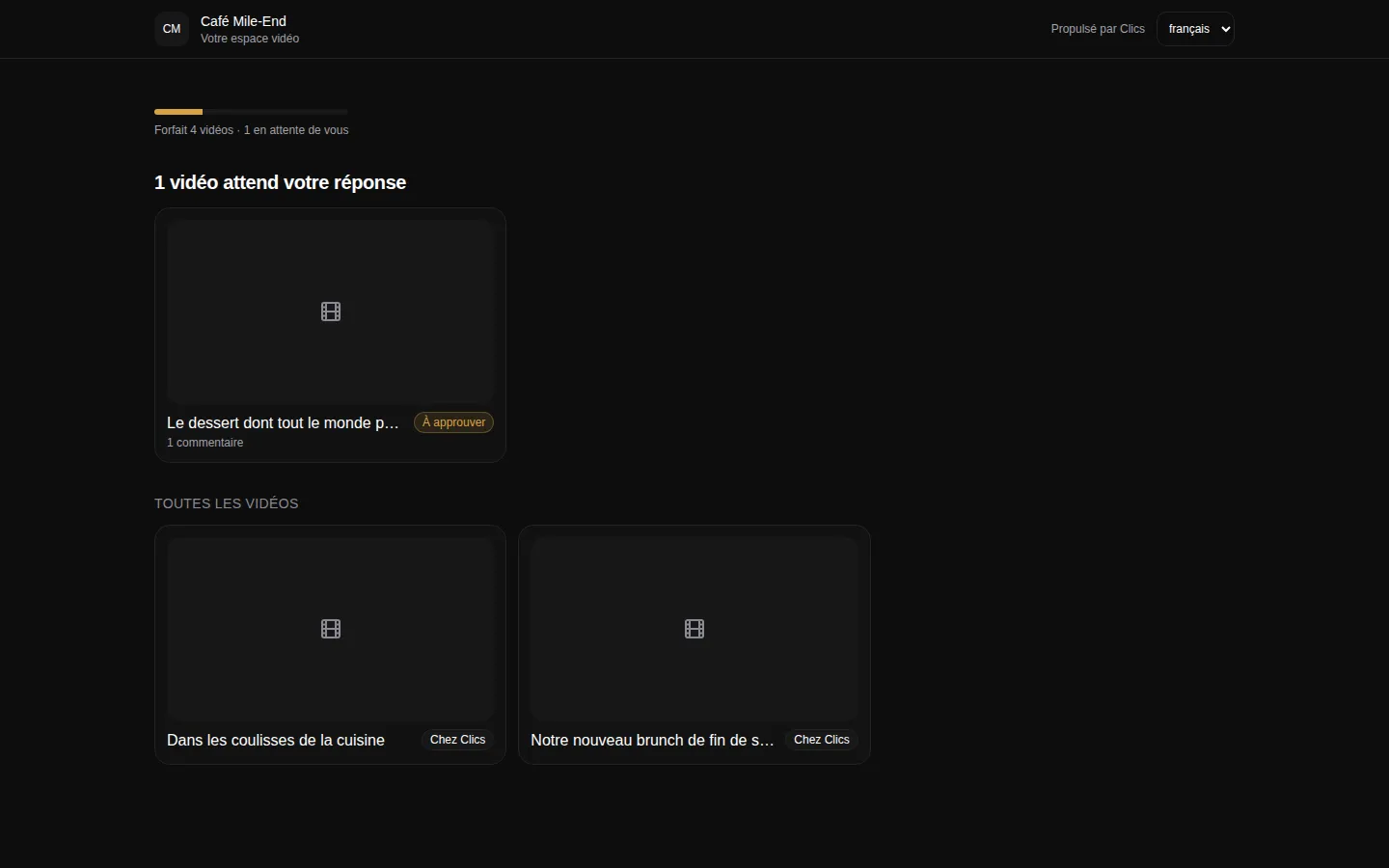
Client portal
The portal where clients see their videos and approve deliverables.
Where to go next.
Each layer opens a page that digs into one part of this one.
Frequently asked questions
Will clients ever see our internal back-and-forth?
No. Notes your team leaves for each other stay internal. Clients see the comments meant for them, and replies within those threads, nothing else.
What if the link ends up forwarded around the client’s office?
Anyone with the link sees what your client sees, since there is no login. That is what folder links are for: they show one folder and cannot change the Facebook page connection. If a link has travelled too far, revoke it and issue a new one.
Do clients get nudged when they go quiet?
Yes. They get an email reminder after two days and another at the deadline. If the video still has not moved after that, the alert goes to your admins instead.
Can I set a portal link to expire?
Yes, when you create it. Without an expiry date, a brand link stays open until you revoke it. Folder links need neither: they close themselves at the end of the review round.
Can we white-label the portal differently for each client?
No. One brand per install, and it is yours. For most agencies that is the point: approvals happen in your space, under your name.
The CRM for agencies that deliver.
Open a fully stocked demo agency in seconds, or talk to us about your own install.