
Dashboard and profitability
Retainer revenue and delivery, on one dashboard.
Clics gives a retainer agency its vital signs on one screen: monthly recurring revenue, active clients, videos shipped against what you promised this month, how much of the team’s work is on schedule and the ad budget committed. What it does not do is project margins, since it never sees your costs or anyone’s hours.
Clics is a CRM for marketing agencies in Canada: video production pipeline, branded client portal with time-stamped review, social post scheduler, Meta leads and an agency dashboard, in French and English.
MRR only counts clients who are currently signed. Anyone who has churned or paused falls out of it.
No retainer price on a client’s record? The dashboard tells you, rather than quietly counting them at zero.
The dashboard is admin-only, so revenue stays off your editors’ screens.
Profitability, the honest version.
Before anything else: Clics cannot tell you whether a project made money. It holds no cost data, no timesheets and no hourly rates, and it does not invoice. Showing you a margin without knowing what your editor costs would be guesswork.
What it does know well is the revenue side of the ledger, client by client: what each retainer is worth, how many videos it promises a month, how many have shipped, and whether you are on pace. Pair that with your own cost figures and the margin conversation becomes a short one.
The dashboard is included from Solo; per-client revenue and delivery start on Studio. The plans and prices page has the full breakdown.
Six numbers worth checking on Monday.
Revenue at risk
The total retainer value of clients who are not going to get their videos on time this month. That is the money a frustrated client call could put in play.
Your book, worst first
Each client with their retainer and this month’s deliveries, labelled At risk, Recoverable or On pace, with a marker showing where they ought to be today.
What a video earns you
MRR divided by the number of videos promised each month. Next to what a video costs to make, it gets you most of the way to a margin estimate of your own.
Idea to live post
Median lead time from idea to publish, the year-to-date total and your best month. Check it before agreeing to four extra videos for anyone.
Who is on schedule
The team ranking shows each person’s current load next to the share still running on time. Burnout tends to show up there before it shows up in a resignation.
Boost budgets in flight
The combined budget of the boost campaigns you have launched, so you know how much client money is running through Meta without opening Ads Manager.
Where those numbers live.
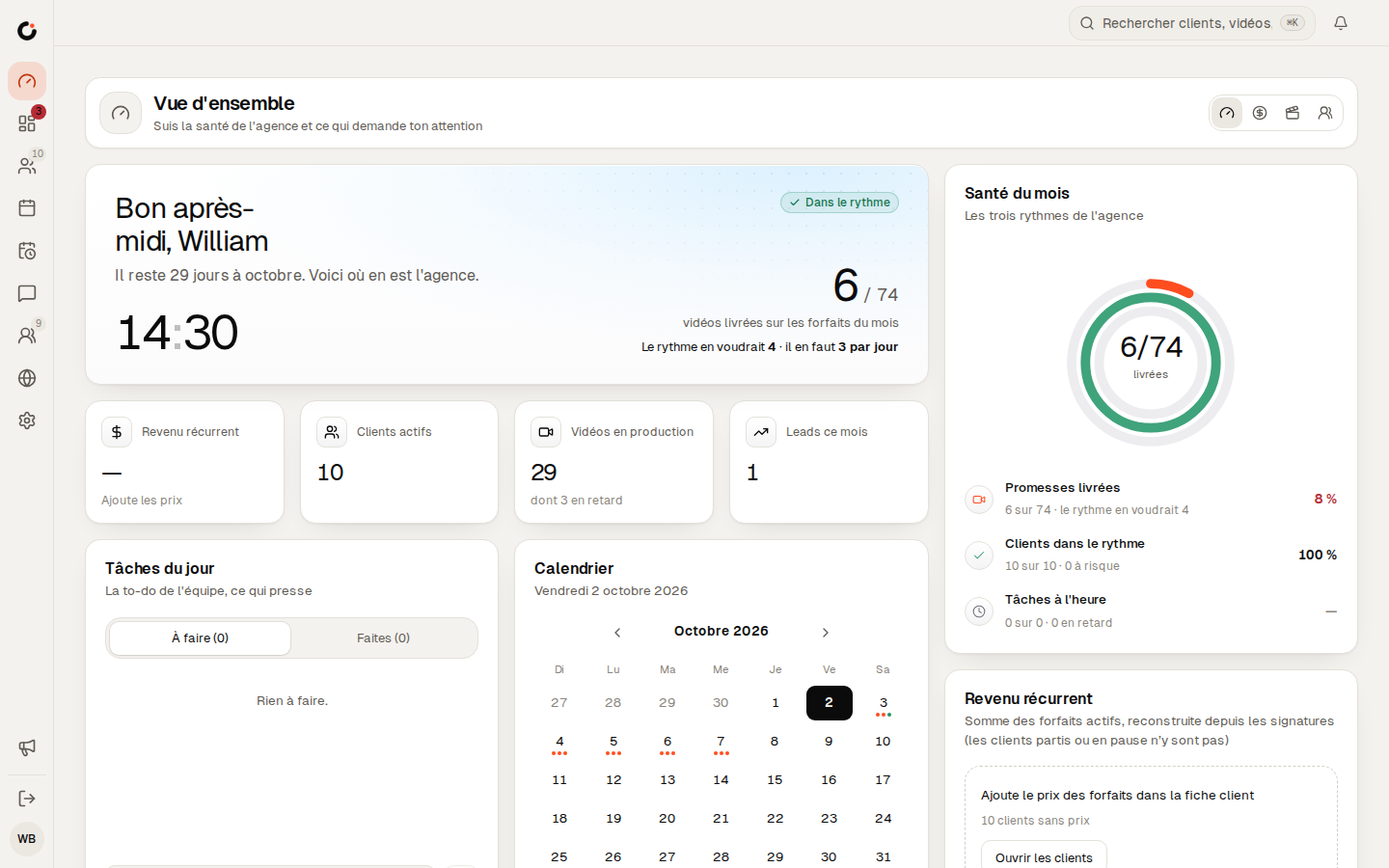
The agency board
The default view: promises delivered, clients on pace, tasks on time, plus the videos that need a decision today. The business, production and CRM boards sit one tab away.
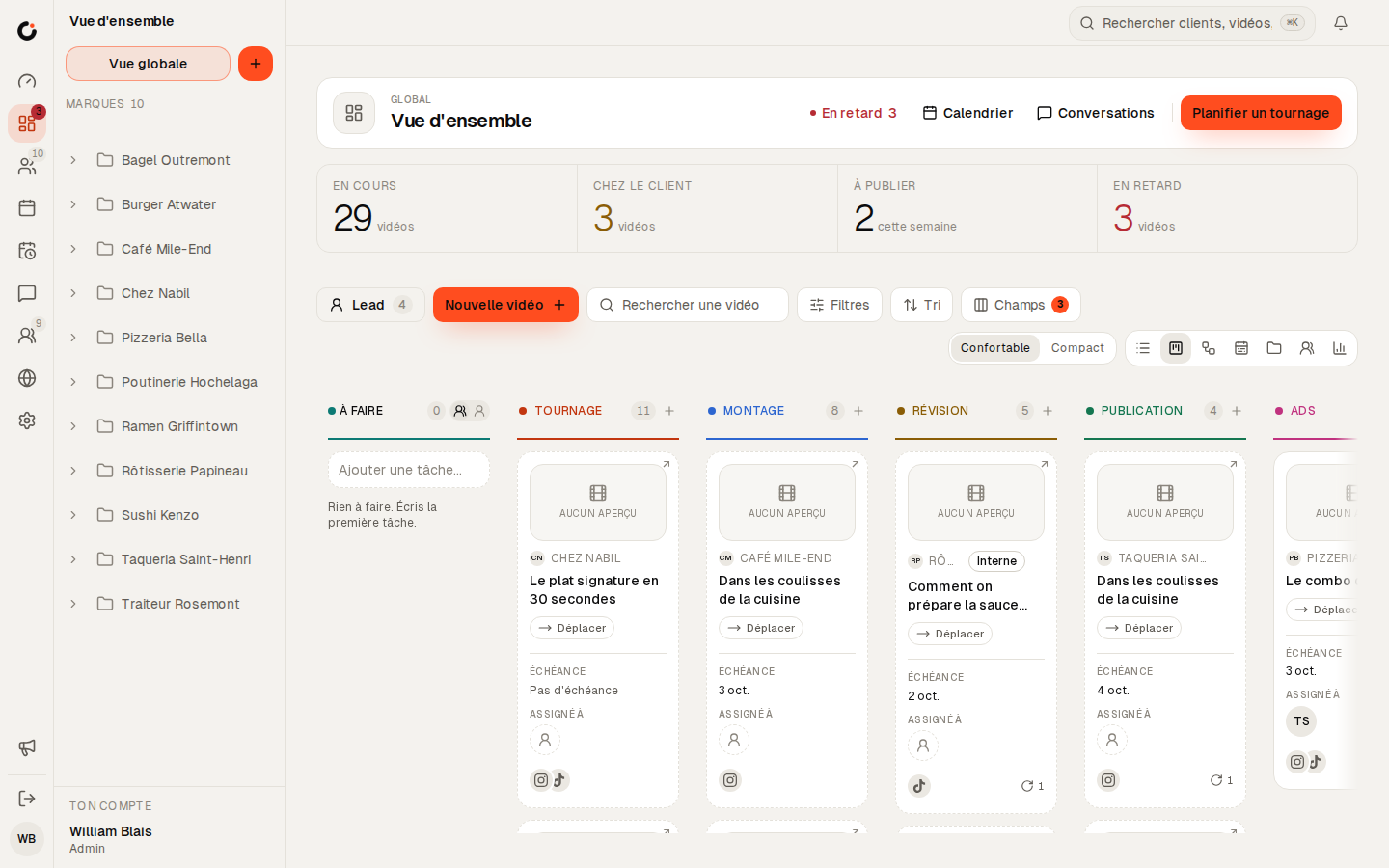
The production board
A live count of what is in editing, in internal review, with clients and shooting today, followed by how long videos spend at each stage.


See Clics before you step in.
Six screens from the CRM, as your team and your clients will see them. Scroll through, then open the demo: it stays yours for 24 hours.
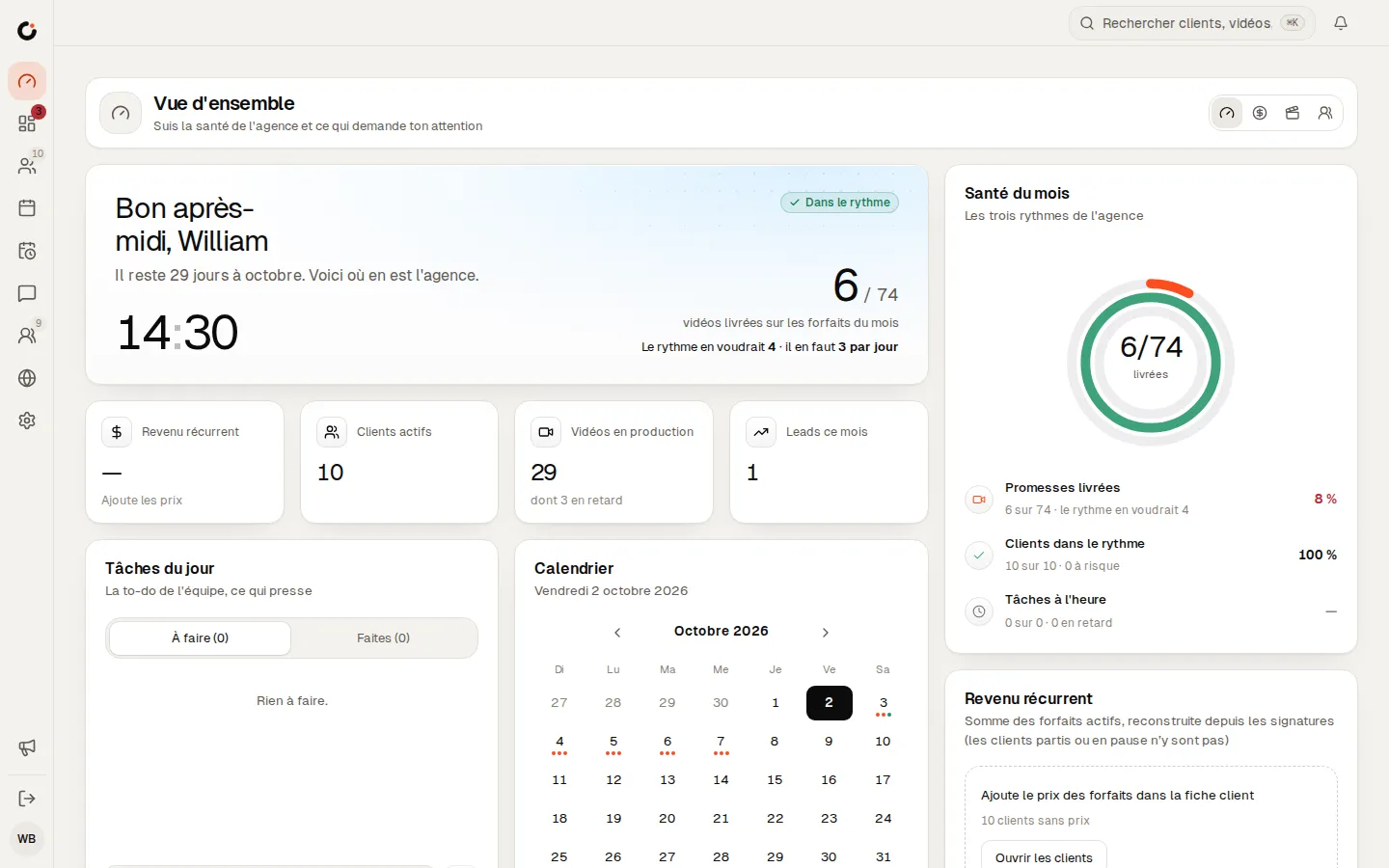
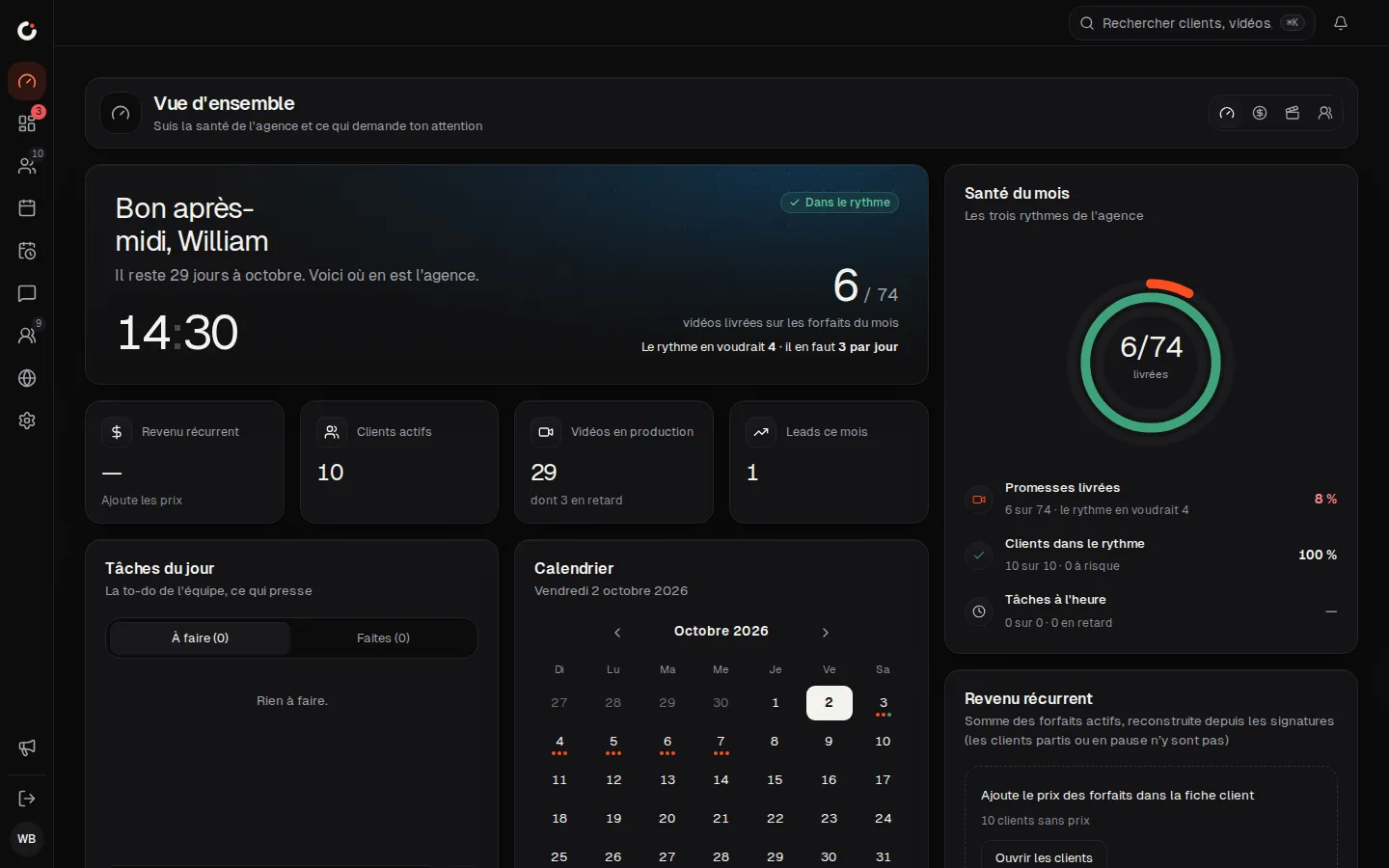
Overview
The agency’s health and what needs your attention, at a glance.
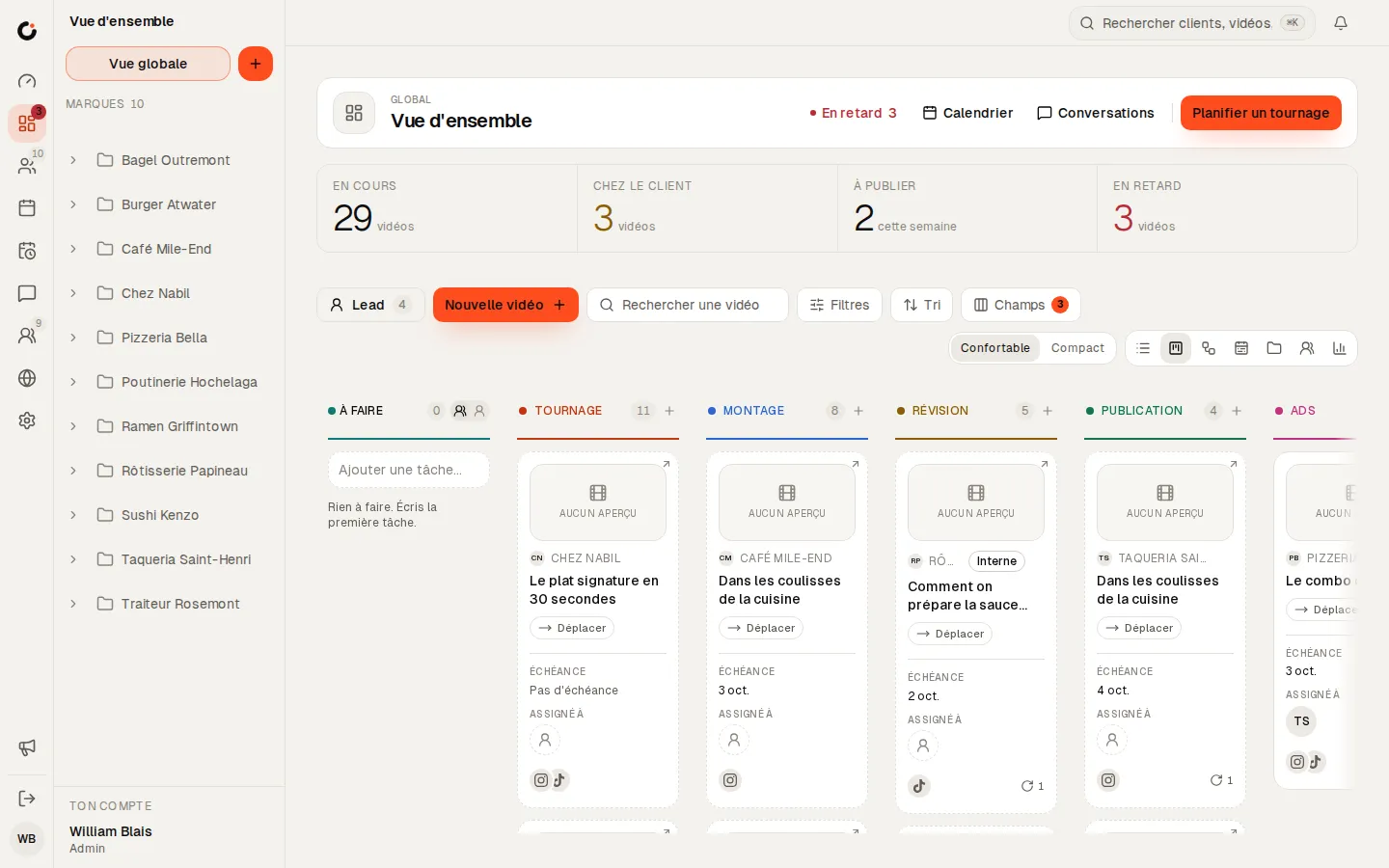
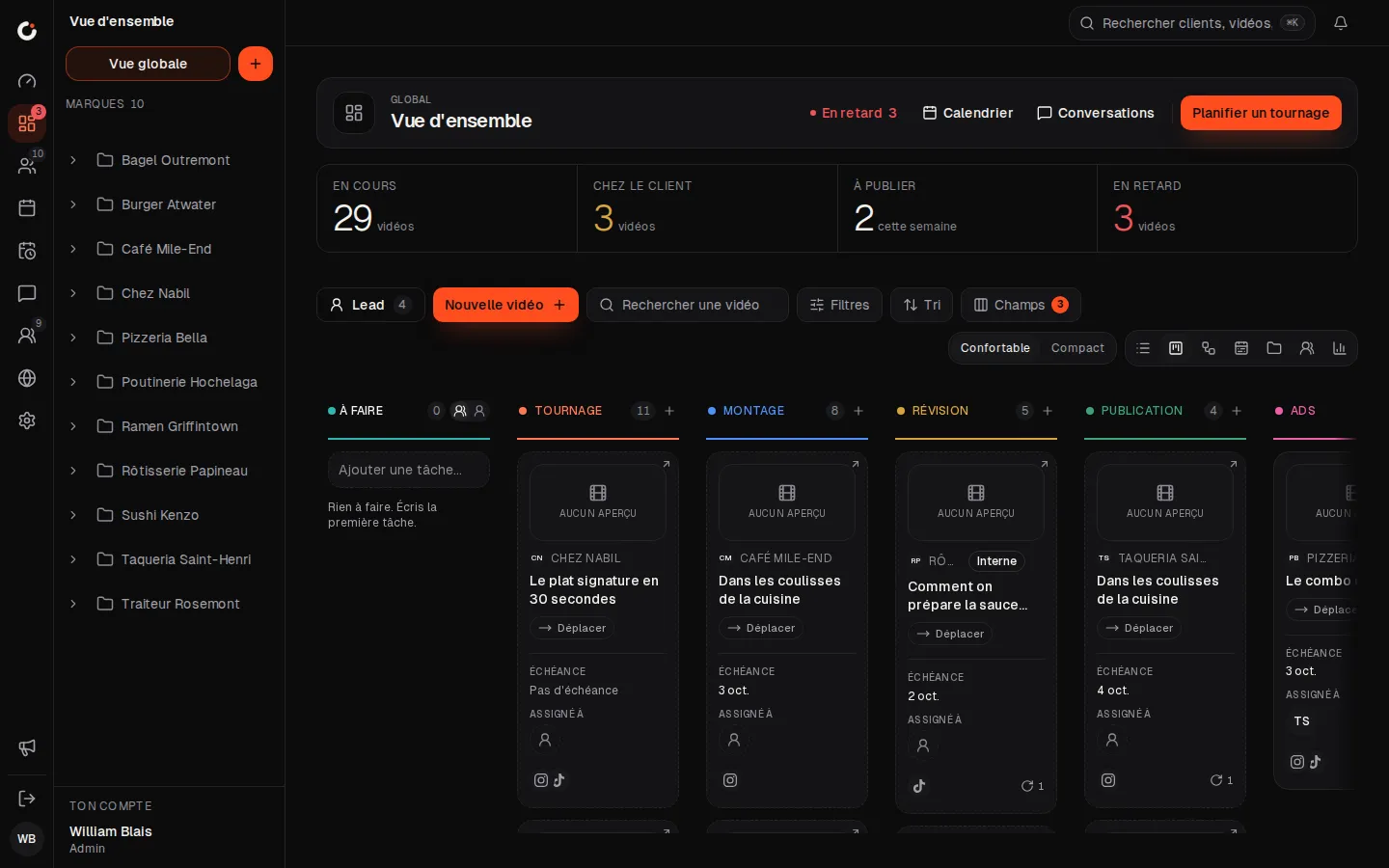
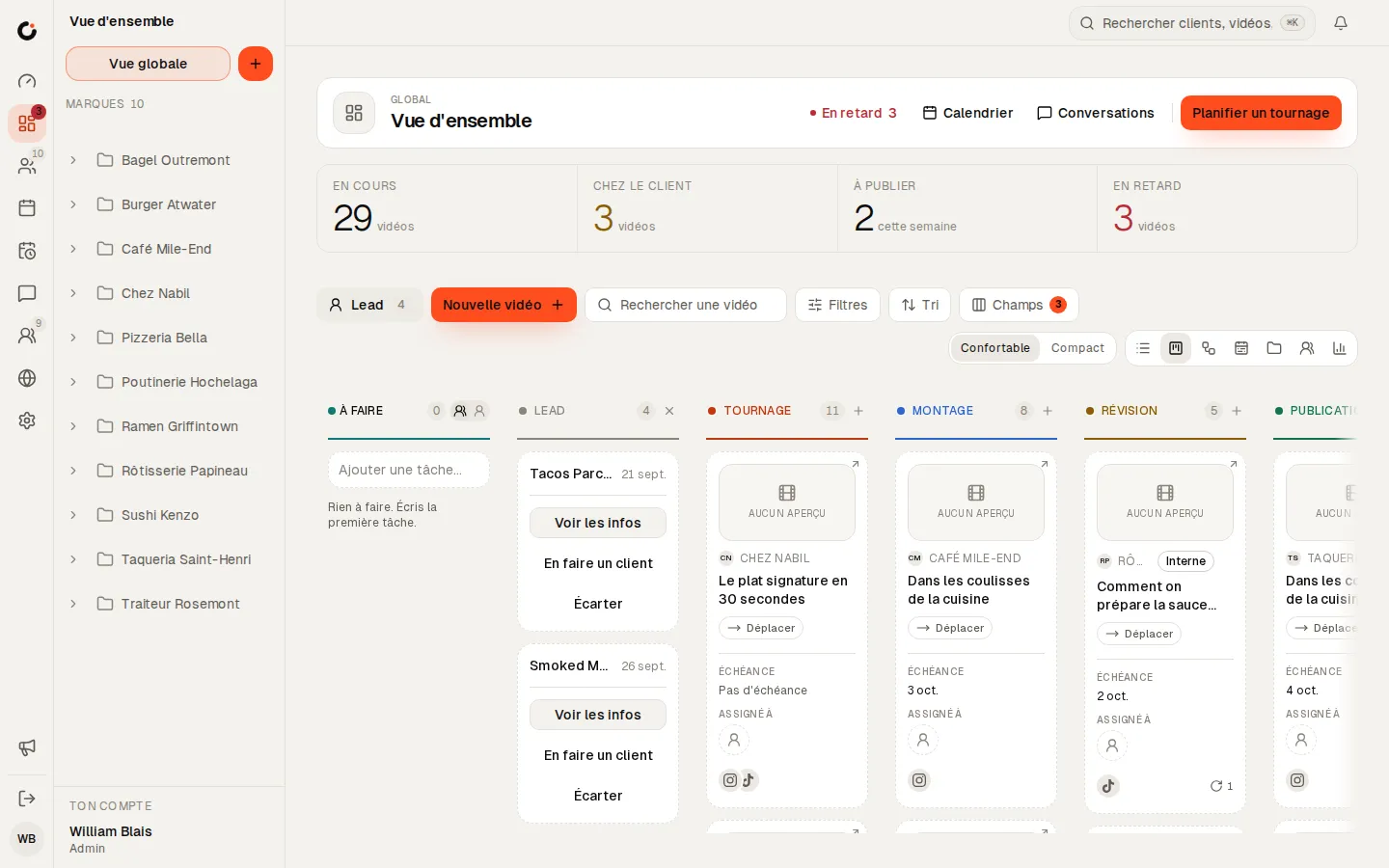
Production pipeline
Every video from shoot to publish, column by column.
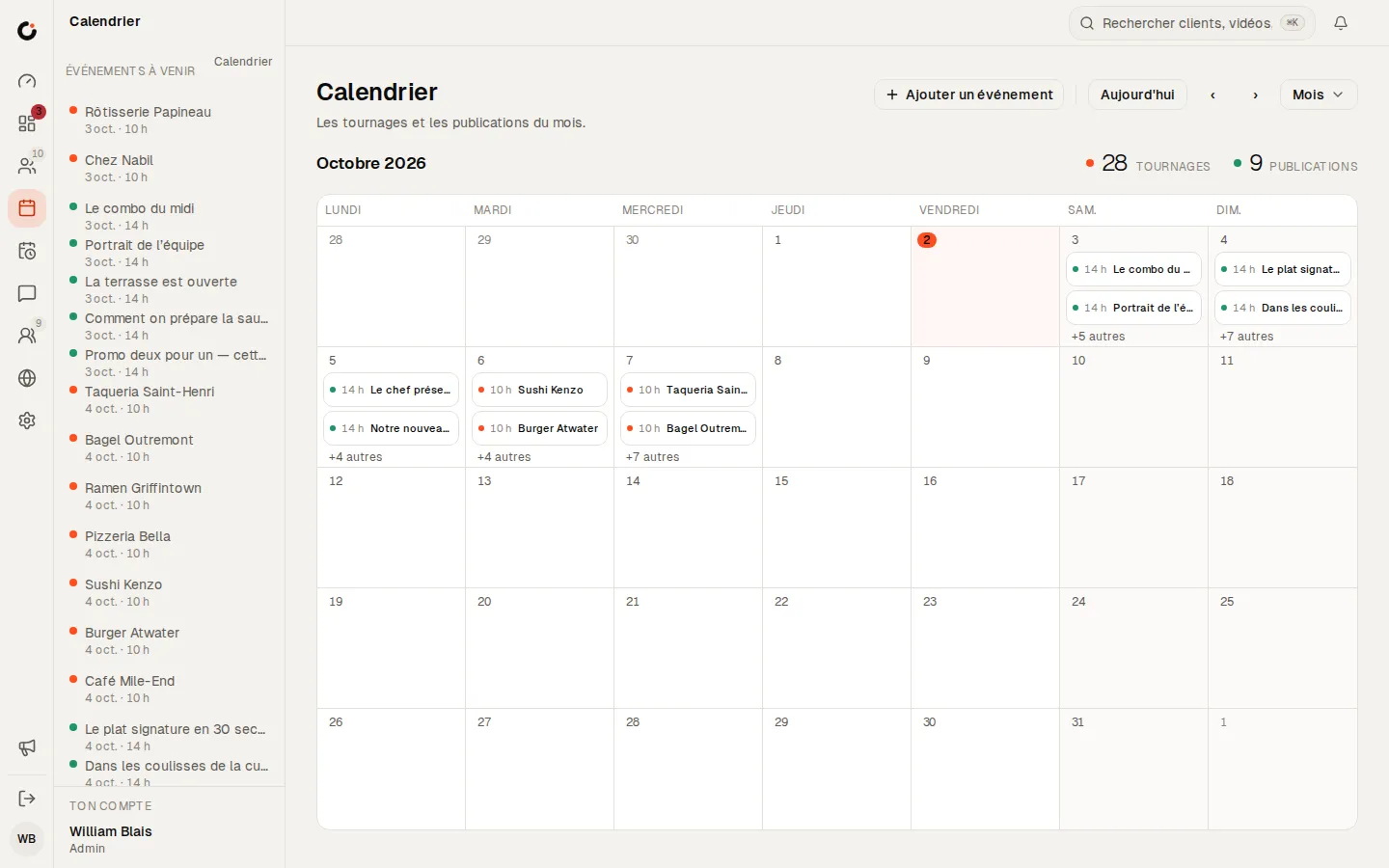
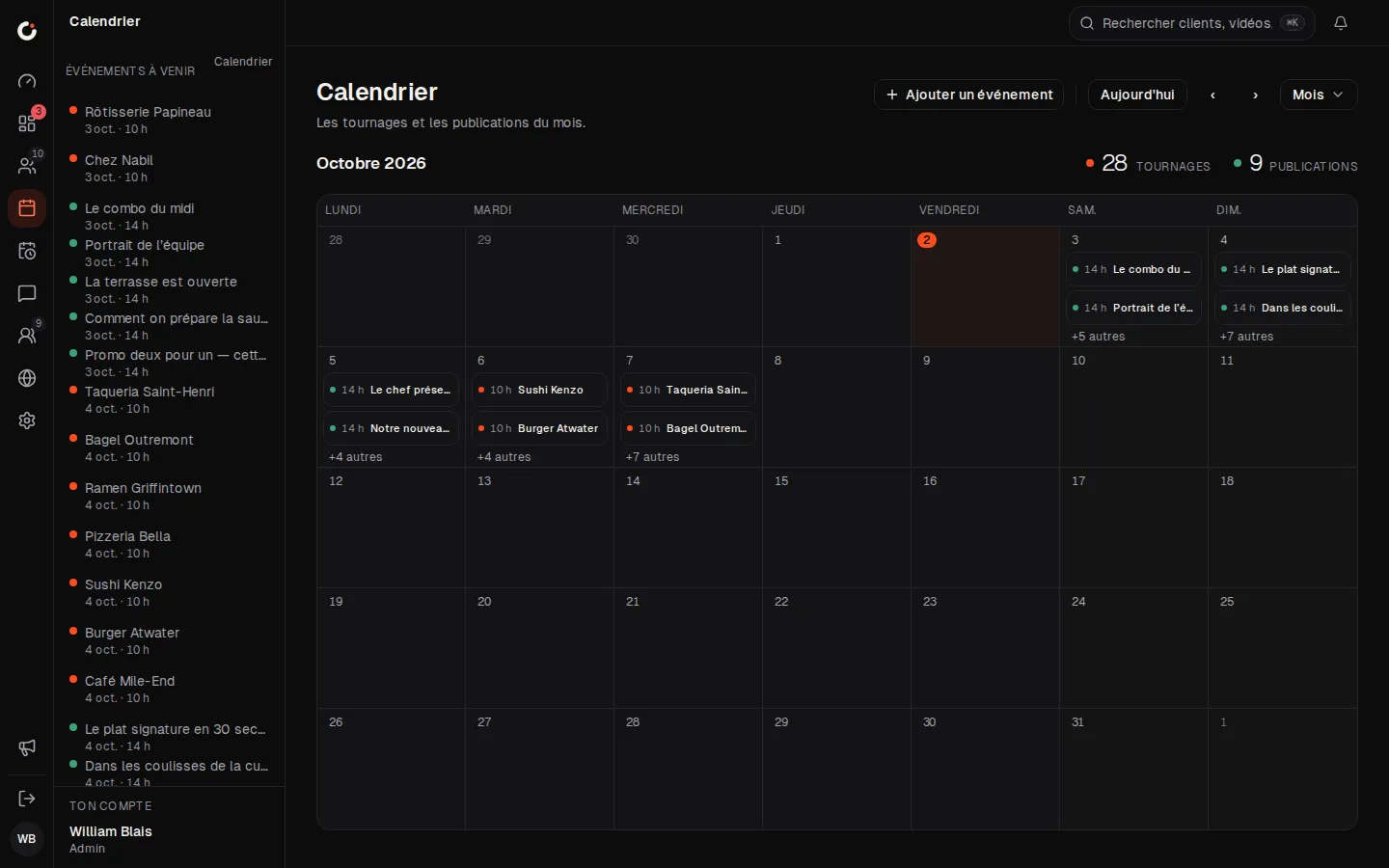
Calendar
The month’s shoots and posts, across every brand.
Leads
Leads land in the pipeline: view, make a client or dismiss.
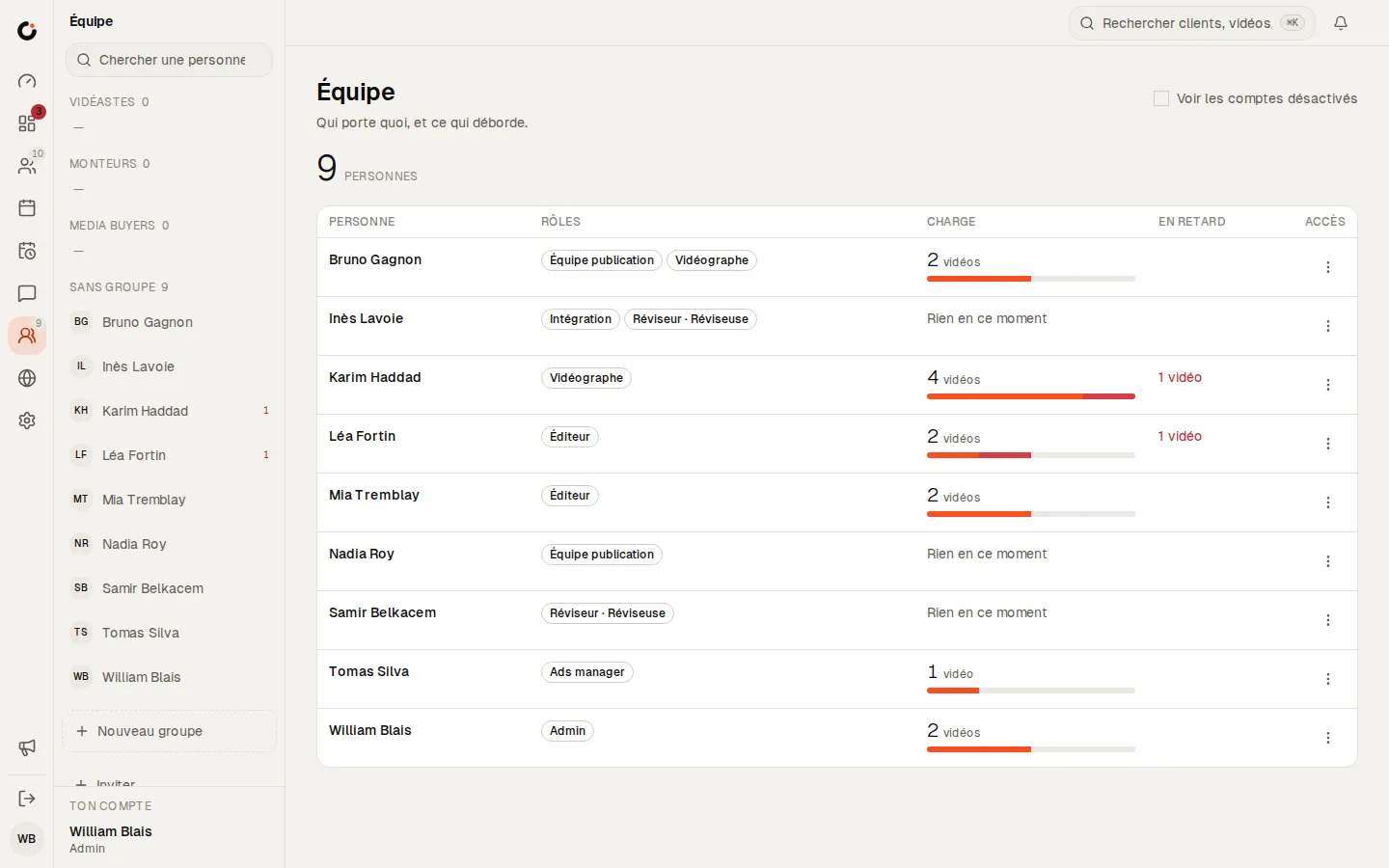
Team and workload
Who carries what, and what is running late.
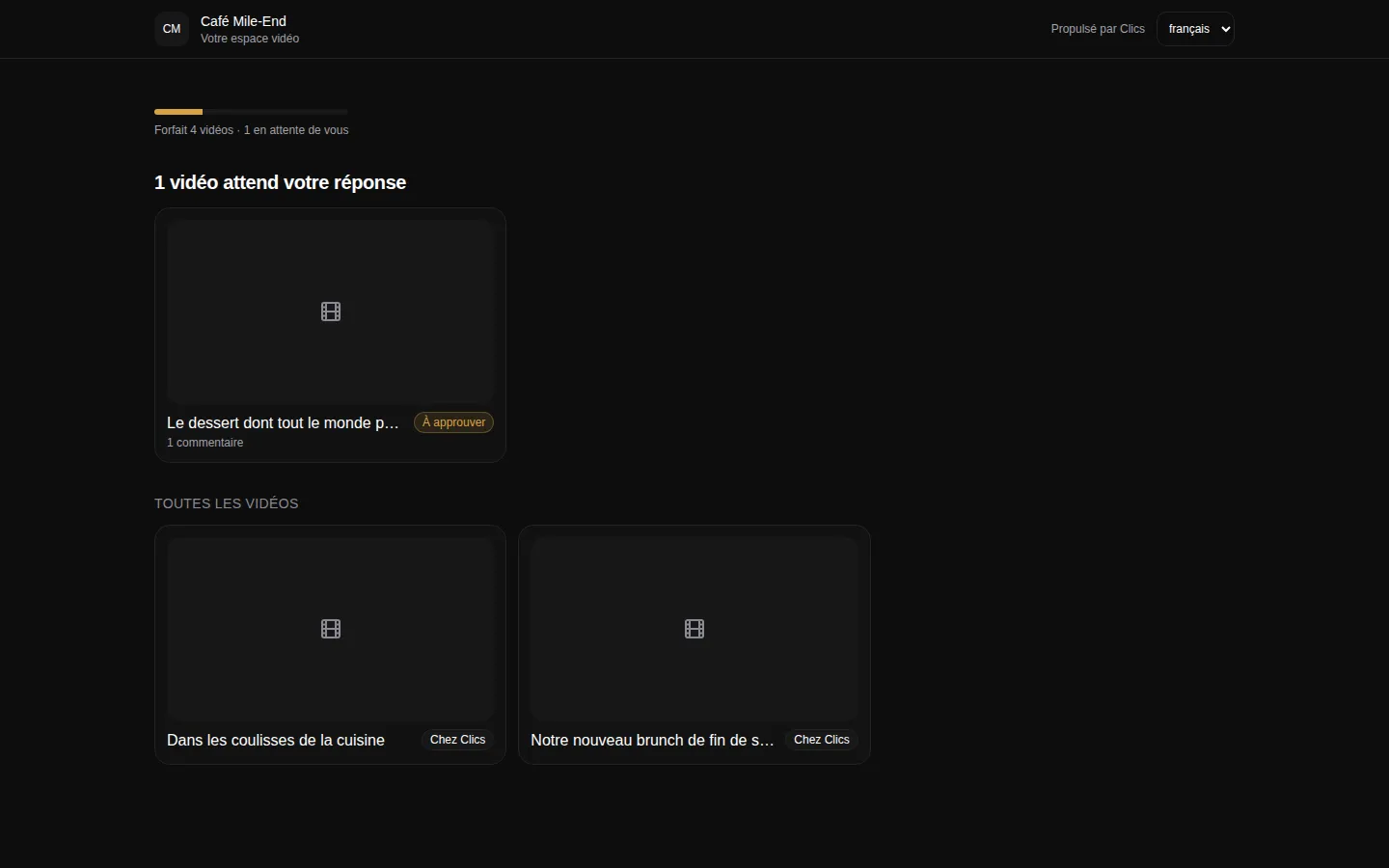
Client portal
The portal where clients see their videos and approve deliverables.
Where to go next.
Each layer opens a page that digs into one part of this one.
Frequently asked questions
Where does the MRR figure come from?
From the retainer price saved on each active client’s record. If a record has no price, the board flags it and nudges you to fill it in, so the total is never silently understated.
What makes a client “At risk” rather than “Recoverable”?
Clics compares what has shipped this month with what should have shipped by today. If a client is behind but enough is already in production to catch up, they are Recoverable. If not, they are At risk.
Can we get margin per project out of Clics?
No. Without your costs or your team’s hours, there is no honest way to calculate it. Clics covers revenue and delivery per client; the cost side has to come from your books.
Does it track how many hours an editor works?
No. It measures how long each video spends in each stage, not how long a person is on the clock. Billable hours need a separate time-tracking tool.
Who on the team can open the dashboard?
Admins only. Editors, videographers and the rest of the team see their own work and what is overdue, never the agency’s revenue.
The CRM for agencies that deliver.
Open a fully stocked demo agency in seconds, or talk to us about your own install.