
Video production agencies
The CRM built for video production agencies.
Clics is a video production agency CRM: every video moves through thirteen states, from concept to publish, and each state has an owner and a deadline. Shoots sit on a shared calendar, every cut is kept as a numbered version, and clients leave notes on the exact second of the edit, in a portal under your name.
Clics is a CRM for marketing agencies in Canada: video production pipeline, branded client portal with time-stamped review, social post scheduler, Meta leads and an agency dashboard, in French and English.
Thirteen states per video, from Concept to Done, each handed to a role: admin, videographer, editor, reviewer, publishing or ads manager.
An uploaded cut stays internal. The client only sees it once you send it to client review.
Timeliner Studio is US$89 a month for 5 seats, or CA$122.82. Clics Solo for a team of 5: CA$69.
How a video moves through the shop.
- 01 / 05
Concept, then shoot to book
The brief becomes a video in the pipeline. By default the admin has three days to lock the concept; then it flips to Shoot to book, and the date and videographer get picked on the calendar.
- 02 / 05
Shoot booked, footage to upload
The shoot lands in the videographer’s Google Calendar. Once the camera is packed, the video waits on footage, and it stays on that person until the files are in.
- 03 / 05
Up for grabs
With footage in, the video drops into the Up for grabs queue. Whichever editor frees up first claims it, so nobody hands out edits by Slack every morning.
- 04 / 05
Internal review, then the client
A reviewer watches the cut before the client does and pins notes to the timeline. Only then does the version go out for the client to comment on or approve.
- 05 / 05
To publish, then boost
After sign-off, the publishing team takes over. If a boost is planned, the video goes to your ads manager once it is live, and the pipeline closes it out when that is done.
What changes in the edit suite.
Notes land on the frame
Each client comment is pinned to a moment in the cut, with a marker under the player. No more “around the middle, where the logo shows up” buried in an email chain.
Every cut, numbered
Versions stack up on the video’s record as v1, v2, v3. Switch between them in review, and each note stays attached to the version it was left on.
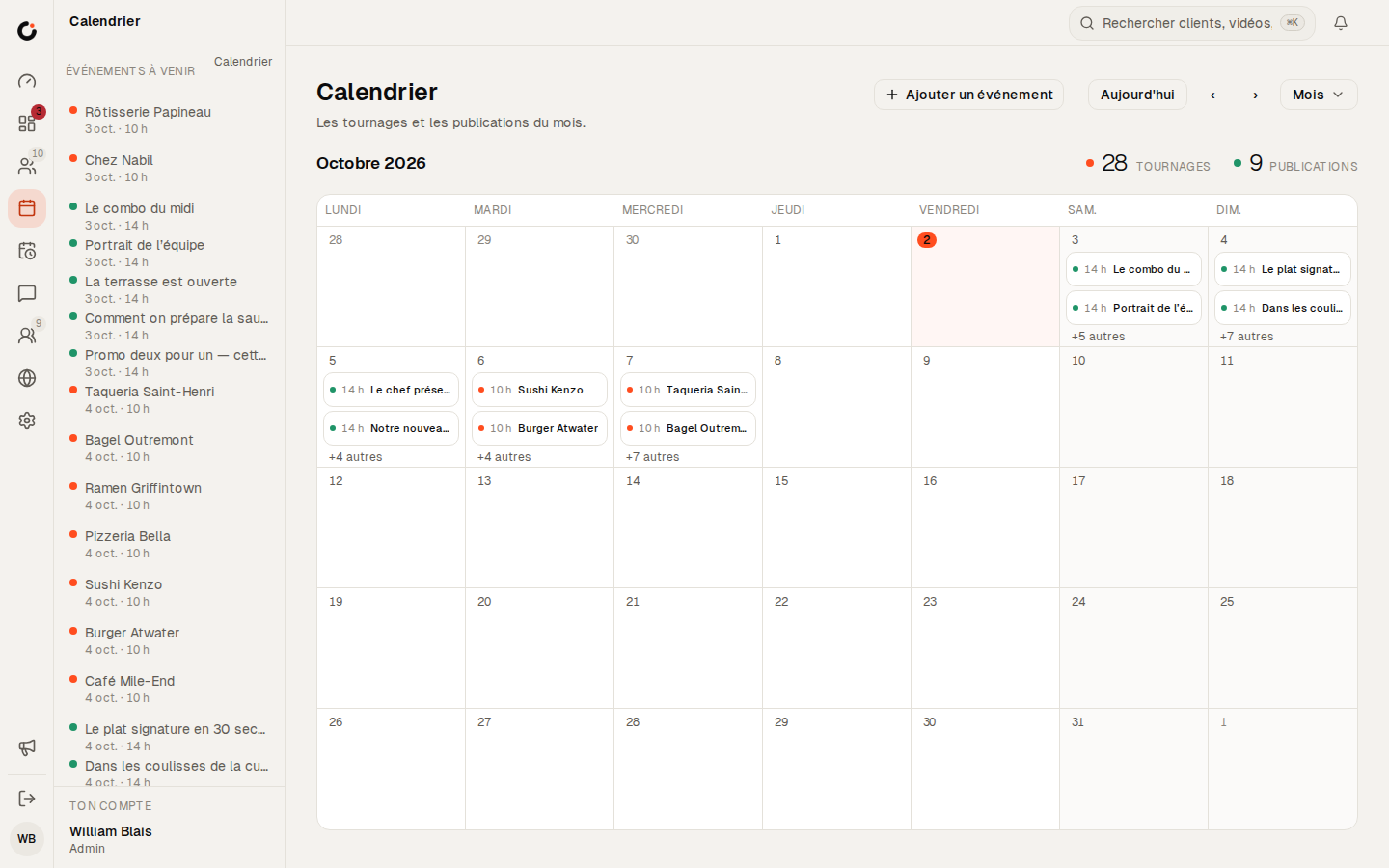
One calendar for every shoot
Day, week, month or year view, with each shoot assigned to its videographer and synced to that person’s Google Calendar.
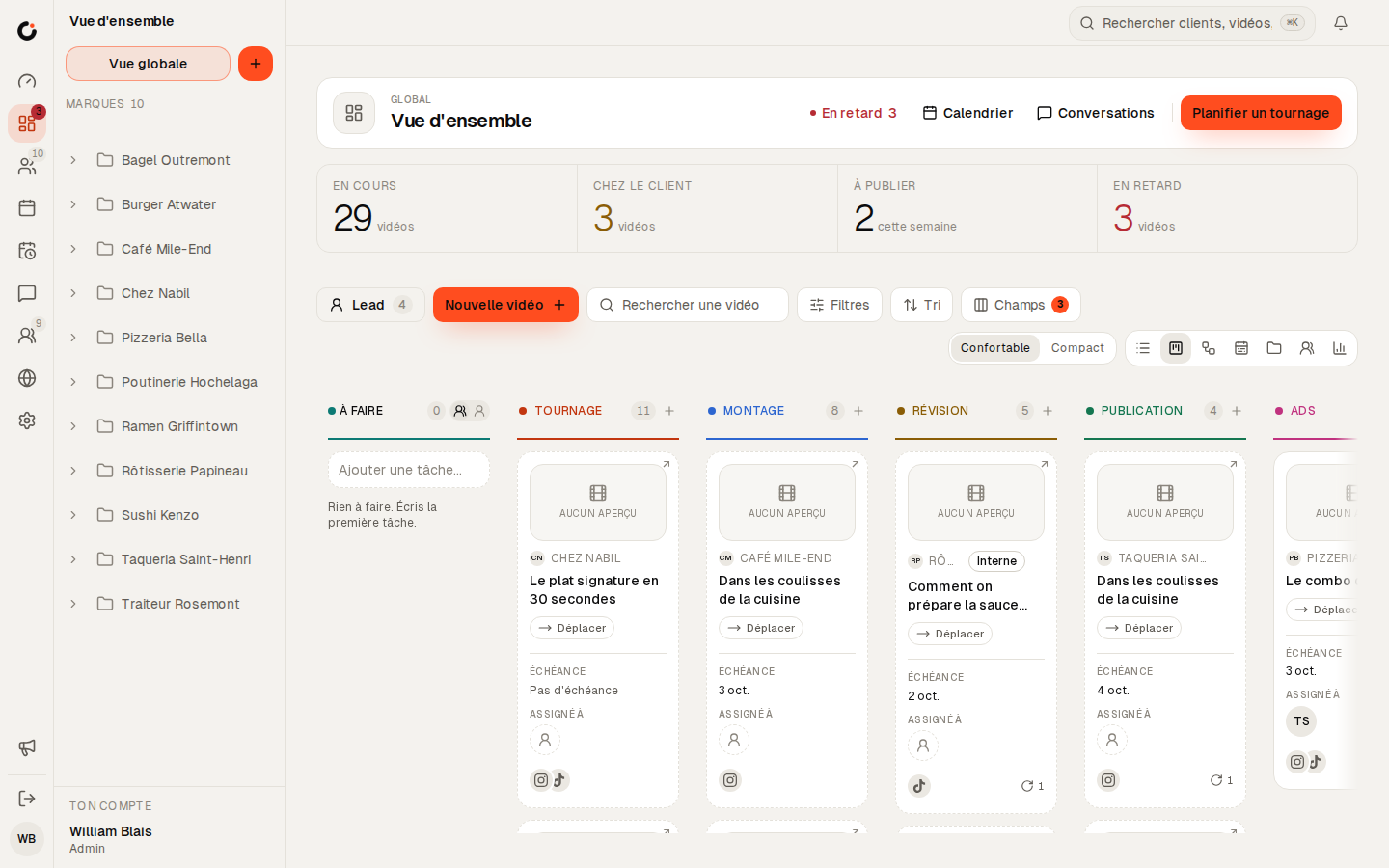
Late shows up before the client notices
Each state has a deadline. A video that runs past it changes colour, and Clics nudges the owner, then escalates, without waiting for Monday’s status meeting.


See Clics before you step in.
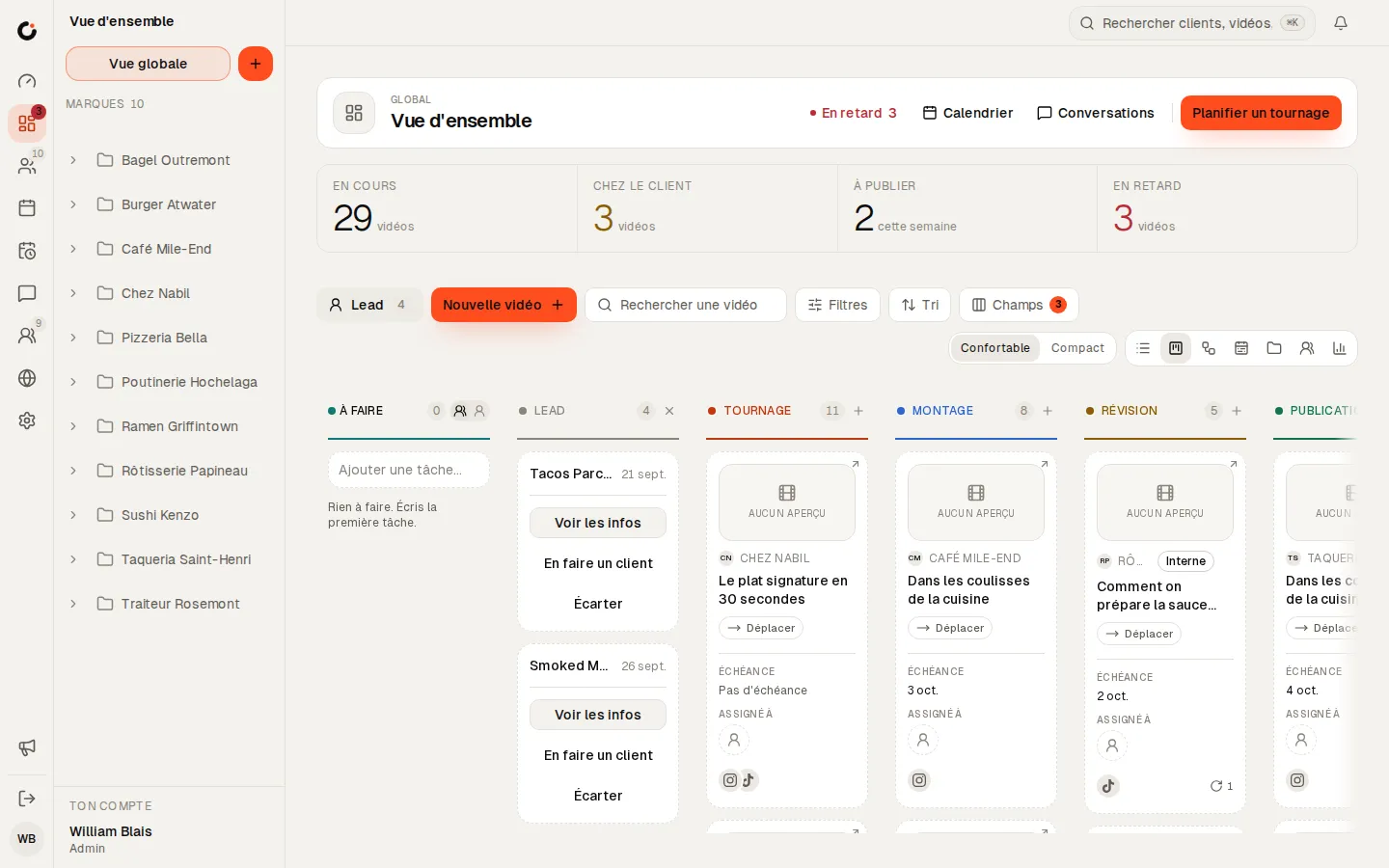
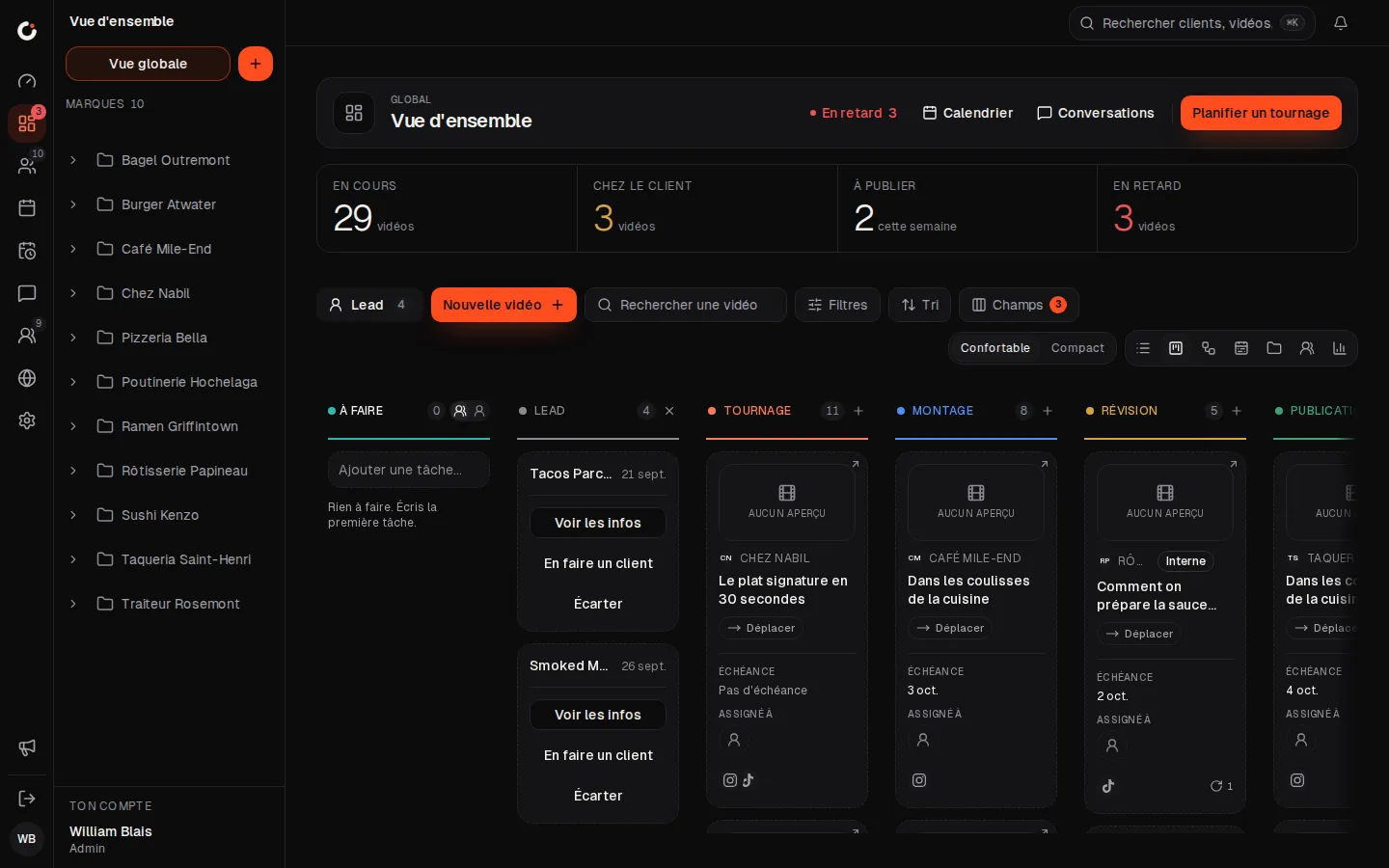
Six screens from the CRM, as your team and your clients will see them. Scroll through, then open the demo: it stays yours for 24 hours.
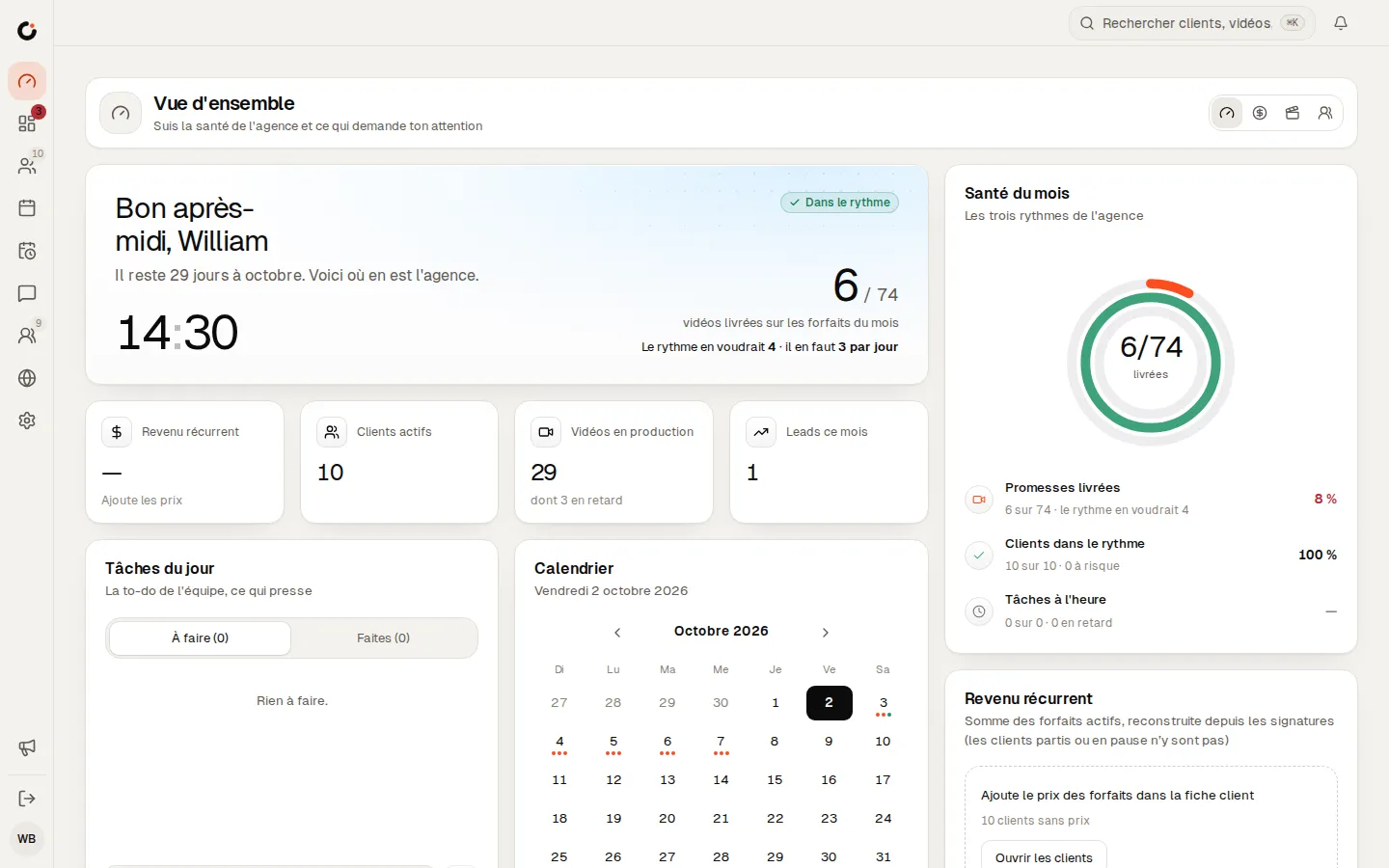
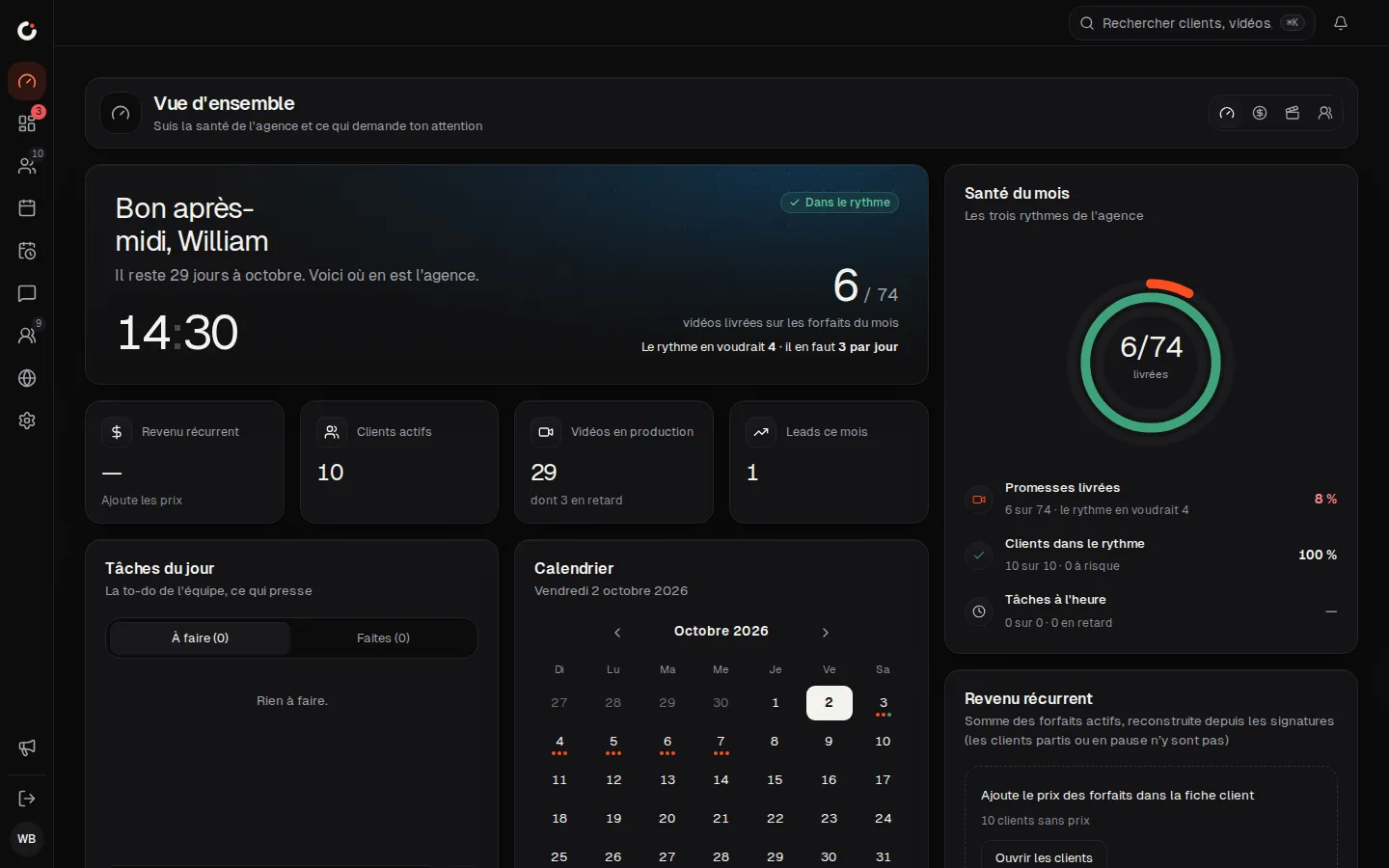
Overview
The agency’s health and what needs your attention, at a glance.
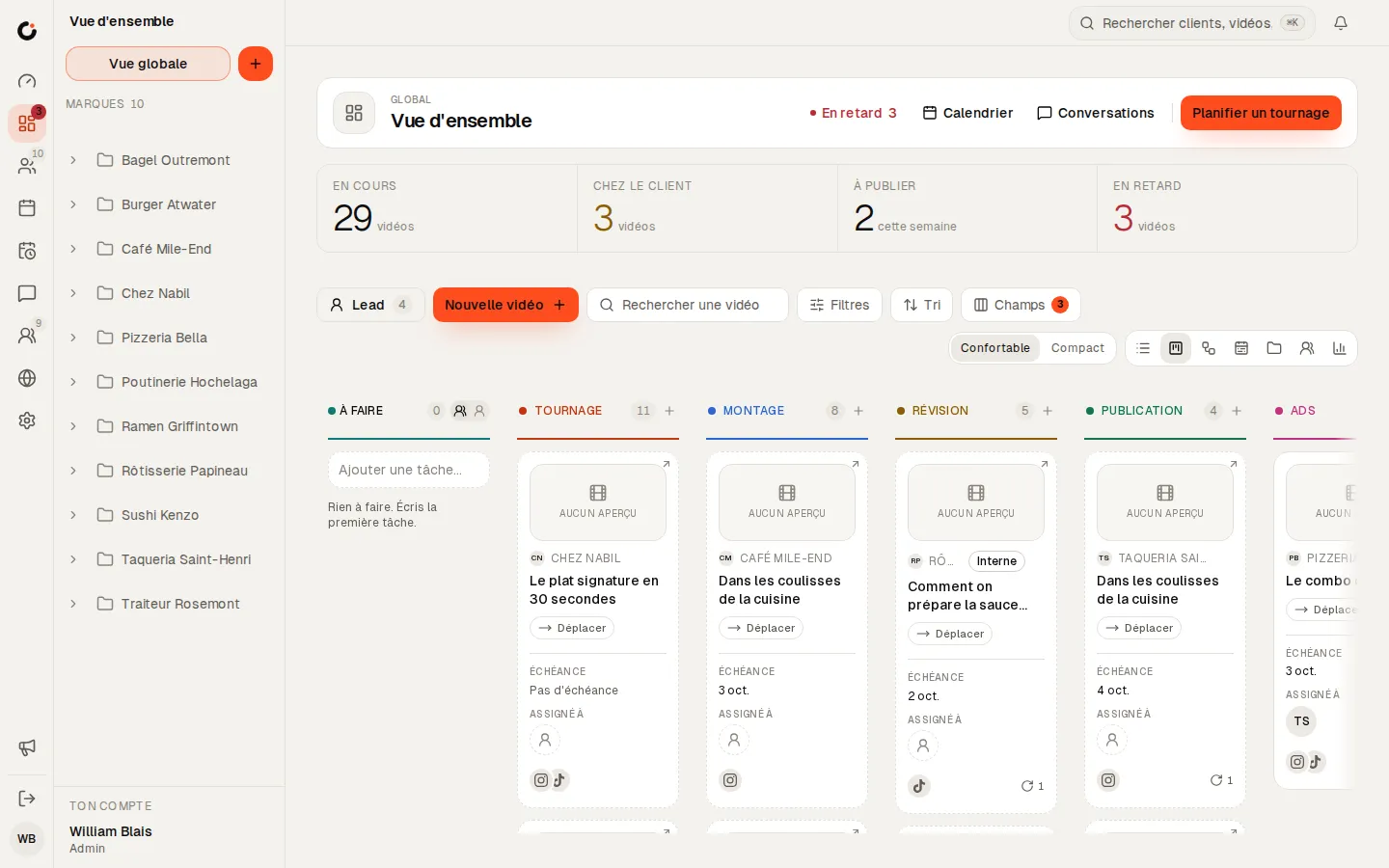
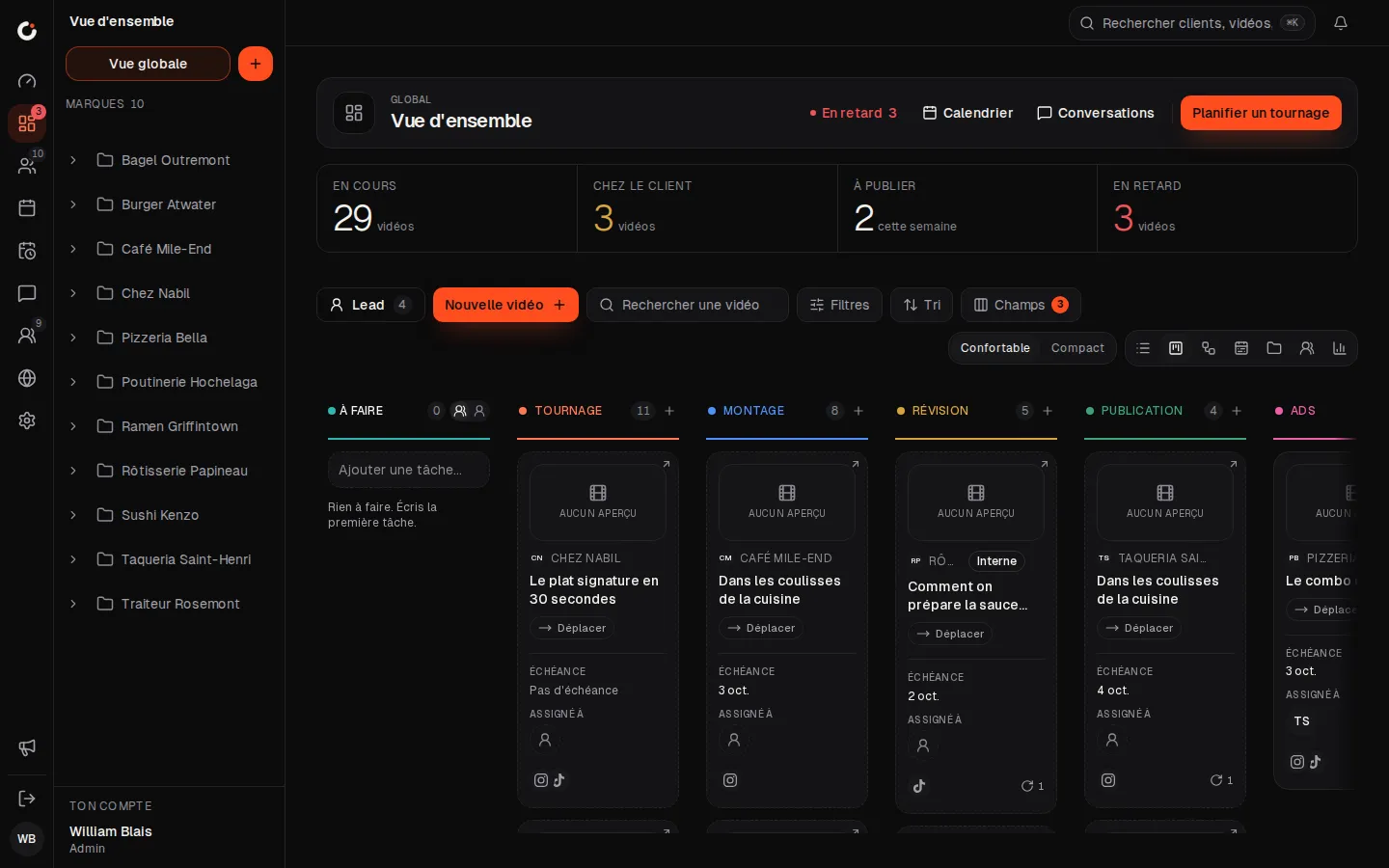
Production pipeline
Every video from shoot to publish, column by column.
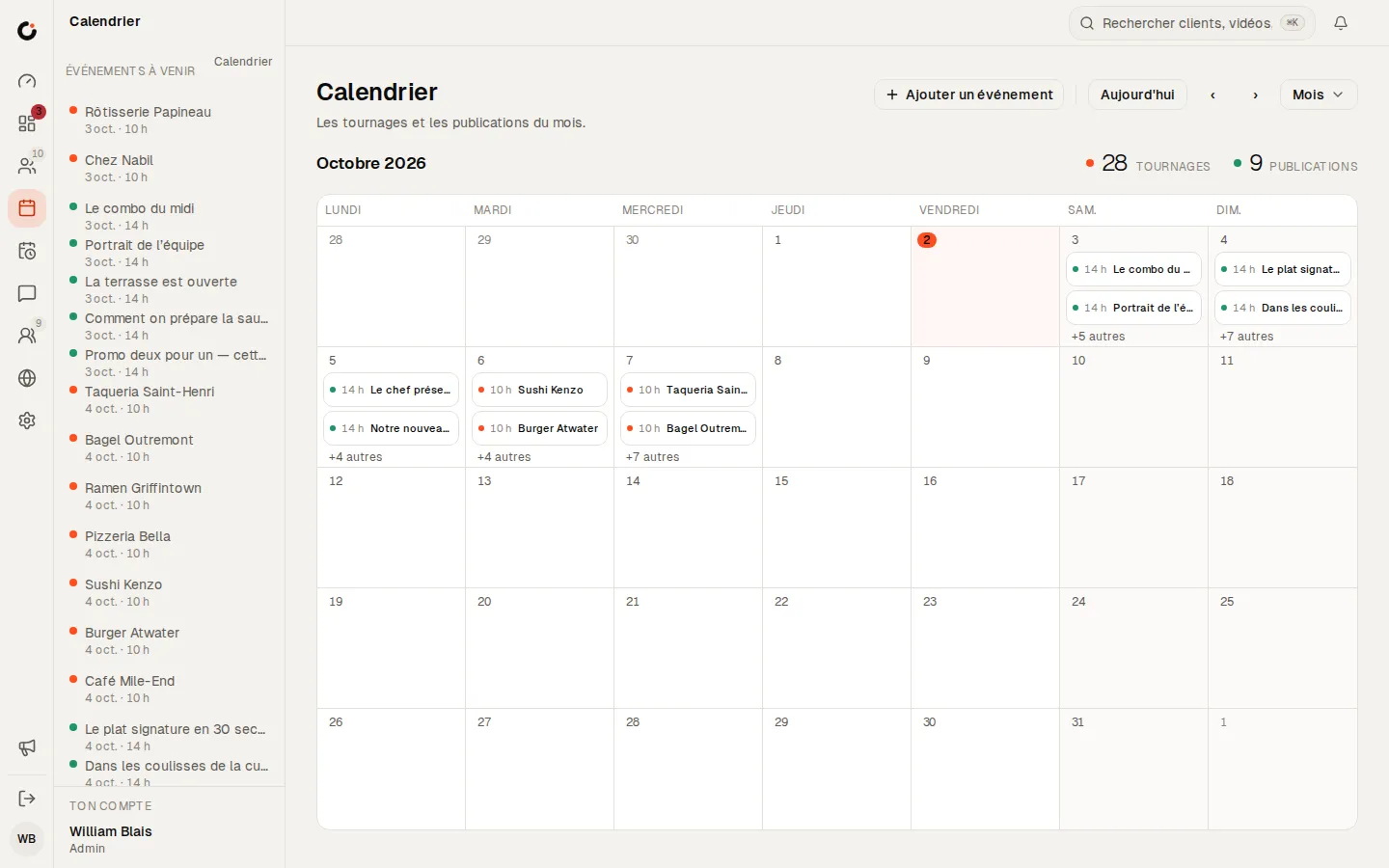
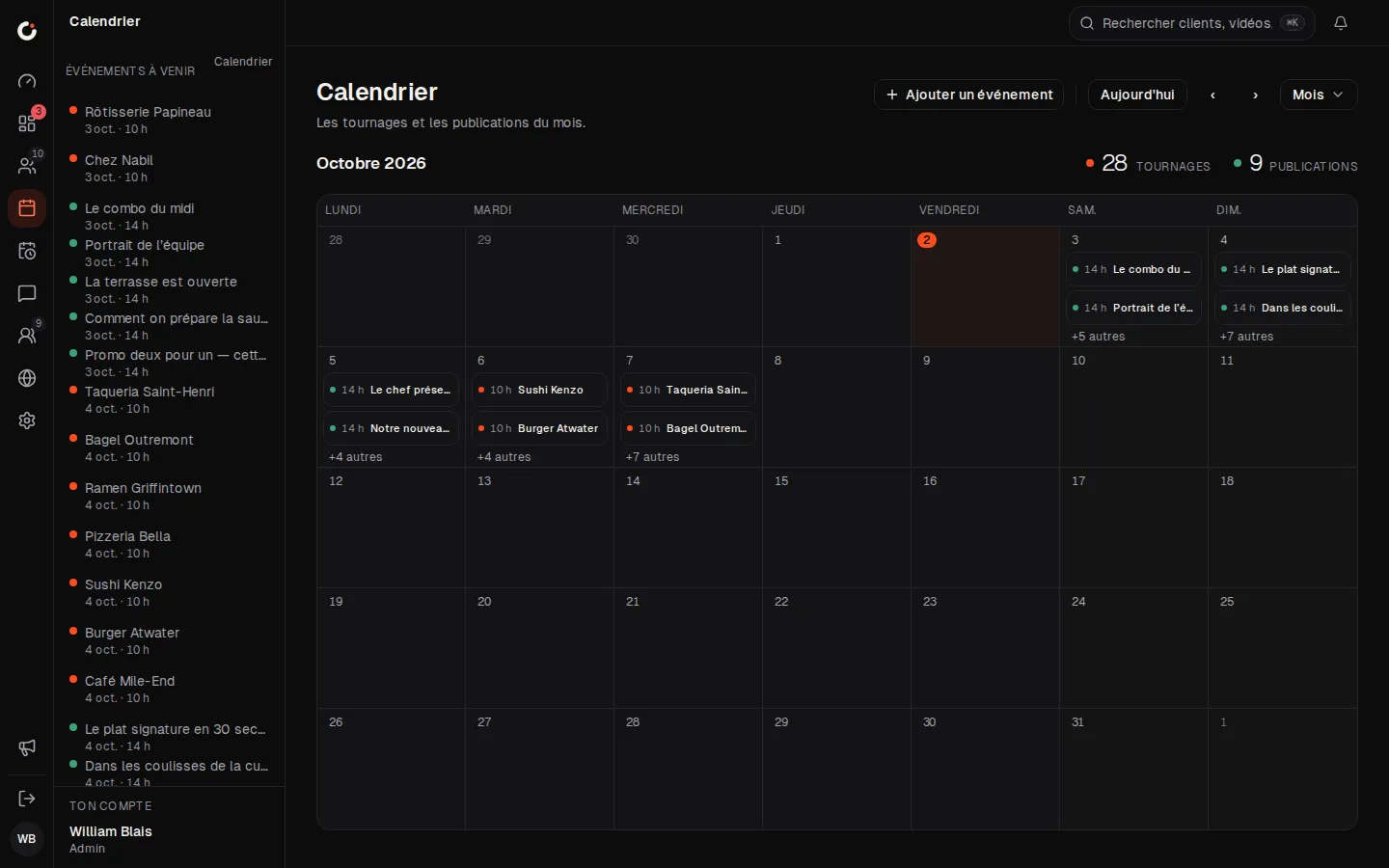
Calendar
The month’s shoots and posts, across every brand.
Leads
Leads land in the pipeline: view, make a client or dismiss.
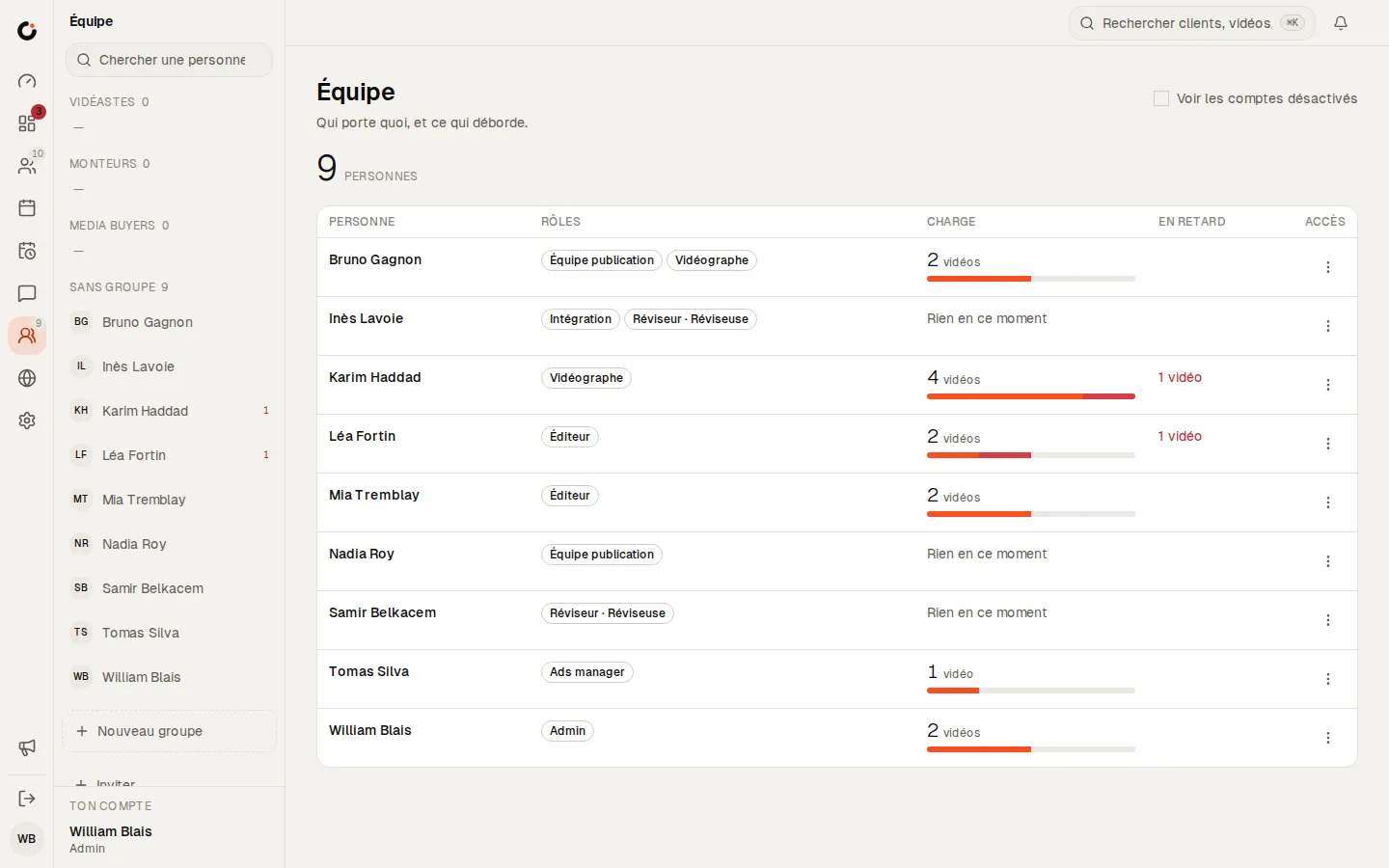
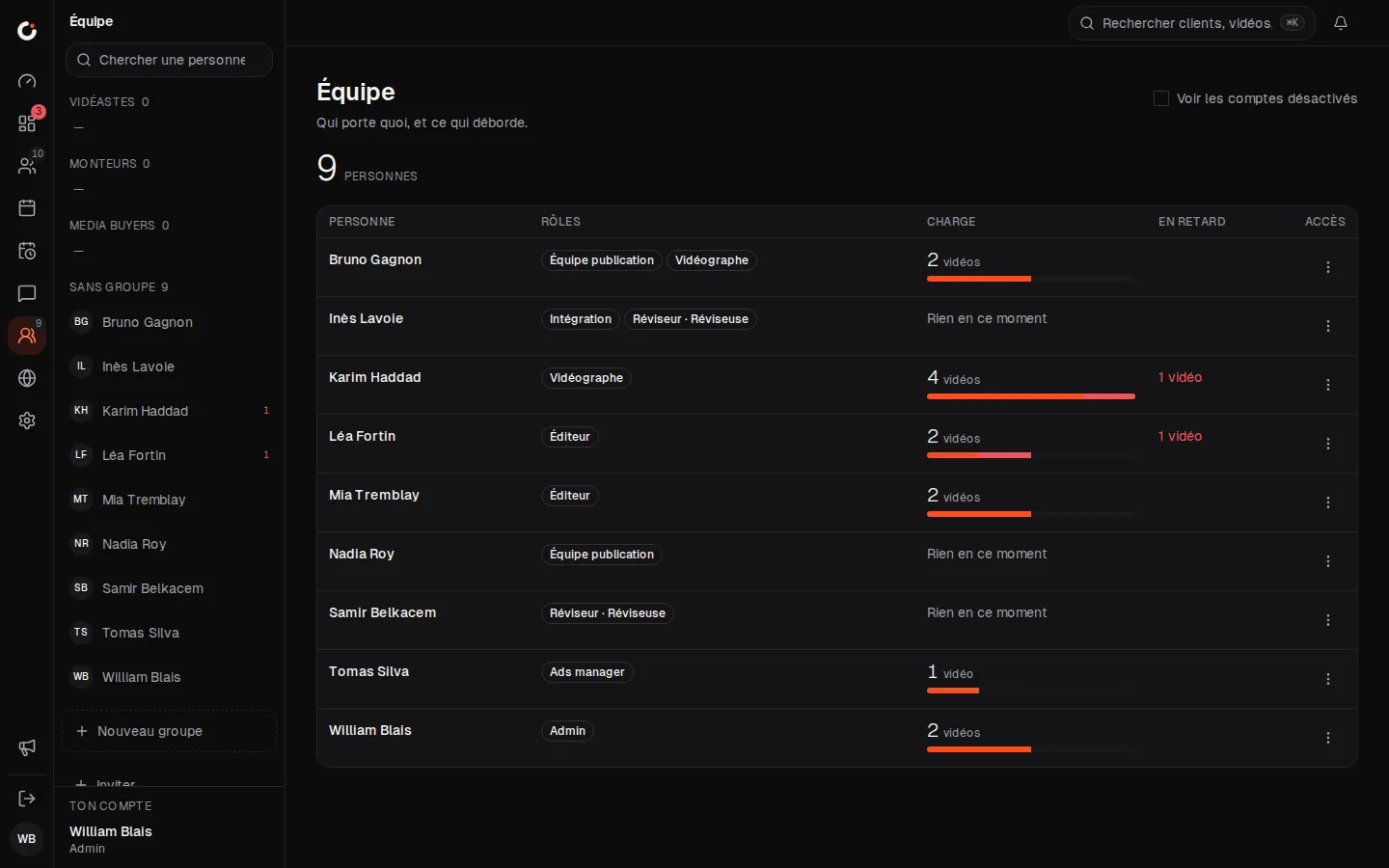
Team and workload
Who carries what, and what is running late.
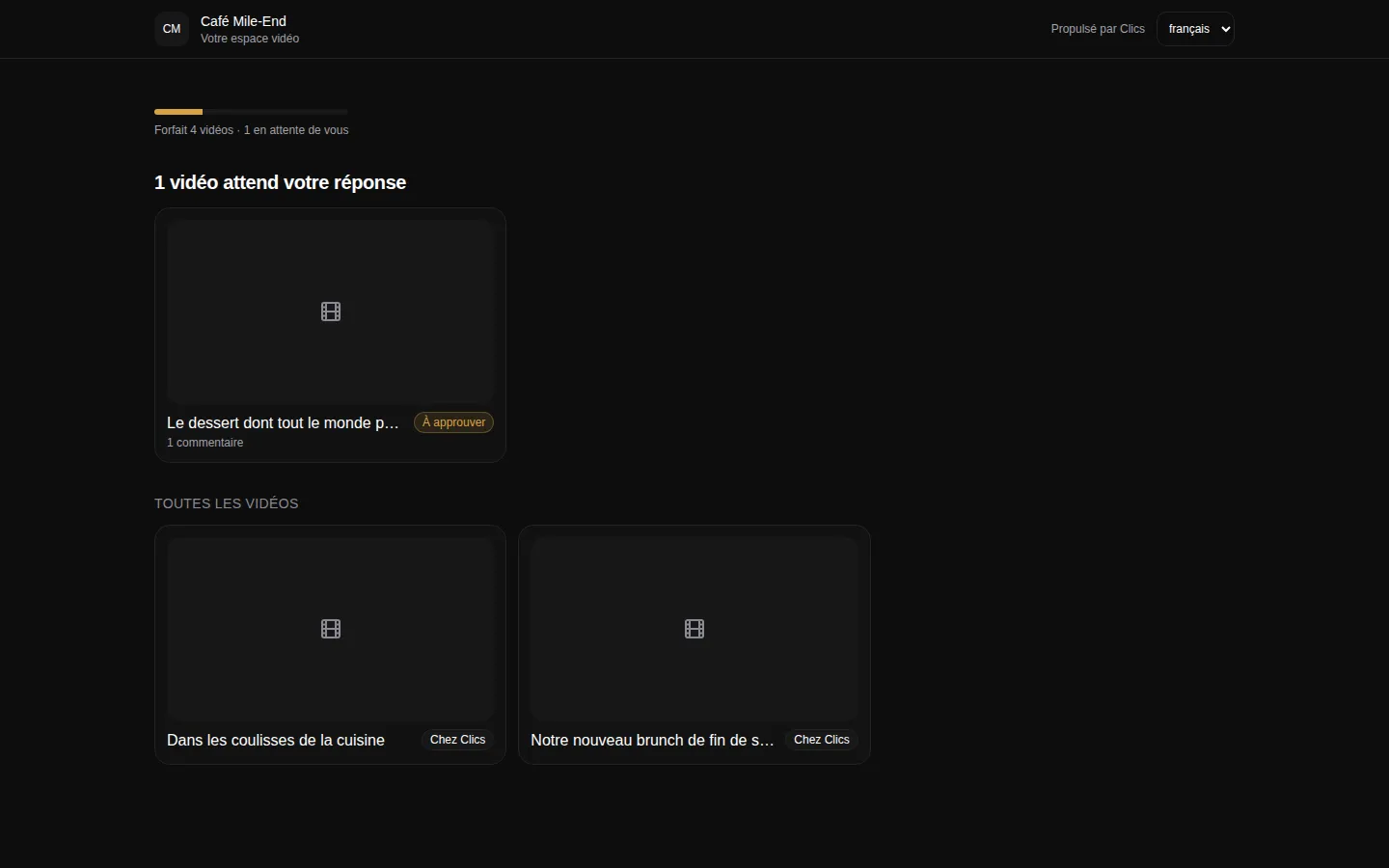
Client portal
The portal where clients see their videos and approve deliverables.
Where Clics stops for a production house.
Better to know before you book the demo. Clics does no invoicing and no payment tracking, so your accounting software keeps that job. There is no per-task timer either: the dashboard measures time spent in each pipeline stage, not the hours an editor logs.
Comments are pinned to the picture, down to the second, but not to a transcript; Clics does not transcribe footage. Calendar sync is Google Calendar only, with no Outlook. And the scheduler posts to Facebook and Instagram, not TikTok or YouTube.
If Timeliner is on your shortlist, it is the closest tool to ours for video shops. The plan-by-plan comparison puts the two side by side, with prices and sources.
Where to go next.
Each layer opens a page that digs into one part of this one.
Frequently asked questions
Does my client need an account to review a cut?
No. They open a portal link, either for their brand or for one project folder, and their videos are there. They can comment at a timestamp, ask for changes or approve, with no password to remember.
What happens when a client sits on an approval?
Client review has a deadline like every other state. When it passes, Clics follows up and escalates to the right people on your team on its own. You can tune the deadline per state, though there is no free-form rule builder.
Can videographers see their shoots on their phone?
Yes, through Google Calendar: each person connects their own, and the shoots assigned to them show up there. Clics itself runs in the browser; there is no iOS app.
Can we flip between two versions of the same edit?
Yes. A version picker in review moves from one cut to the next, and each note stays on the version where it was written. The client only ever sees the versions you have sent them.
What does Clics cost for a five-person studio?
The Solo plan is CA$69 a month for five people, with the pipeline, the client portal and time-stamped review included. A sixth person adds $8. The custom install is a one-time $5,000 with no limit on users.
The CRM for agencies that deliver.
Open a fully stocked demo agency in seconds, or talk to us about your own install.